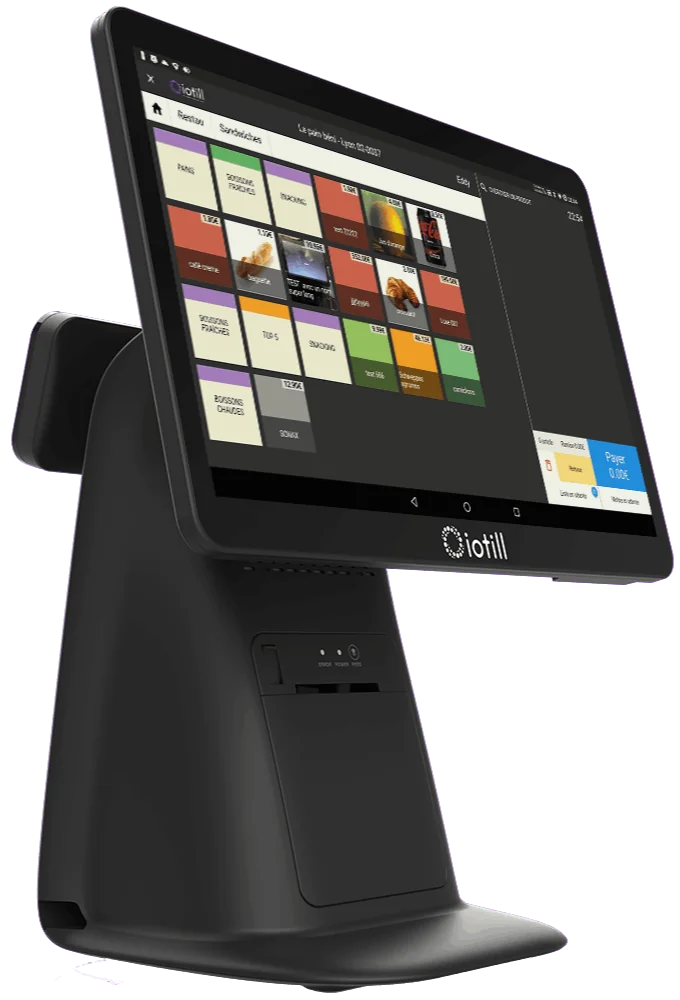
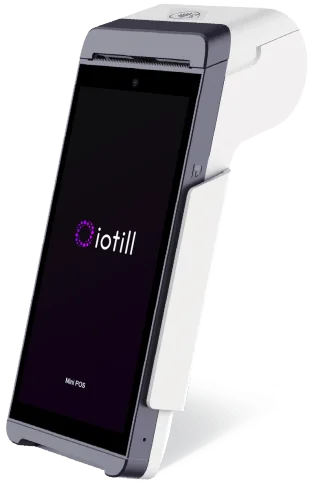
Your menu in your hand
Access dishes, options, extras and cooking preferences. Products and prices are shared with your iotill till.

IOTILL / SOLUTION 07
With iotill PAD, take orders beside your customers and send them to the kitchen. This extension of your iotill till supports indoor and terrace service; the till still manages the bill and payment.
Explore everyday features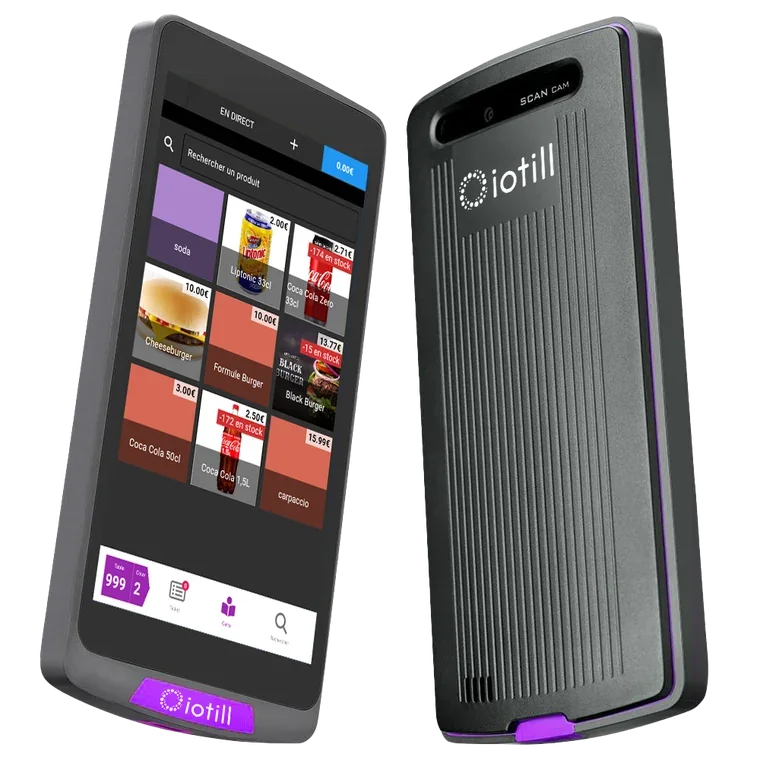 iotill PAD / iotill
THE RIGHT TOOLS FOR YOUR DAILY WORK.
Access dishes, options, extras and cooking preferences. Products and prices are shared with your iotill till.
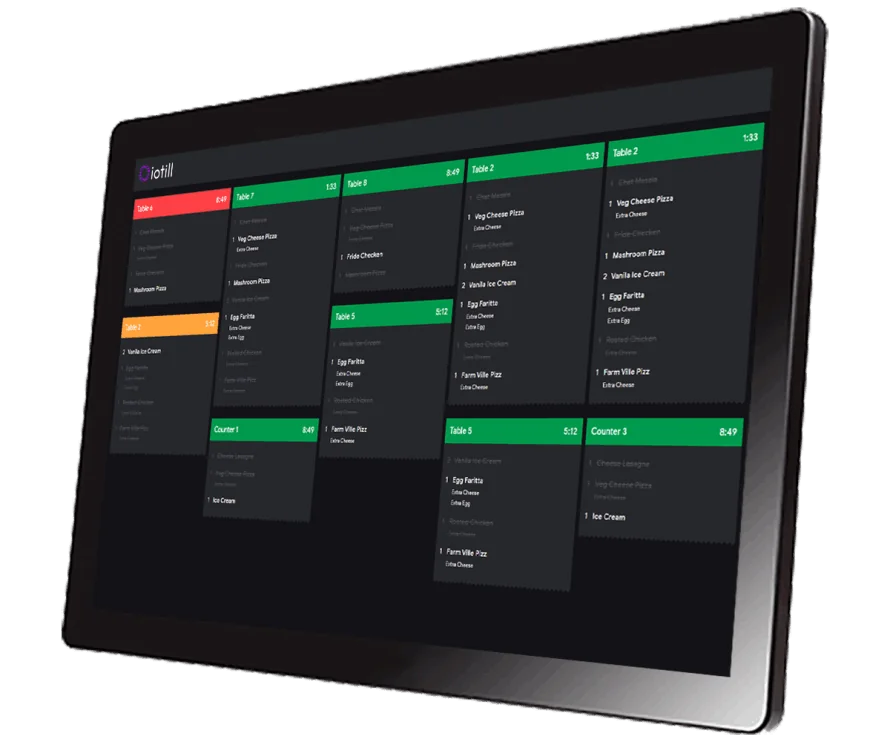
Send orders to an iotill KDS screen or kitchen printer to suit your establishment’s workflow.
Add items during the meal and manage when starters and main courses are sent. The order updates the table’s bill at the till.
WORKING TOGETHER
Orders entered on PAD reach the iotill KDS screen or kitchen printer. Your reseller configures the menu, options and routing so the dining room, bar and kitchen work together.
Explore the KDS kitchen displayINDOORS AND ON THE TERRACE
The server takes the order on their handheld device. Orders go to the preparation team and the bill builds up at the till, without re-entering the order at the counter.
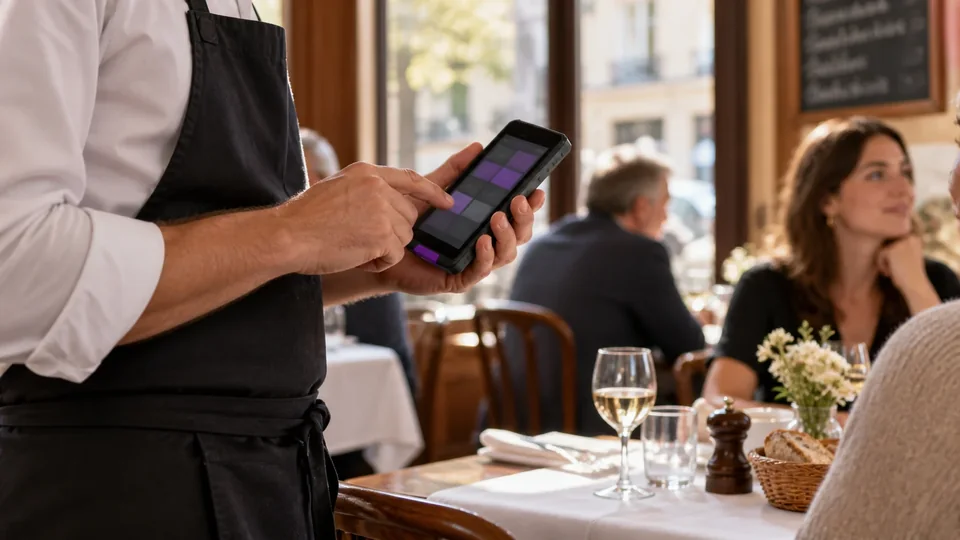

PAD extends your fixed till for table service. Your reseller sets up your menu, options and order routing.
Request a quoteWant to take payments on your handheld too? iotill Pocket combines POS functions and payments on a compatible device.
Explore iotill Pocket ↗Explore uses and equipment suited to your activity.
See all business typesBETTER TOGETHER
LET’S PLAN THE NEXT STEP TOGETHER.
Tell us what you need and discover the equipment and features that suit your business in a demonstration.