iotill
Log in
EN
English Français
Demo?
Menu

IOTILL / SOLUTION 03

Connected scales
for your business.

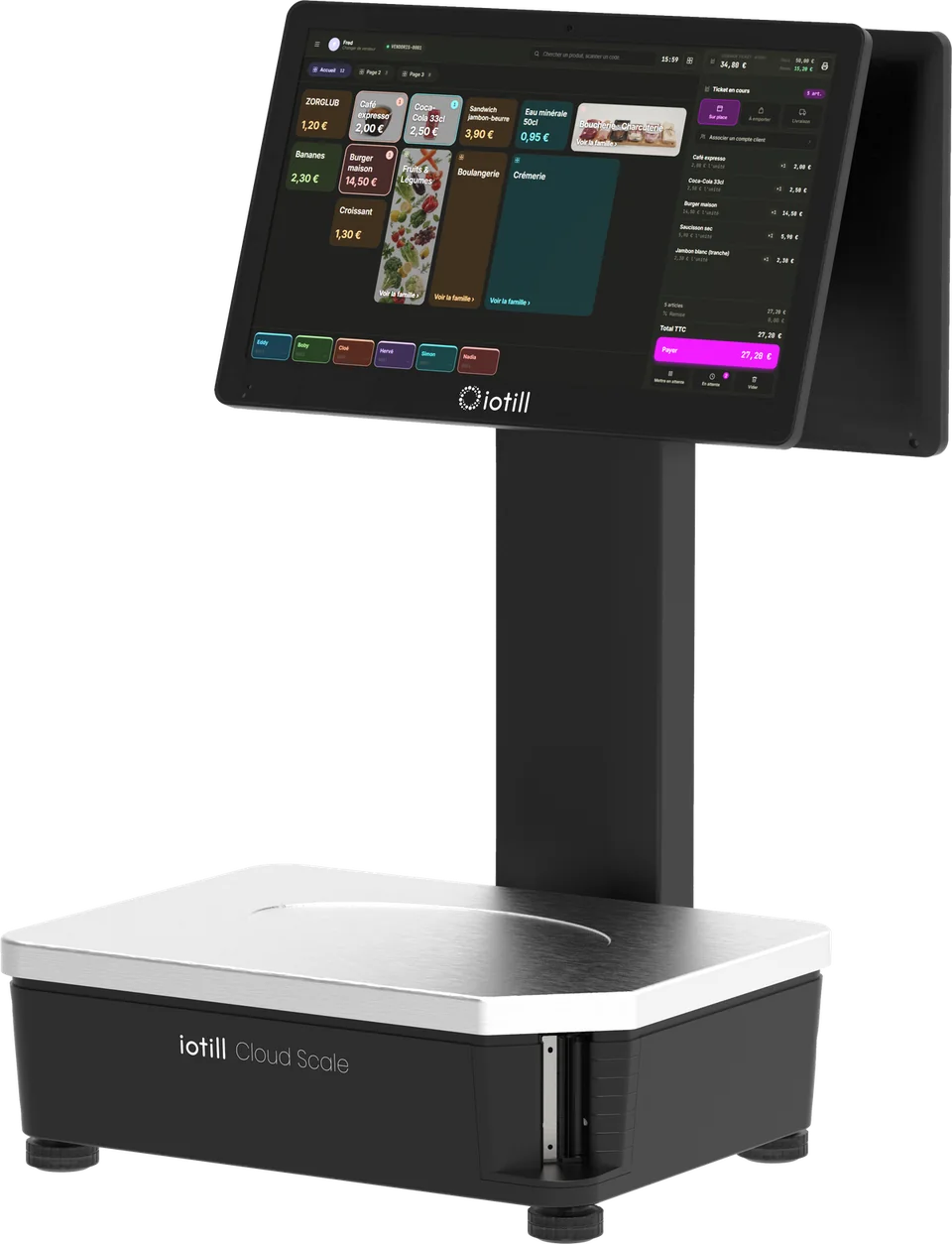
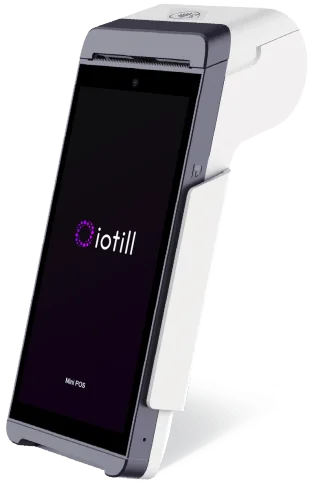
iotill Cloud Scale combines weighing and the POS application in one device. With Wi-Fi and optional 4G, it supports food retailers.

In your working day
iotill Cloud Scale connected scales with touchscreenConnected scales / iotill

Factur-X: invoice format. E-invoicing and e-reporting: document and data preparation; the transmission process is defined with your reseller. NF525: certification of the iotill v2 POS software.

FOR NEIGHBOURHOOD SHOPS TOO

A setup that suits your counter.

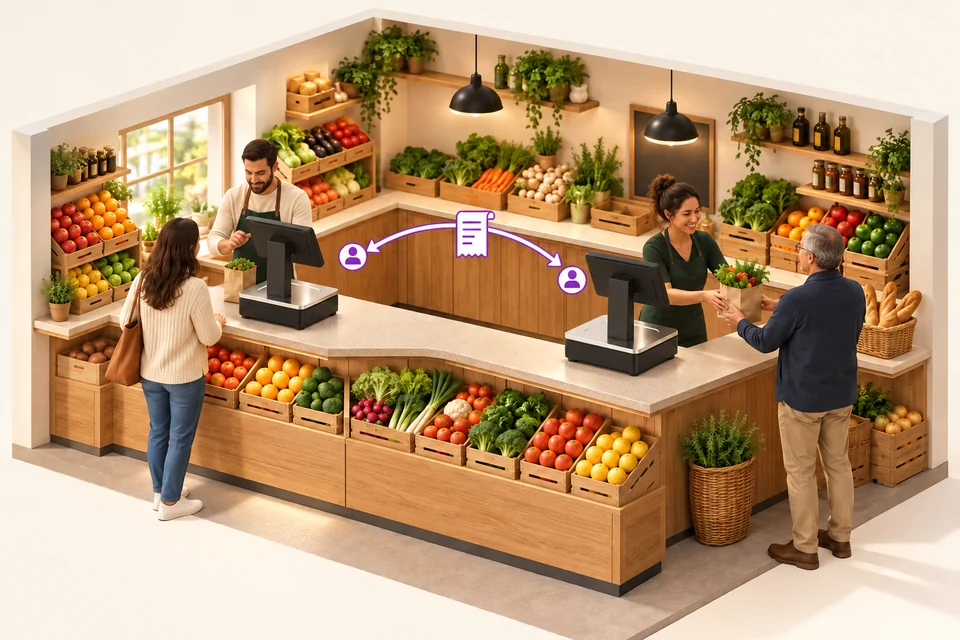
Multi-seller operation also supports small teams. Within the same department, sellers retrieve their sale at the workstation they use to keep serving their customer.

See other local shop setups
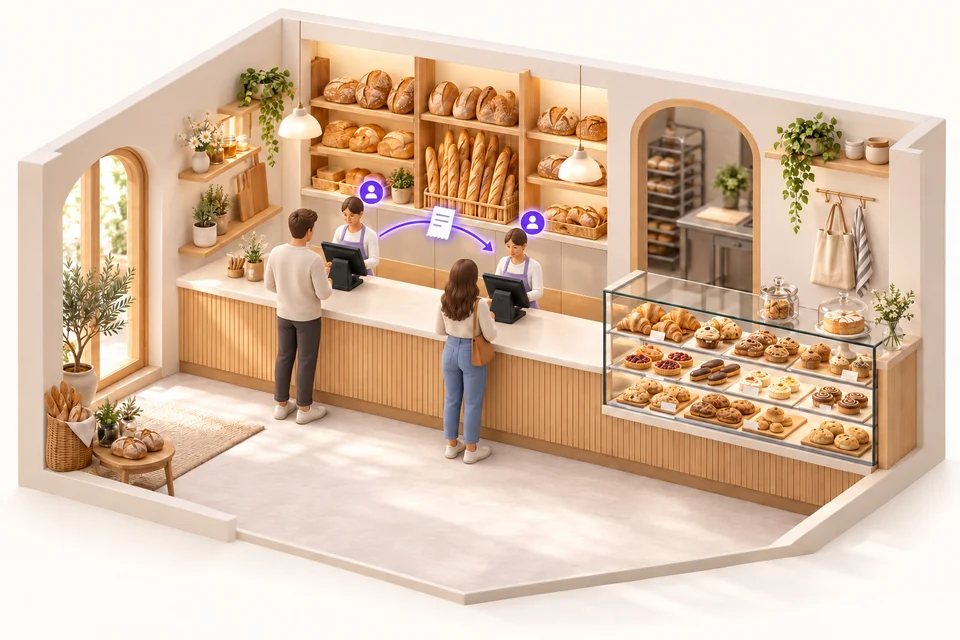
Small bakery with two tills at the same counter and a sale moving between workstations

In a bakery, multiple tills at the same counter.

Start the sale on one till, then identify yourself at the second to continue it. Follow the customer along the counter without starting their receipt again.

Explore the all-in-one POS ↗
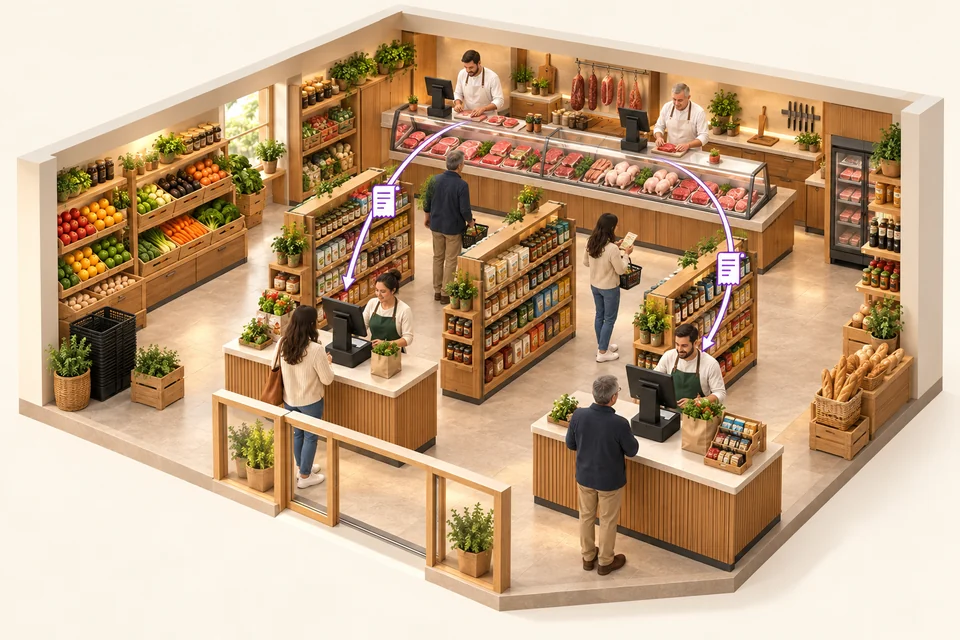
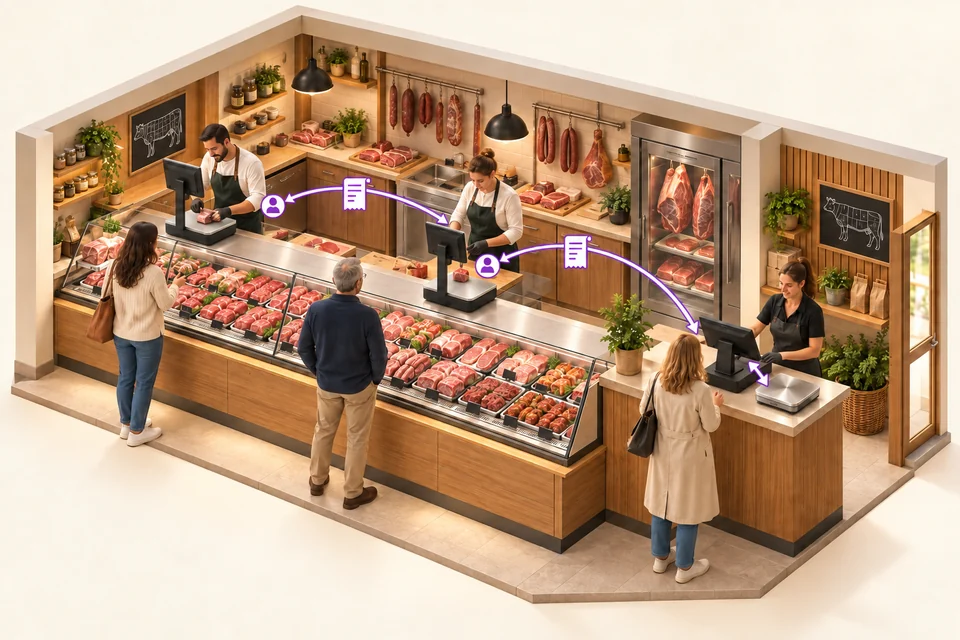
Grocery shop with two checkout tills and two scales at the butcher counter

A grocery shop, two checkout tills and a butcher counter.

Two checkout tills serve grocery customers. At the butcher counter, several Cloud Scale devices let sellers continue a sale at another workstation in the same department. The scale ticket is then retrieved at checkout by QR code or from the list of tickets not yet checked out, including all item details.

Small butcher shop with two service scales and one checkout till connected to a weighing platter

A butcher shop, two scales and a till with a checkout weighing platter.

Two Cloud Scale devices equip the service counter. At the exit, an all-in-one till retrieves department tickets and their items. A separate checkout weighing platter connected to this till also lets staff weigh items directly at checkout.

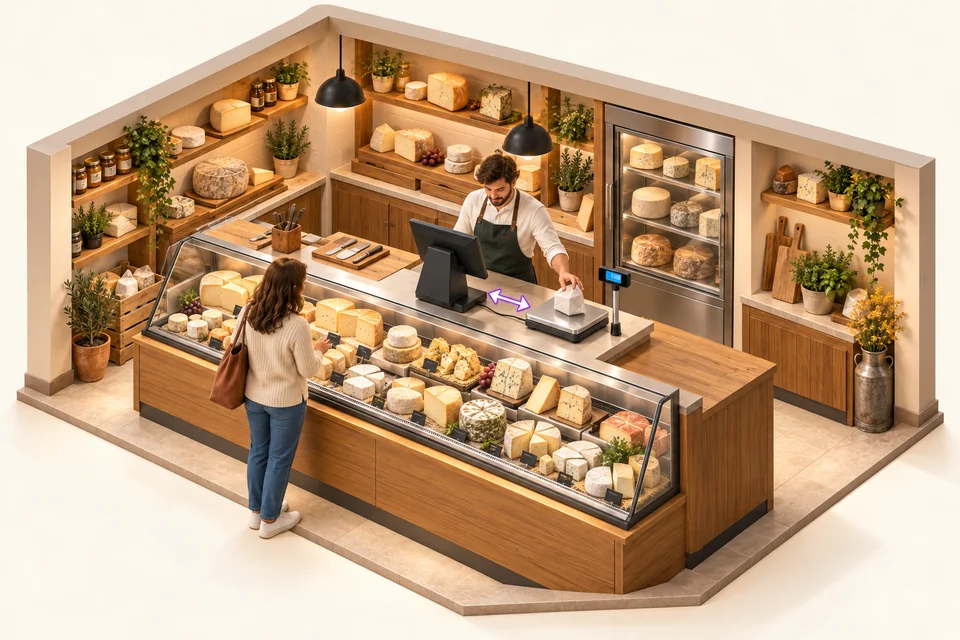
Cheese shop with one all-in-one till and a connected checkout scale, operated from the staff side

In a cheese shop, one till and one checkout scale.

A single all-in-one till connected to a checkout weighing platter lets you weigh and take payment at the counter. Several sellers can work on this same till: each selects their seller button to manage their sale.

Explore the POS with a connected scale ↗
Compare multi-seller setups ↗

MULTI-SELLER: POS AND CLOUD SCALE

Your seller. Your sale. At every workstation in the department.

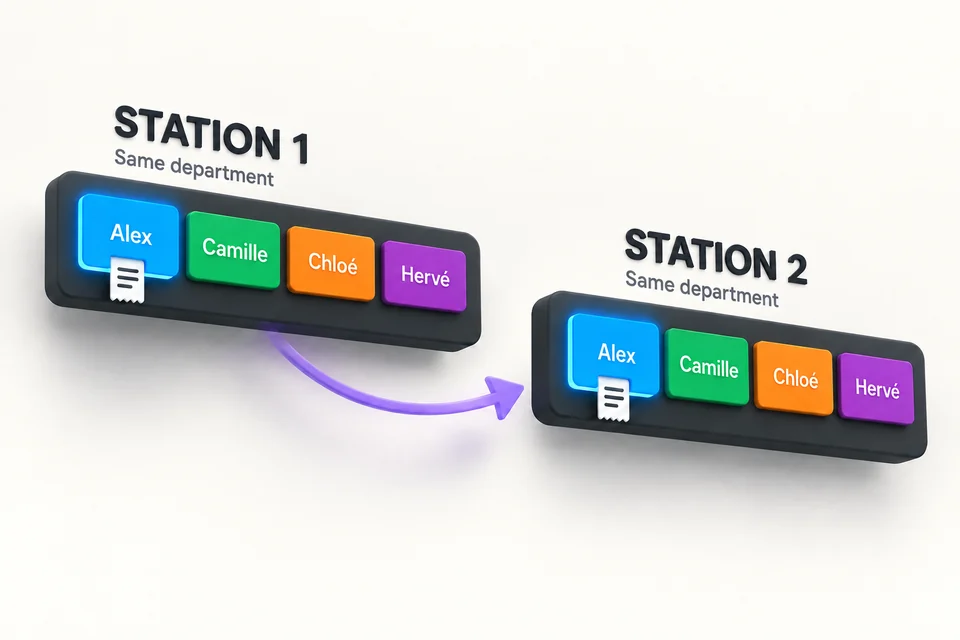
Seller selection buttons are available on the tills and iotill Cloud Scale devices connected to the same department. Sellers identify themselves at the workstation they use, resume their sale and accompany the customer throughout their shopping.

Several sellers, even on a single workstation.

Multi-seller operation also works with a single all-in-one till or a single iotill Cloud Scale. Several sellers share the same equipment, each selecting their seller button to manage their sale. Your team can work together at the counter without adding more workstations.

Explore multi-seller and multi-till configurations ↗
The same seller buttons on two workstations in one department let sellers resume the sale

THE RECEIPT QR CODE, FOR YOUR CUSTOMERS

One receipt. Three possibilities.

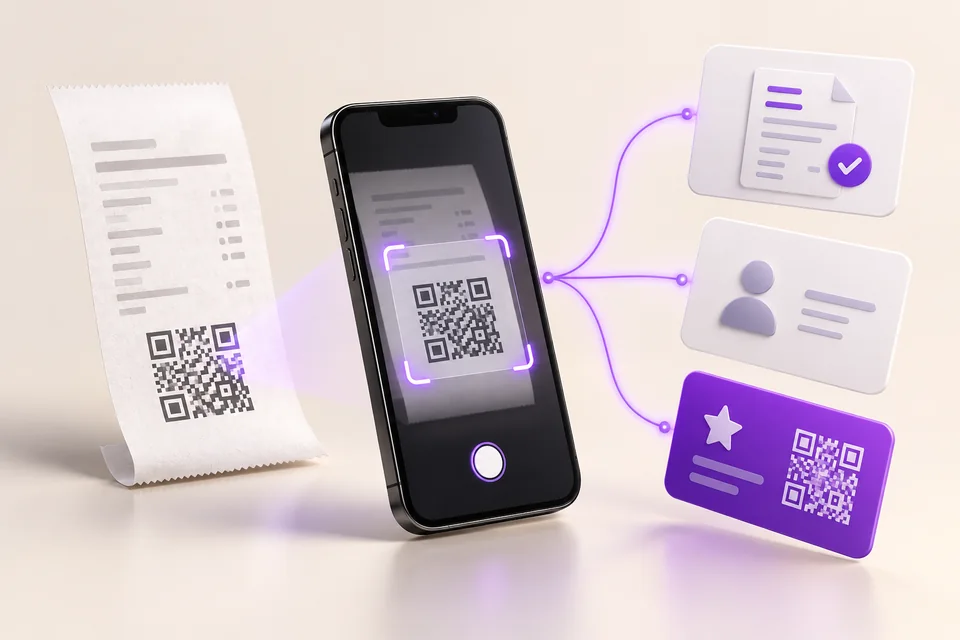
On their smartphone, your customer scans the QR code on a receipt issued by an iotill checkout, ordering kiosk or scale. They can create their compliant invoice, customer account or loyalty card, according to their needs.

They choose one or more services. The three options are independent.

See the receipt QR journey in a demo ↗
A customer scans their receipt QR code on a smartphone to choose an invoice, customer account or loyalty card
Illustration of the customer journey: scan the receipt, then choose a service.

Here, customers use the QR code for services after their purchase. Retrieving a scale ticket at checkout is a separate use.

IOTILL WALLET / APPLE WALLET & GOOGLE WALLET

Loyalty, always with your customers.

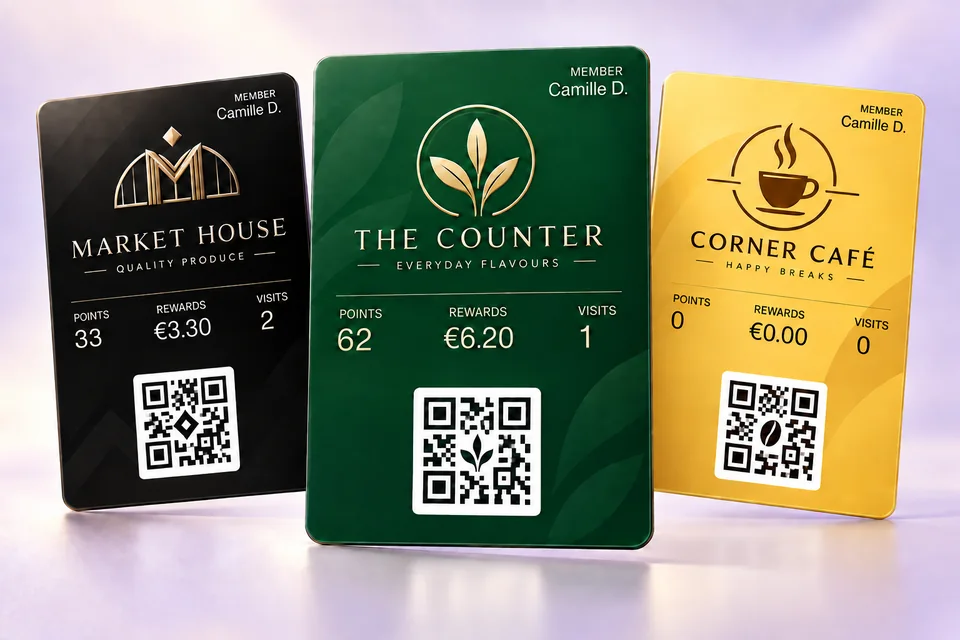
A digital loyalty card, a QR code to present and a programme centralised in iotill Cloud. Loyalty connects your POS, Cloud Scale, kiosks and iotill Pocket.

Discover iotill Wallet ↗
iotill Wallet loyalty cards: points, reward balance, visits and QR code

SERVICE COUNTERS AND CHECKOUTS

From scale ticket to checkout receipt.

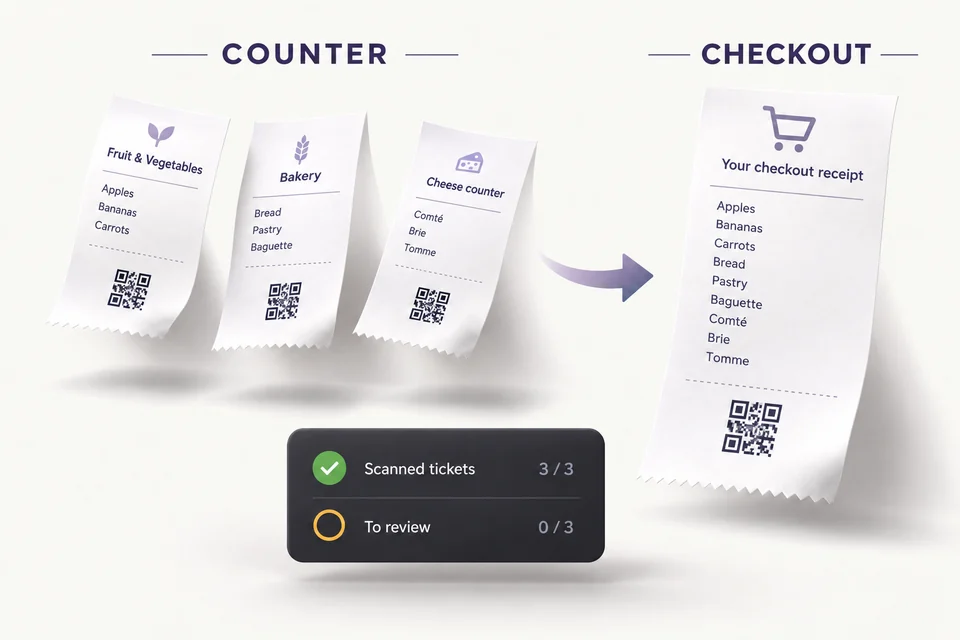
At checkout, scan the QR code on the scale ticket or retrieve it from the list of tickets not yet processed at checkout. The scale ticket’s item details are included in the checkout receipt.

  1. Issue the ticket at the service counter.
  2. Retrieve it by QR code or from the ticket list.
  3. Bring the items into the checkout receipt.

Monitor shrinkage by department.

Compare tickets issued at each service counter with those scanned at checkout. Identify tickets not yet processed at checkout and discrepancies to review when monitoring shrinkage by department.

Reconciliation of counter tickets and tickets scanned at checkout, with outstanding tickets to review

SHRINKAGE MONITORING

Paid or not paid: see the details.

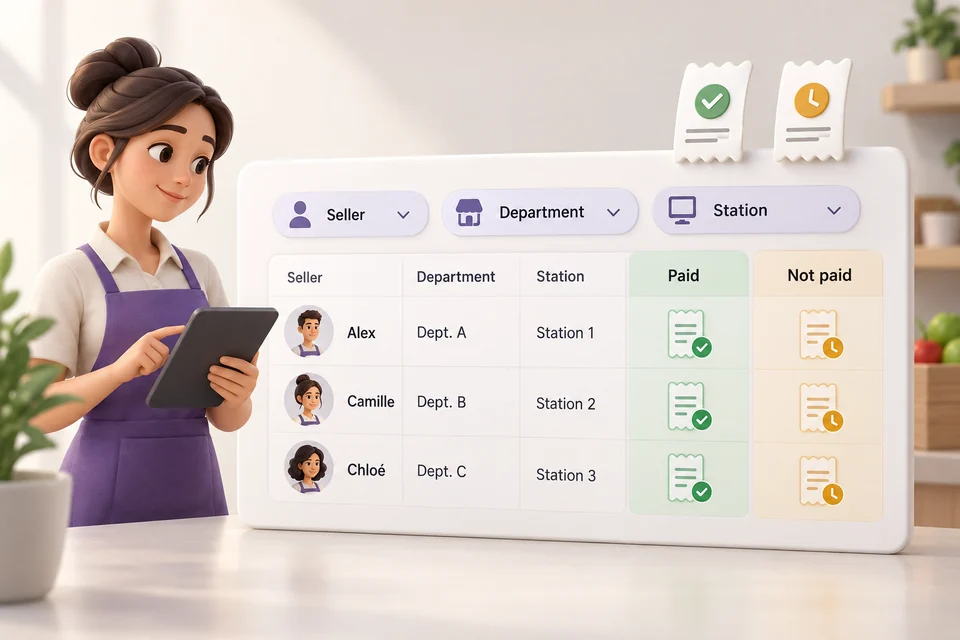
Reconcile tickets issued at service counters with their checkout status. Review paid and unpaid tickets by seller, department and workstation to identify discrepancies that need checking.

By staff member

Find the tickets associated with each seller.

By department

Compare issued and paid tickets for each department.

By workstation

Identify the workstation that issued tickets needing review.

Paid and unpaid tickets tracked by seller, department and workstation

TO COMPLETE YOUR SETUP

Understand complementary features.

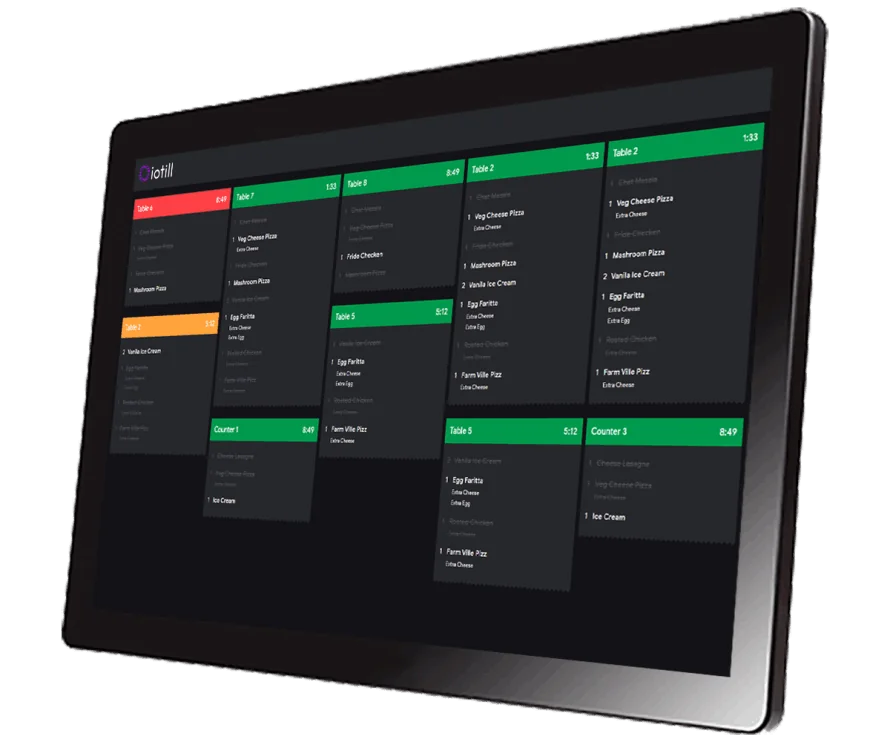
iotill ODS: track order preparation

View orders and their preparation, including actual weight in supported setups. Your reseller defines the stations and connections that suit your department service.

See staffed department use cases ↗
Laiterie Gilbert

A SETUP USED IN STORES

At Laiterie Gilbert, a station shared by several sellers.

An all-in-one POS, a connected checkout weighing platform and integrated iotill Pay payment: sellers share the same POS by selecting their seller button.

This setup combines a POS with a separate scale. Cloud Scale combines POS and weighing on a single device.

See the Laiterie Gilbert setup ↗

THE RIGHT TOOLS FOR YOUR DAILY WORK.

01

Weigh and sell

A full POS application works alongside weighing to bring counter operations together.

02

Wi-Fi, optional 4G

Choose connectivity suited to your installation and access your business in iotill Cloud.

03

Your peripherals

Connect a compatible payment terminal, scanner or Glory cash recycler to your weighing solution.

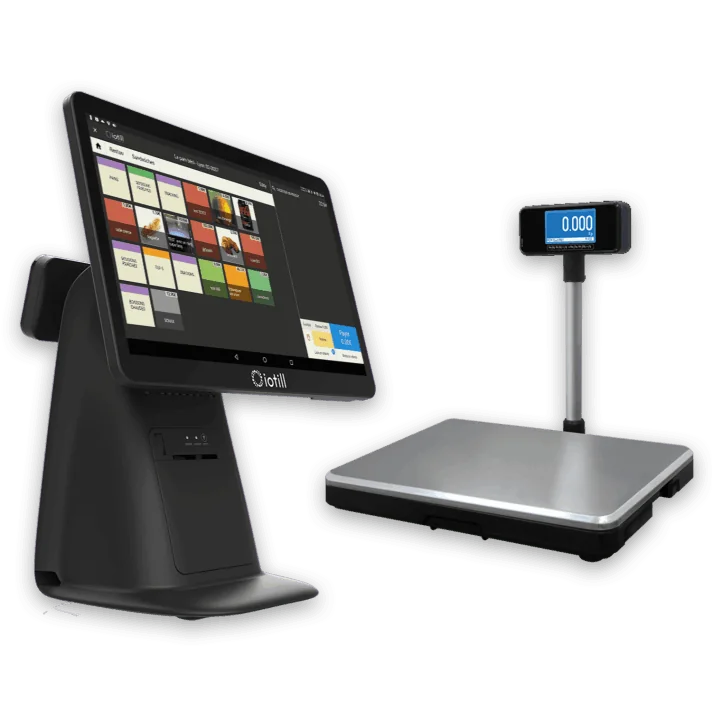
iotill POS connected to a weighing platform

WORKING TOGETHER

Integrated scales. Or a separate platform.

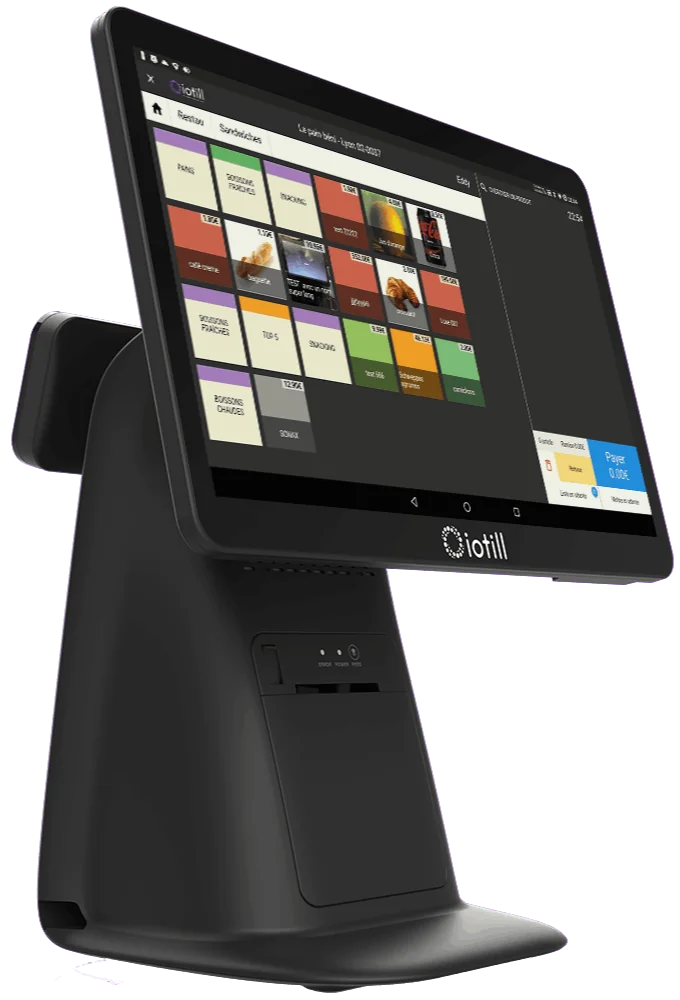
Does your layout call for a different setup? A checkout weighing platform can connect to the all-in-one till. Your reseller adapts the equipment to your counter, space and service.

Explore all-in-one POS with scales

UNDERSTANDING WEIGHING

Cloud Scale or checkout scales?

Cloud Scale combines weighing and a POS application. Checkout scales are a separate platform connected to a all-in-one till. Your reseller checks compatibility and installation.

The two weighing configurations offered by iotill
ConfigurationCounter setup
iotill Cloud ScaleScales with a built-in POS application, connected via 4G or Wi-Fi.
Checkout weighing platformA separate platform connected to an iotill all-in-one till.

Solutions for your business.

Explore uses and equipment suited to your activity.

See all business types

ELECTRONIC INVOICING / THE GUIDES

Understand what changes for your sales and invoices.

The scale supports sales by weight. The receipt QR code lets the customer create an invoice on their smartphone. Discover the customer journey and how it connects to sales management.

Understand electronic invoicing ↗

LET’S PLAN THE NEXT STEP TOGETHER.

Let’s talk.

Your business. Your equipment. A practical demonstration.

Request a demo

USEFUL ANSWERS

Before you
get started.

Plan my equipment ↗
Does the iotill POS prepare electronic invoicing?
The POS, iotill Cloud Scale, Pocket and kiosks share the iotill software base. Business management, also accessible in iotill Cloud, prepares Factur-X invoices and the documents and data for e-invoicing and e-reporting. Your reseller specifies the transmission setup for your business.
What can customers do with the QR code on an iotill receipt?
On their smartphone, customers scan the QR code on a receipt issued by an iotill checkout, ordering kiosk or scale. They can create their compliant invoice, customer account and/or loyalty card. These services are independent: customers choose the ones they need.
Can several sellers work on a single till or scale?
Yes. Several sellers can share a single all-in-one till or a single iotill Cloud Scale. Each selects their seller button to manage their sale. Multi-seller operation therefore also works without multiple tills.
What is iotill Cloud Scale for?
iotill Cloud Scale combines weighing and a POS application in one device. It is designed particularly for grocery shops, butchers, cheese shops and greengrocers.
Do I have to use all-in-one scales?
No. A compatible checkout weighing platform can also connect to all-in-one POS. Your reseller checks installation, compatibility and counter placement.