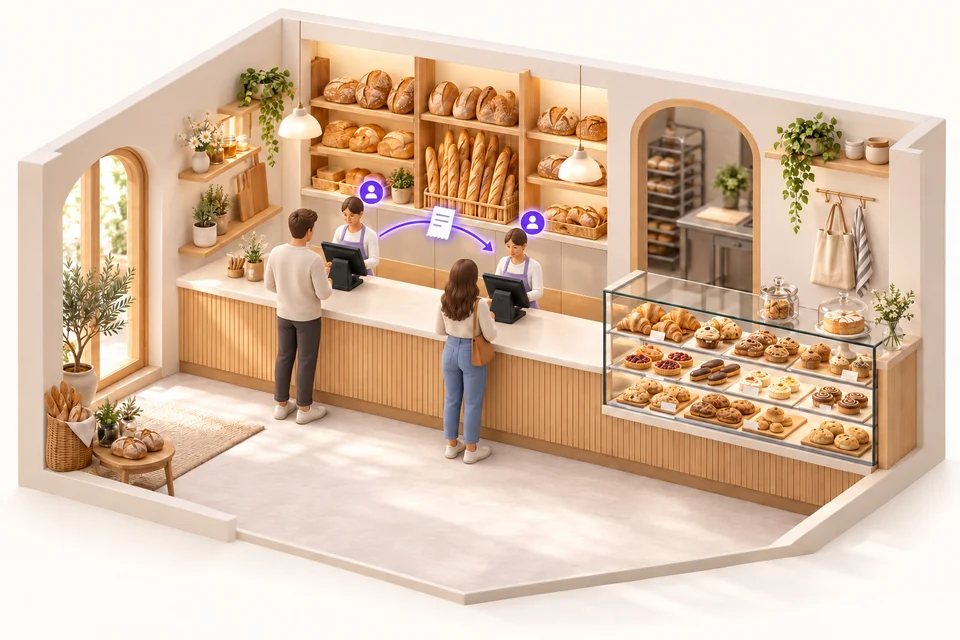
In a bakery, multiple tills at the same counter.
Start the sale on one till, then identify yourself at the second to continue it. Follow the customer along the counter without starting their receipt again.
Explore the all-in-one POS ↗
IOTILL / SOLUTION 01
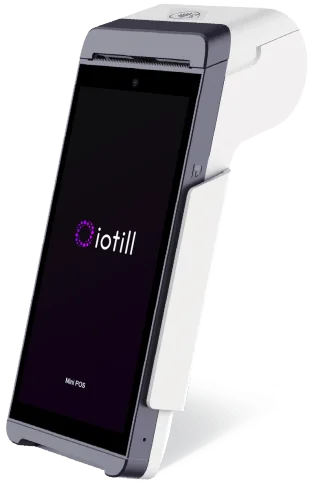
Your touchscreen POS, a built-in printer and an 11.6-inch customer display in one unit. Record sales, take payments and print receipts at your counter.
Explore everyday features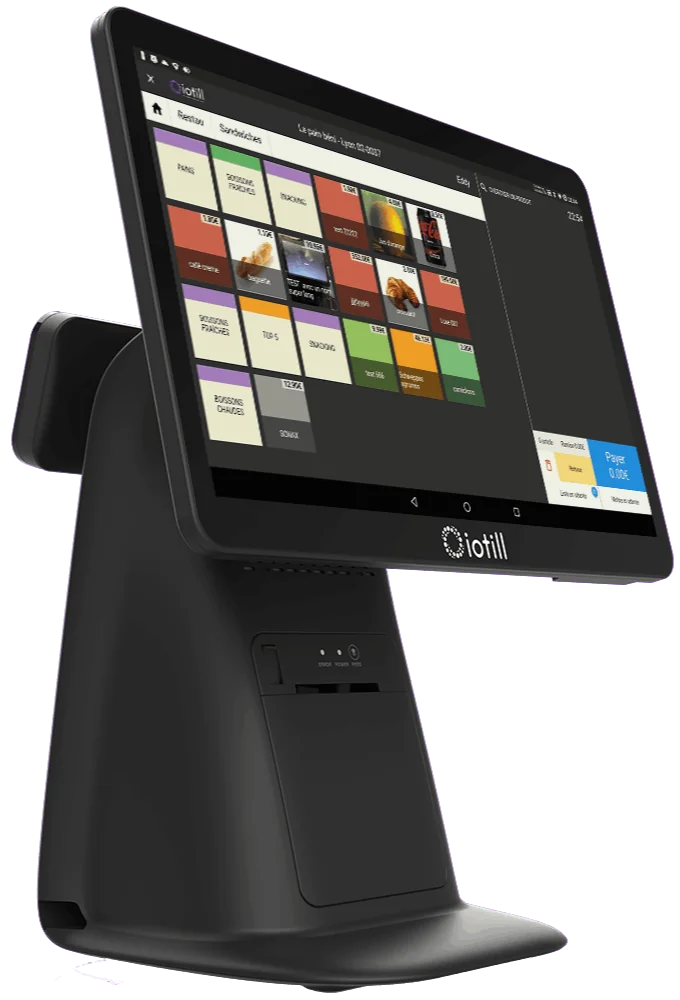 All-in-One POS / iotill
Factur-X: invoice format. E-invoicing and e-reporting: document and data preparation; the transmission process is defined with your reseller. NF525: certification of the iotill v2 POS software.
FOR NEIGHBOURHOOD SHOPS TOO
Multi-seller operation also supports small teams. Within the same department, sellers retrieve their sale at the workstation they use to keep serving their customer.
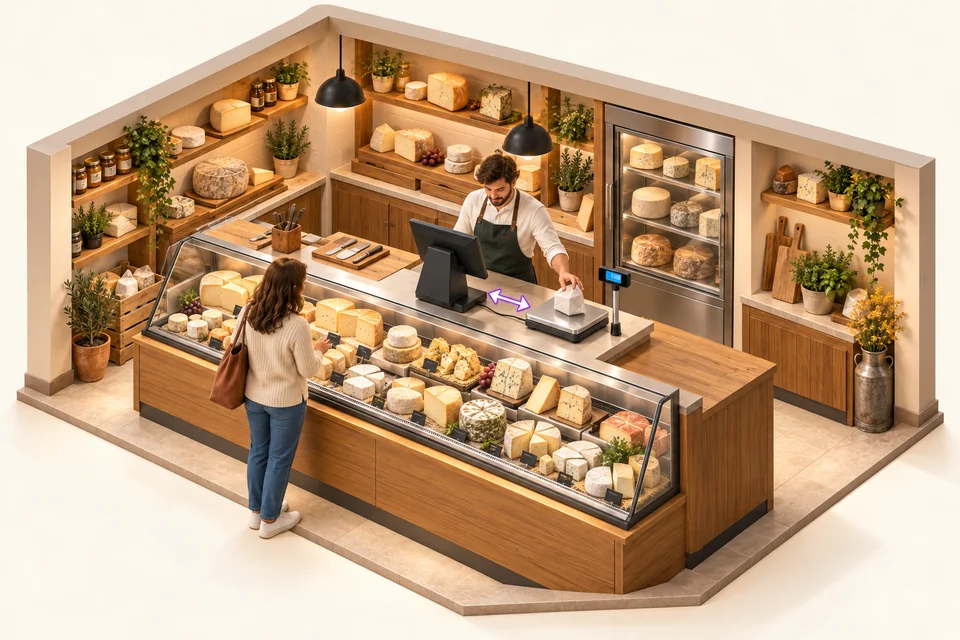
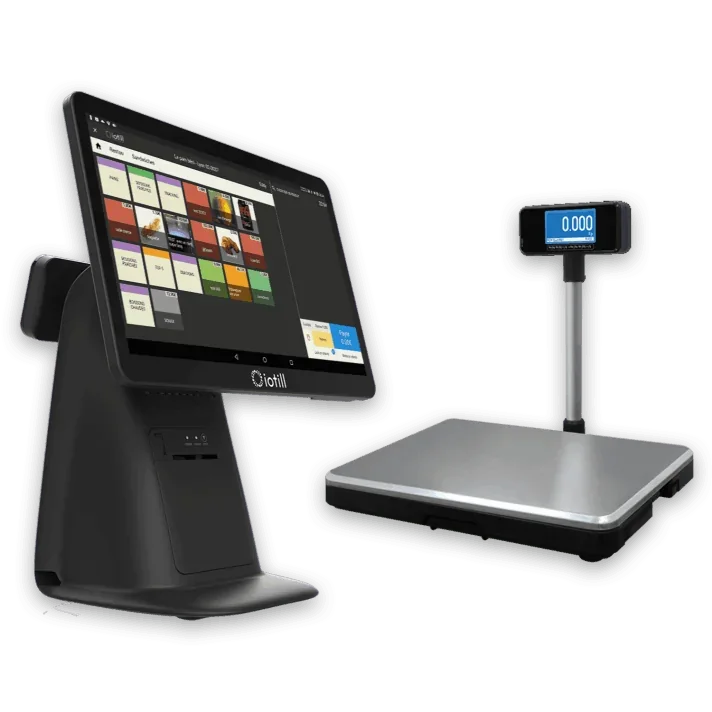
A single all-in-one till connected to a checkout weighing platter lets you weigh and take payment at the counter. Several sellers can work on this same till: each selects their seller button to manage their sale.
Explore the POS with a connected scale ↗Start the sale on one till, then identify yourself at the second to continue it. Follow the customer along the counter without starting their receipt again.
Explore the all-in-one POS ↗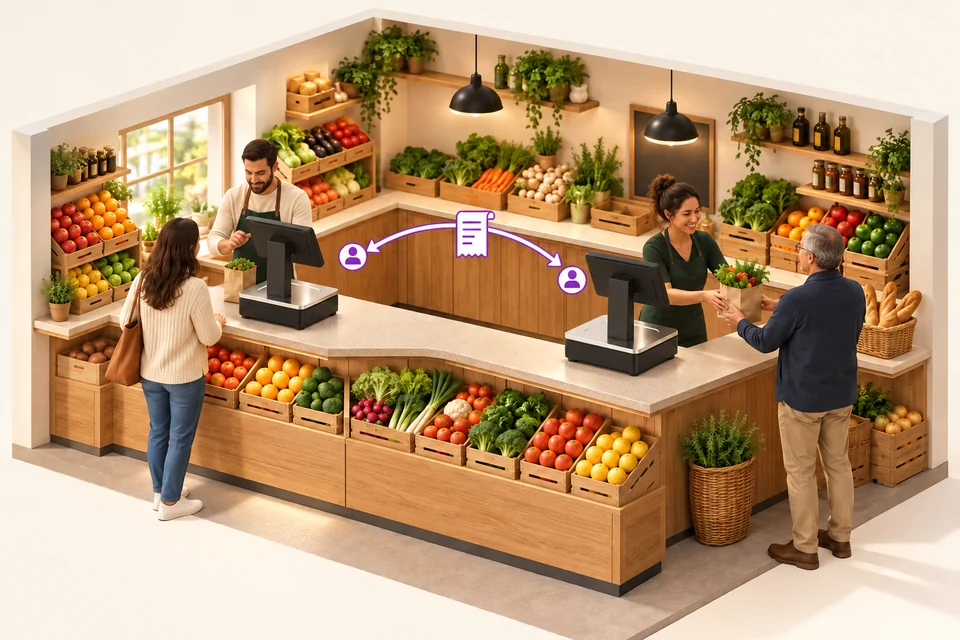
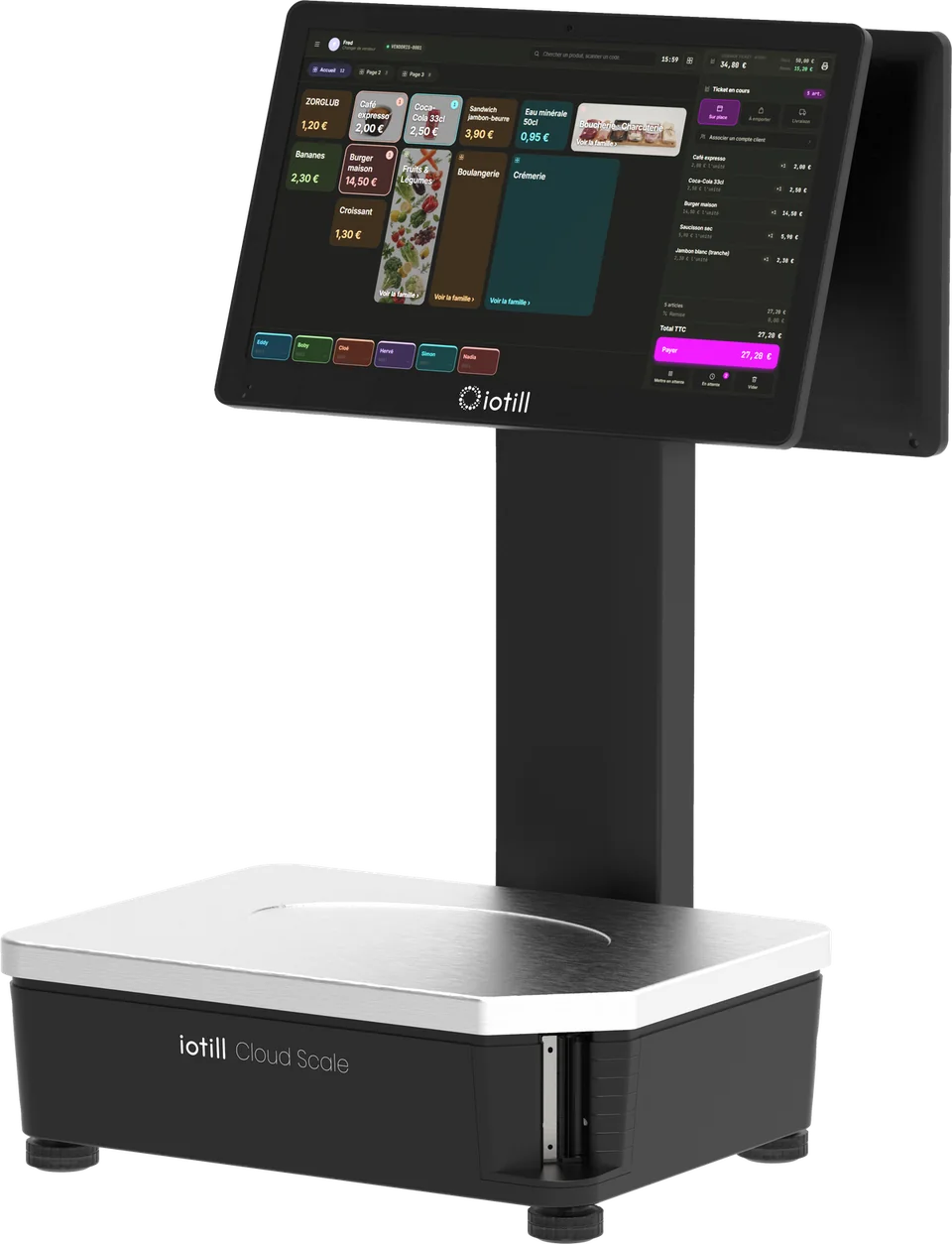
Several Cloud Scale devices can equip the same department. The seller retrieves their sale on another scale to continue weighing and complete checkout: the scale includes the POS application.
Explore Cloud Scale ↗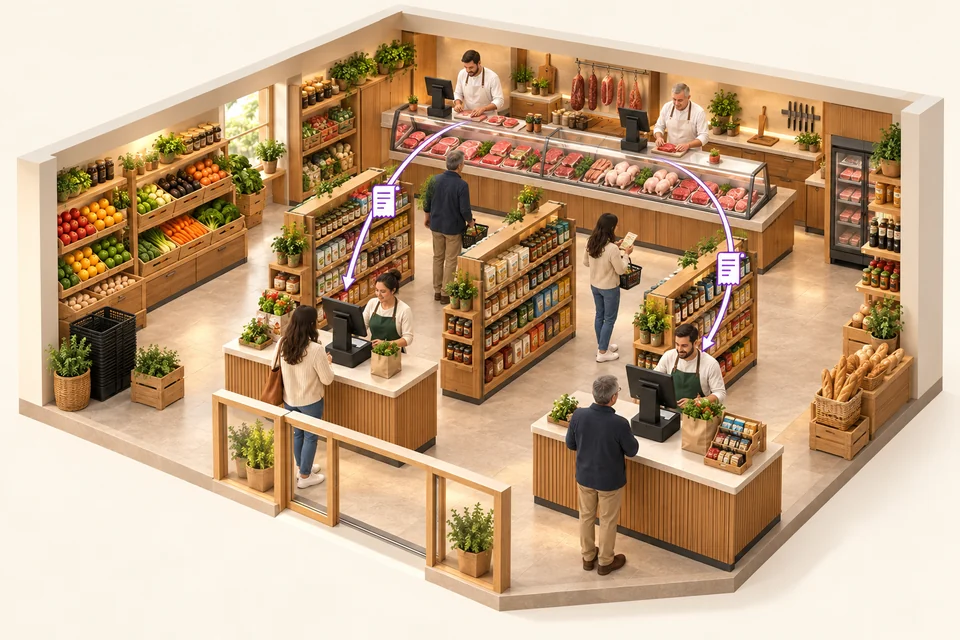
Two checkout tills serve grocery customers. At the butcher counter, several Cloud Scale devices let sellers continue a sale at another workstation in the same department. The scale ticket is then retrieved at checkout by QR code or from the list of tickets not yet checked out, including all item details.
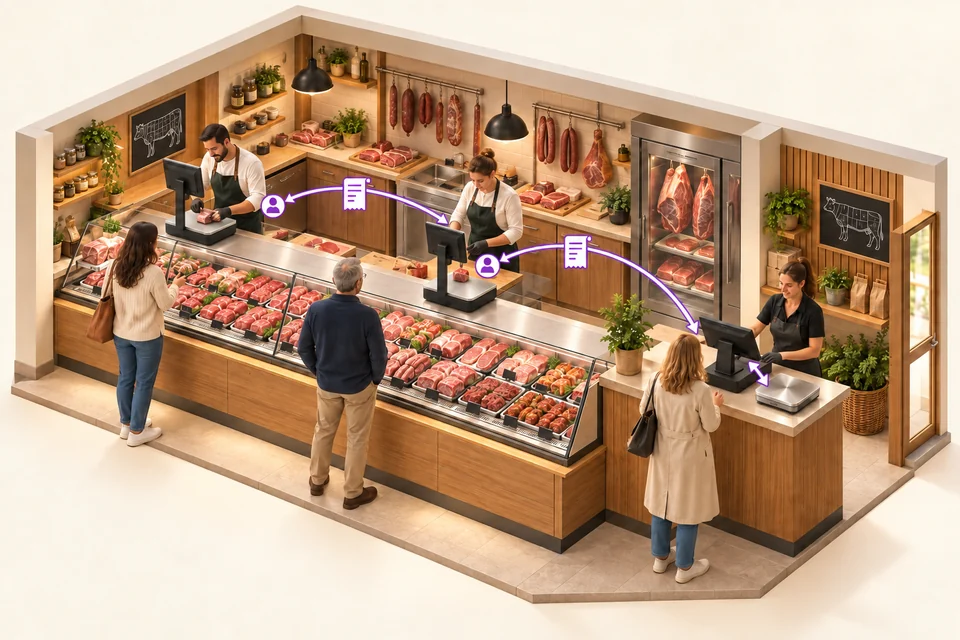
Two Cloud Scale devices equip the service counter. At the exit, an all-in-one till retrieves department tickets and their items. A separate checkout weighing platter connected to this till also lets staff weigh items directly at checkout.
MULTI-SELLER: POS AND CLOUD SCALE
Seller selection buttons are available on the tills and iotill Cloud Scale devices connected to the same department. Sellers identify themselves at the workstation they use, resume their sale and accompany the customer throughout their shopping.
Multi-seller operation also works with a single all-in-one till or a single iotill Cloud Scale. Several sellers share the same equipment, each selecting their seller button to manage their sale. Your team can work together at the counter without adding more workstations.
Explore multi-seller and multi-till configurations ↗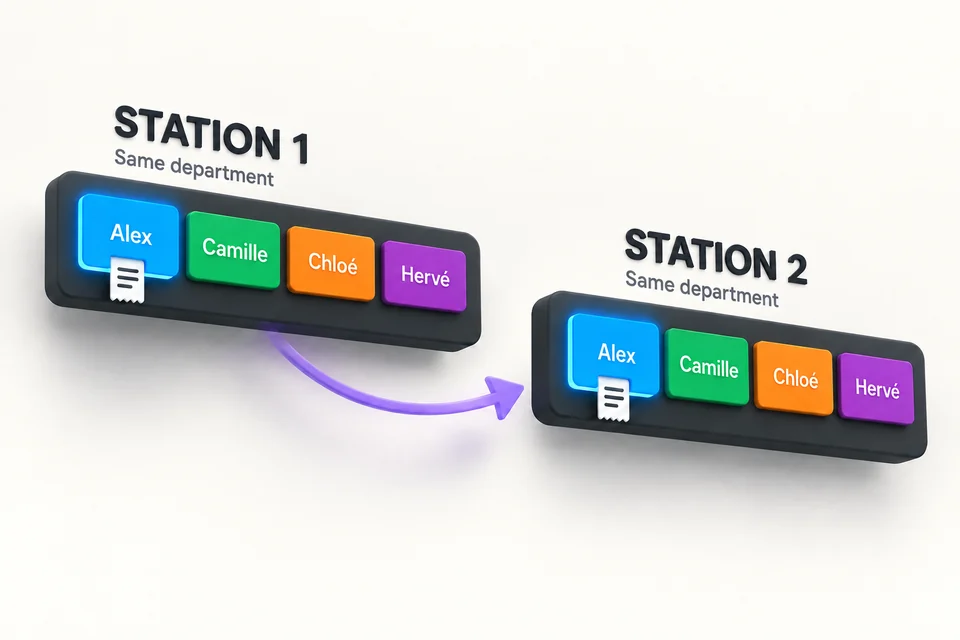
ITEM AVAILABILITY
From the iotill POS, you can mark an item as sold out or unavailable. Availability can be managed manually and/or automatically so kiosk ordering reflects available items.
A product is no longer available? Your team marks it from the POS.
Unavailability can be triggered automatically by zero stock or by schedules.
On the kiosk, an out-of-stock item remains visible: it is greyed out and labelled “Unavailable”.
Hiding an item or category button is a separate feature: it hides that button on the kiosk. This differs from an item that remains visible but unavailable.
In a fast-food business or food truck equipped with a kiosk, this feature lets self-service ordering reflect actual item availability during service.
Explore kiosks connected to the POS ↗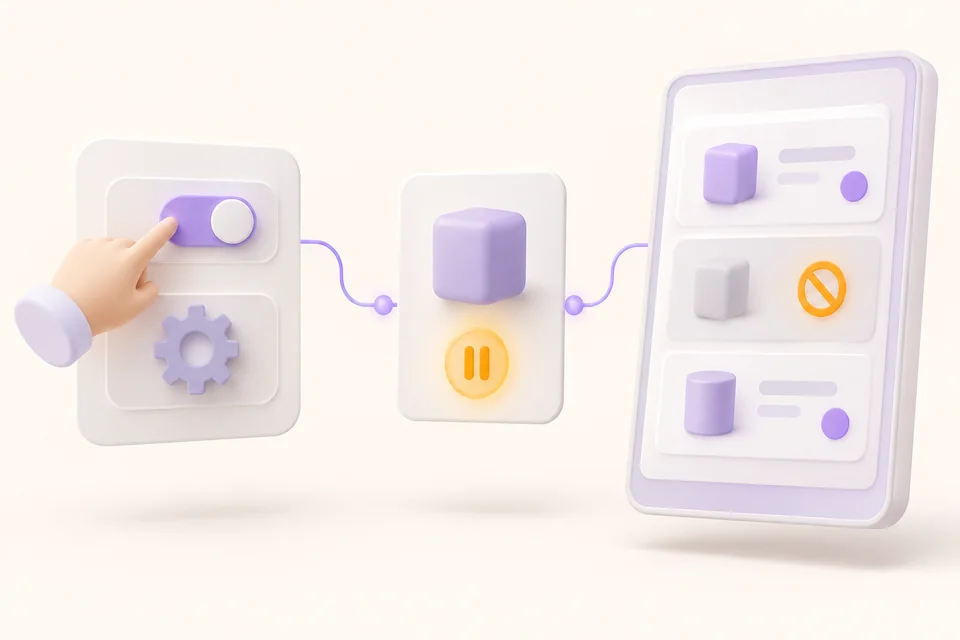
NEW VERSION
iotill moves to version 2. Our POS software is NF525 certified. Explore the new version with your reseller and plan your configuration.
Request an iotill v2 demoDownload the NF525 certificate (PDF)YOUR CUSTOMERS, YOUR EVERYDAY WORK
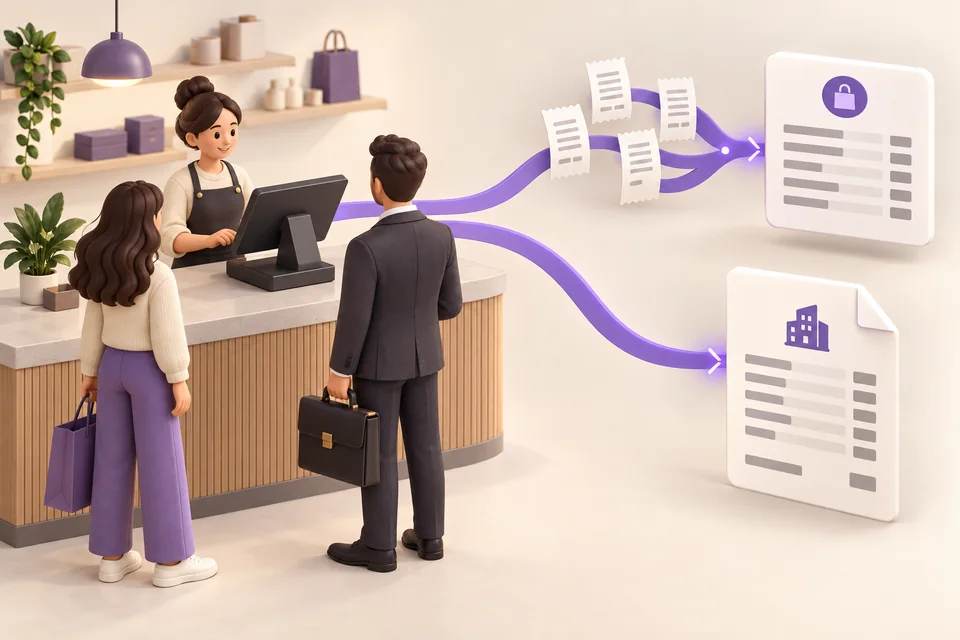
A receipt for a personal purchase. An invoice for a business. With iotill, take payments and issue invoices in the same system as customers come to your counter.
THE RECEIPT QR CODE, FOR YOUR CUSTOMERS
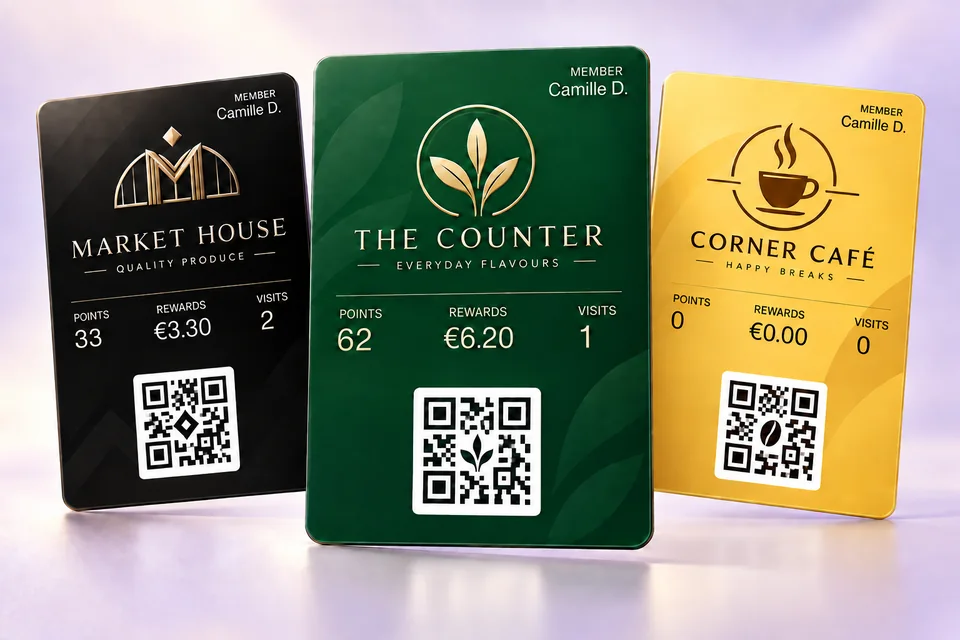
On their smartphone, your customer scans the QR code on a receipt issued by an iotill checkout, ordering kiosk or scale. They can create their compliant invoice, customer account or loyalty card, according to their needs.
They choose one or more services. The three options are independent.
See the receipt QR journey in a demo ↗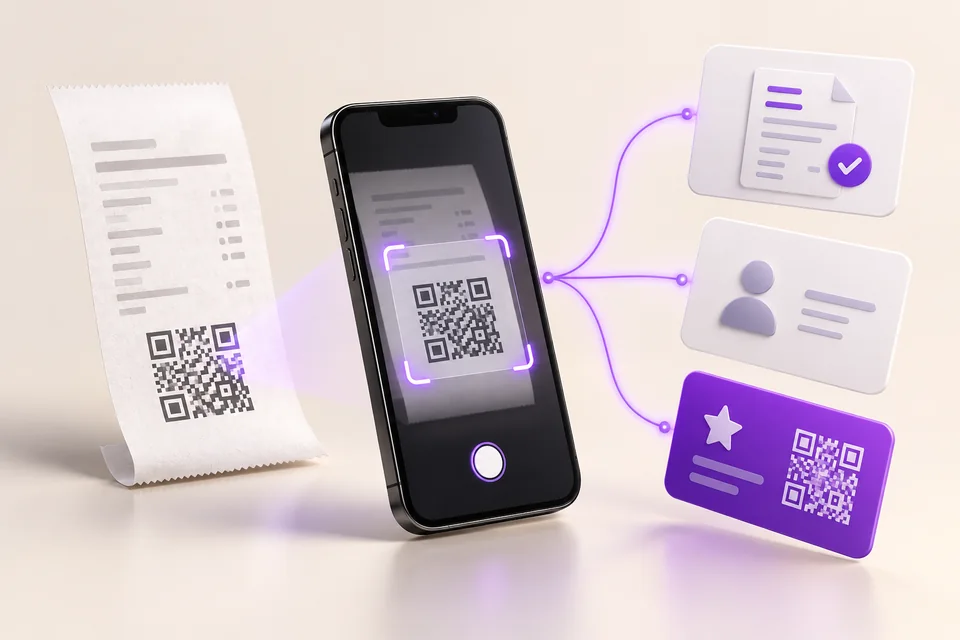
LOSSES AT THE POS
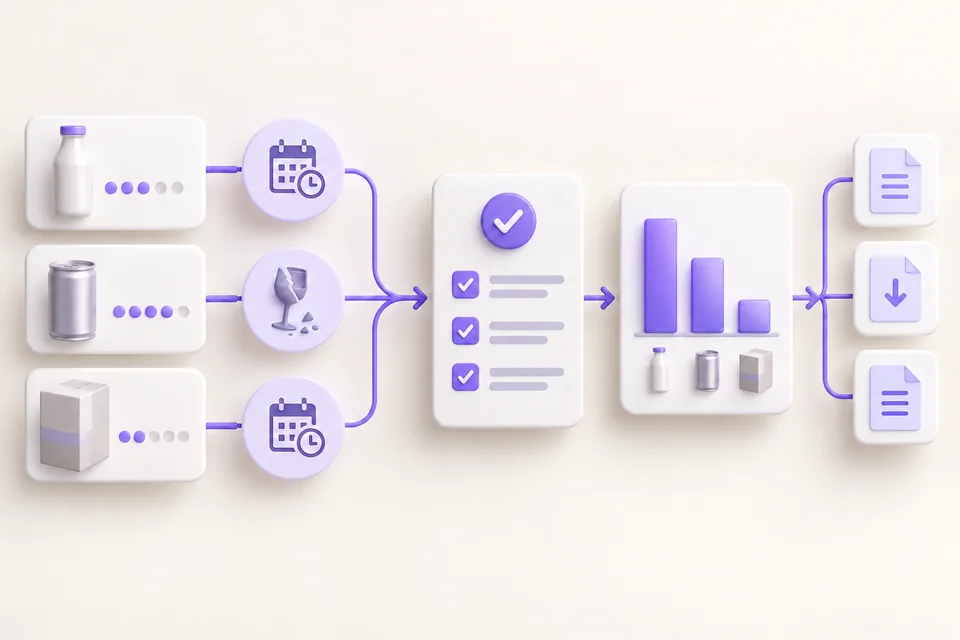
At the POS, select “Declare losses”. Add products, enter quantities and give a reason for each loss: expiry, breakage or another reason. Validate to record the declaration.
A dedicated dashboard lets you monitor losses. Multi-format exports let you work with this data.
Products and quantities → reasons → validation
STOCK INTAKE
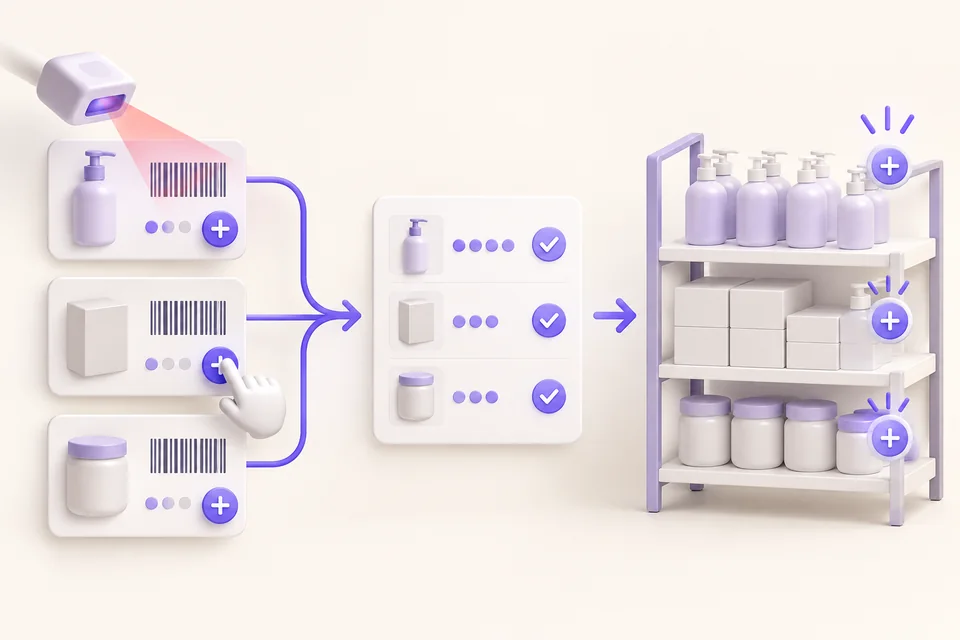
Scan products or select them on screen. Enter the quantities to add, complete the list, then validate: the products are added to stock.
Scan or select → quantities → validation
STOCK VALUATION
Stock valuation is available provided product purchase prices have been entered. It complements quantity monitoring so you can understand the value of your stock.
Required: purchase prices entered.
Explore stock management in iotill Cloud ↗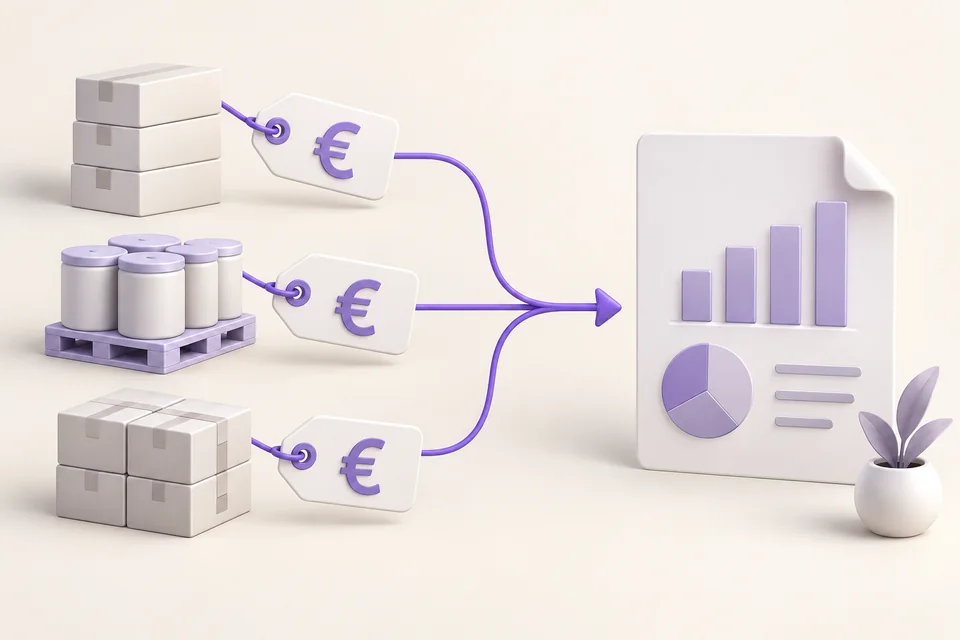
ALL-IN-ONE POS AND PERIPHERALS
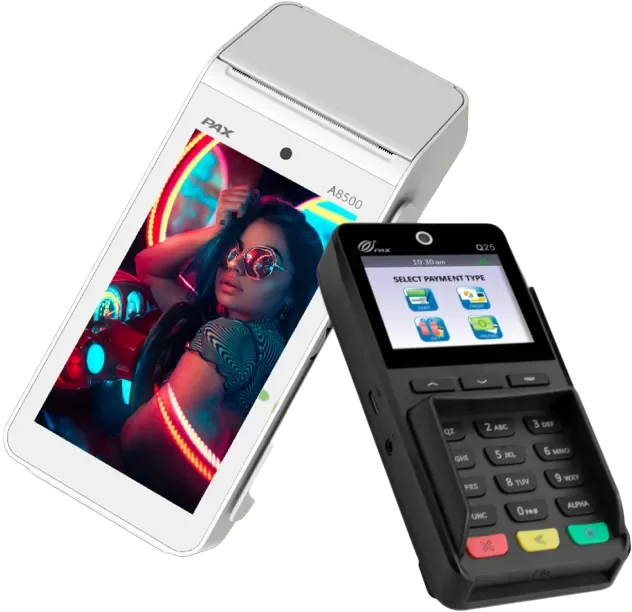
Scales, scanner, payment terminal, cash recycler or cash drawer: connect compatible equipment to your iotill all-in-one POS to suit your business.
FOR SELLING BY WEIGHT
The weighing platform sits beside the till. Select the product, weigh it and add the amount to the receipt without entering it again.
This setup is particularly suited to greengrocers and shops selling both weighed goods and individual items. The till remains the checkout workstation; the scales are a connected peripheral.
Request a quoteMultiple workstations in your shop? See the bakery and greengrocer examples below. See the examples ↗
Prefer scales with built-in POS? Explore iotill Cloud Scale ↗
Find items by barcode and add them to the receipt.
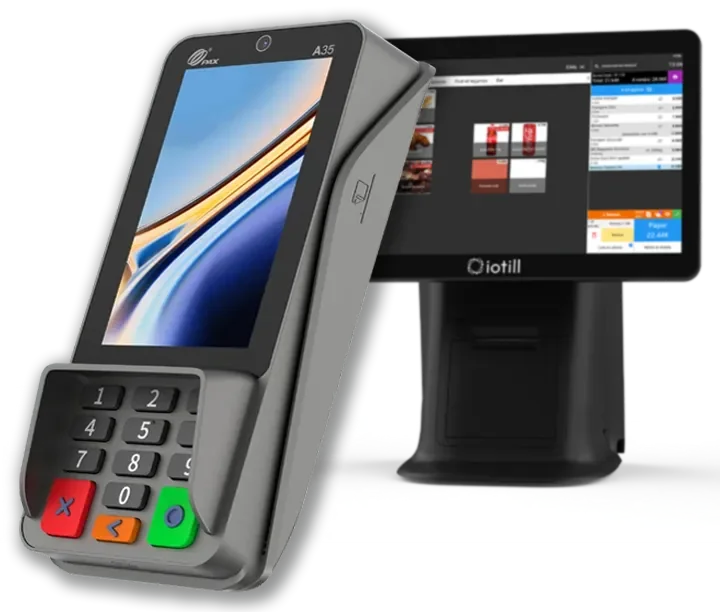
With integrated iotill Pay, the till sends the amount to the terminal and automatically matches the payment to the sale.
With the iotill Cash module, a compatible cash recycler handles cash payments and change.
Add a cash drawer to store cash when handling it at the counter.
Your reseller checks your equipment models and prepares the connections with you. View compatible hardware ↗
IOTILL PAY / INTEGRATED PAYMENTS
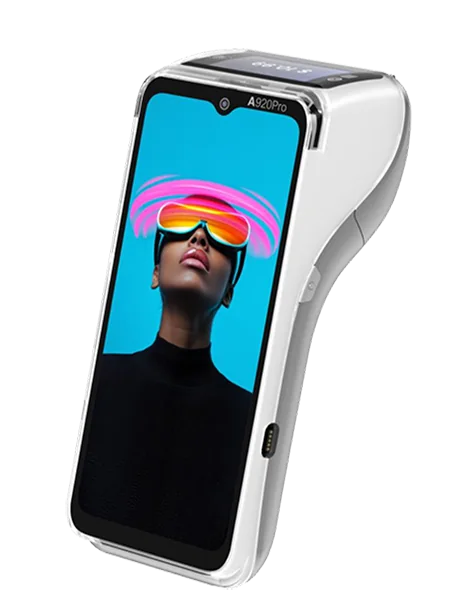
The terminal captures the payment; a secure remote server processes the transaction. iotill Pay integrates with the till to support checkout and payment tracking.
Unsure which equipment to choose?
Get advice on my equipmentThe till sends the payment amount directly to the terminal. No need to enter the amount again.
iotill Pay payments are automatically matched to sales in iotill, so you can track sales and payments together.
iotill Pay supports digital payment receipts. With the integrated setup, the card receipt can also be printed directly at the till.
Sending the amount and receiving the payment result are built into the sales process, reducing manual steps. Processing time depends in part on the connection.
A terminal failure does not erase transactions already recorded on the remote server. A connection is required to transmit the payment and obtain its status.
Regular updates maintain the solution’s security and develop its features.
TO COMPLETE YOUR SETUP
A compatible cash recycler accepts coins and notes and gives change. The iotill Cash module controls this equipment; the model and connection are prepared with your reseller.
See POS equipment ↗At an equipped station, customers scan their items, carry out the configured weighing steps and pay. An operator supervises self-service. This setup is selected according to the products and store organisation.
Understand store setups ↗
A SETUP USED IN STORES
An all-in-one POS, a connected checkout weighing platform and integrated iotill Pay payment: sellers share the same POS by selecting their seller button.
This setup combines a POS with a separate scale. Cloud Scale combines POS and weighing on a single device.
See the Laiterie Gilbert setup ↗IN-STORE CREDIT VOUCHERS
Issue a credit voucher directly at the POS and print it for your customer. Configure its validity period in iotill Cloud.
This process applies to credit vouchers issued against POS receipts. Accounting credit notes are also managed in sales management.
Handed to the customer
Valid until the stated dateGIFT RECEIPTS
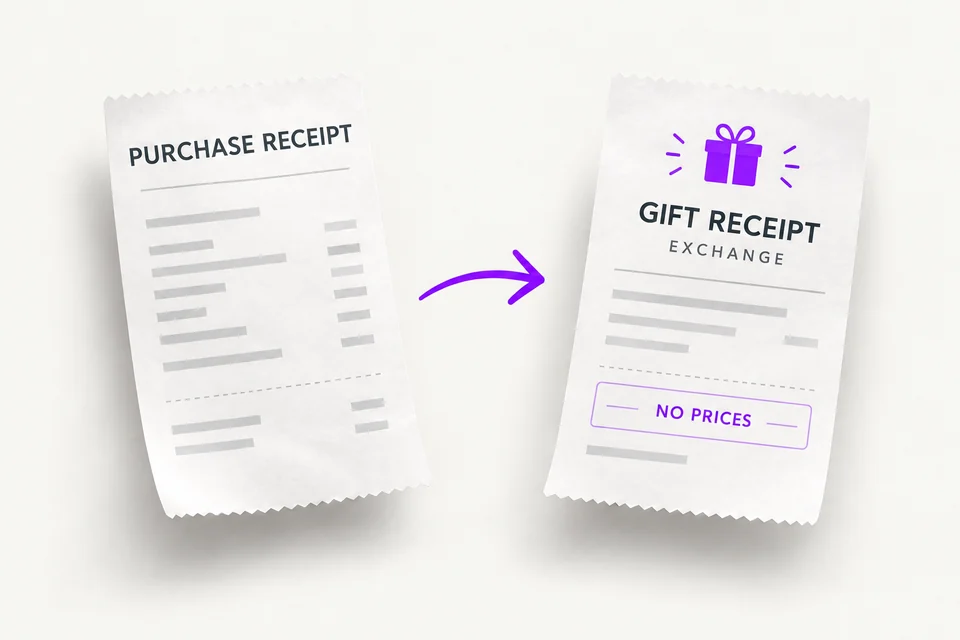
Give your customer a price-free exchange receipt to include with their gift, so the recipient can return to the store for an exchange.
For example, in a jewellery shop, the buyer keeps the purchase receipt and gives the gift receipt to the recipient.
PAYMENT TYPES
Use standard payment types — cash, bank card, meal vouchers and cheques — and freely create your own custom payment types.
CONNECTED SALES MODES
Dine-in, takeaway, Click & collect or delivery: configure sales modes in iotill Cloud, at the heart of your ecosystem. At the POS, select a sales mode to apply the catalogue prices and VAT rates configured for that mode.
Your team switches context in one click, without re-entering prices. Manage settings remotely in iotill Cloud.
Compare eat-in, takeaway and delivery in Analytics ↗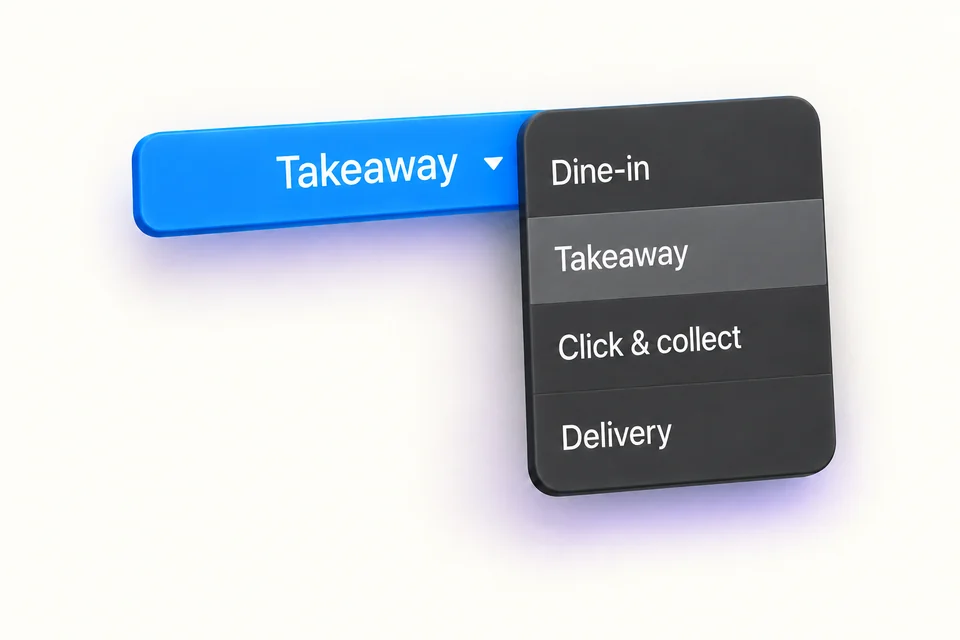
Each mode has its configured prices and VAT.
THE RIGHT TOOLS FOR YOUR DAILY WORK.
A compact all-in-one POS with a built-in receipt printer and an 11.6-inch customer display. More counter space, simpler daily tasks.
A customisable interface to find your products and work with a till tailored to your business.
Payment terminal, scales, scanner, cash recycler and cash drawer: build your setup with compatible peripherals.
WORKING TOGETHER
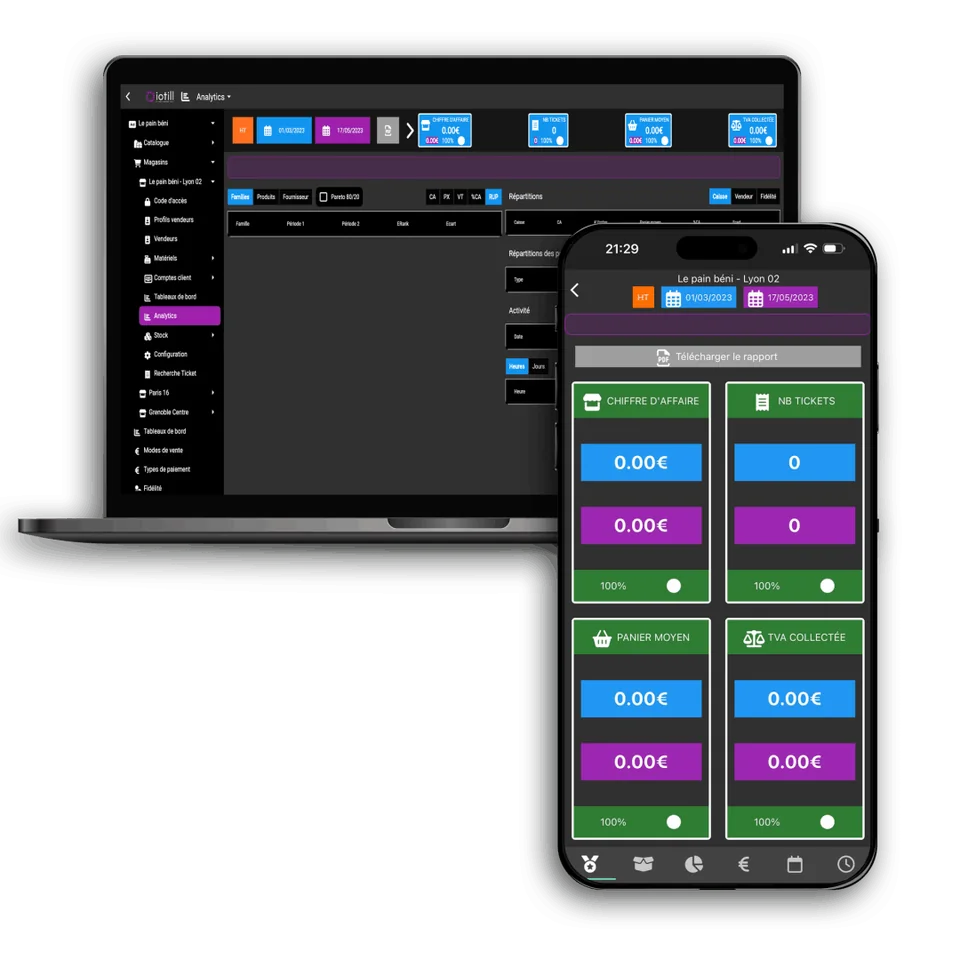
Access sales and stock remotely with iotill Cloud. From an independent shop to a network of locations, keep an overview of your business in one environment.
Explore iotill CloudPackaged goods, weighed sales or several tills: explore configurations for each use.
Explore uses and equipment suited to your activity.
See all business typesBETTER TOGETHER
LET’S PLAN THE NEXT STEP TOGETHER.
Tell us what you need and discover the equipment and features that suit your business in a demonstration.