Order at the counter or kiosk
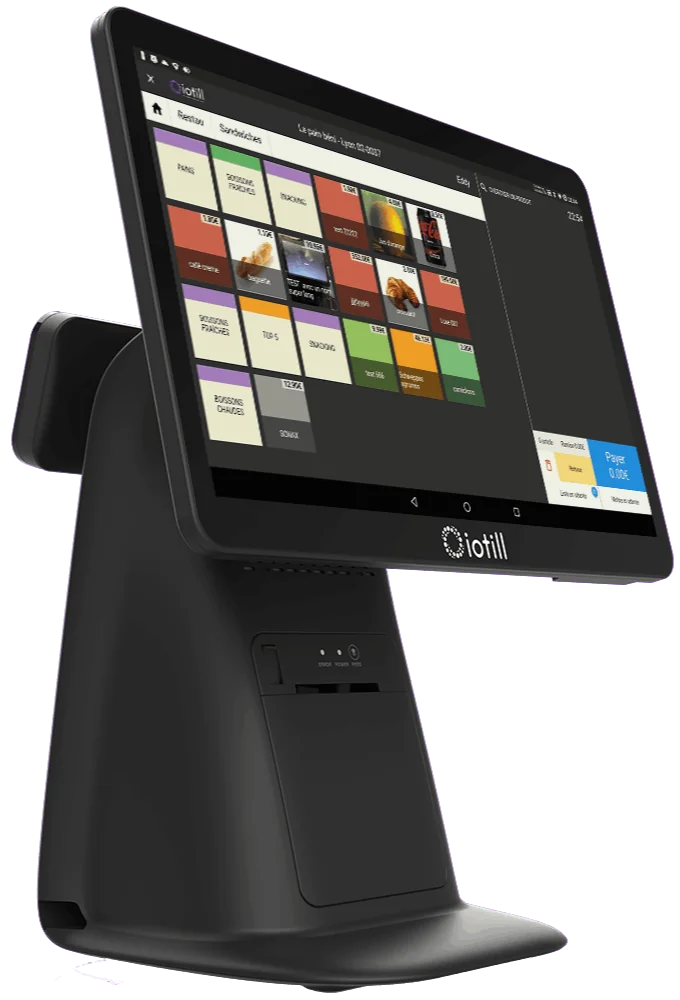
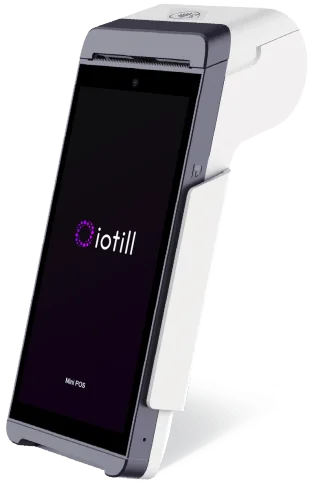
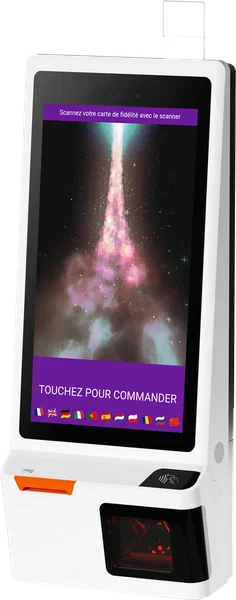
Customers choose their experience: staff-assisted ordering at the till or self-service at an ordering kiosk.

IOTILL / SOLUTION 05
With iotill KDS, bring together orders from the POS, kiosks, mobile devices and online ordering on a kitchen display. Your team sees the orders to prepare and tracks their progress.
Explore everyday features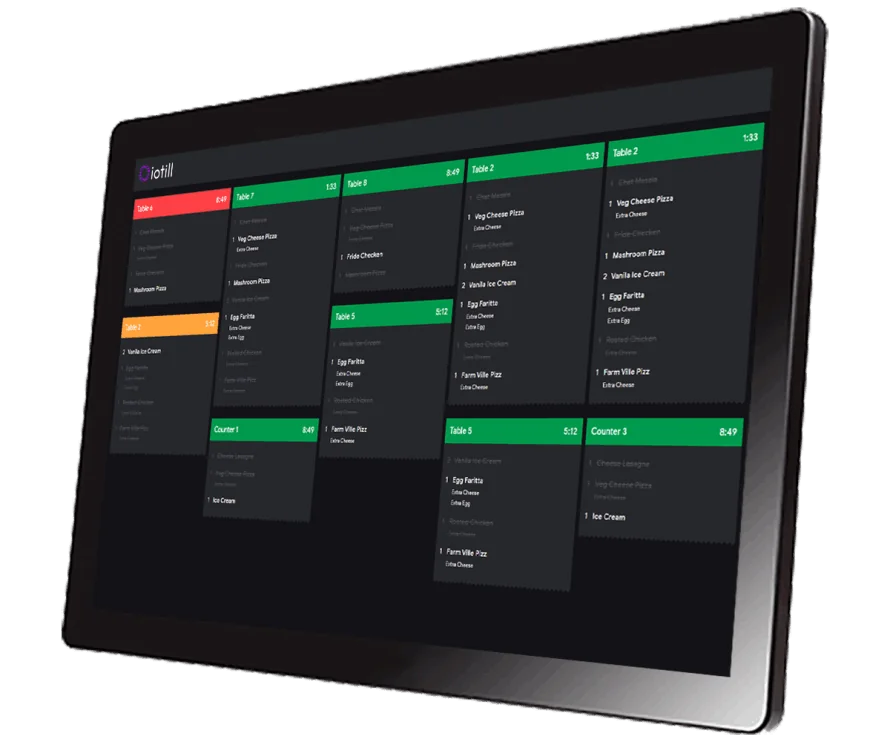 Kitchen display / iotill
THE FAST-FOOD RESTAURANT AT A GLANCE
Orders placed at the counter or at a kiosk reach the kitchen display system. Tills, kiosks and compatible cash recyclers fit into a workflow designed for both customers and staff.
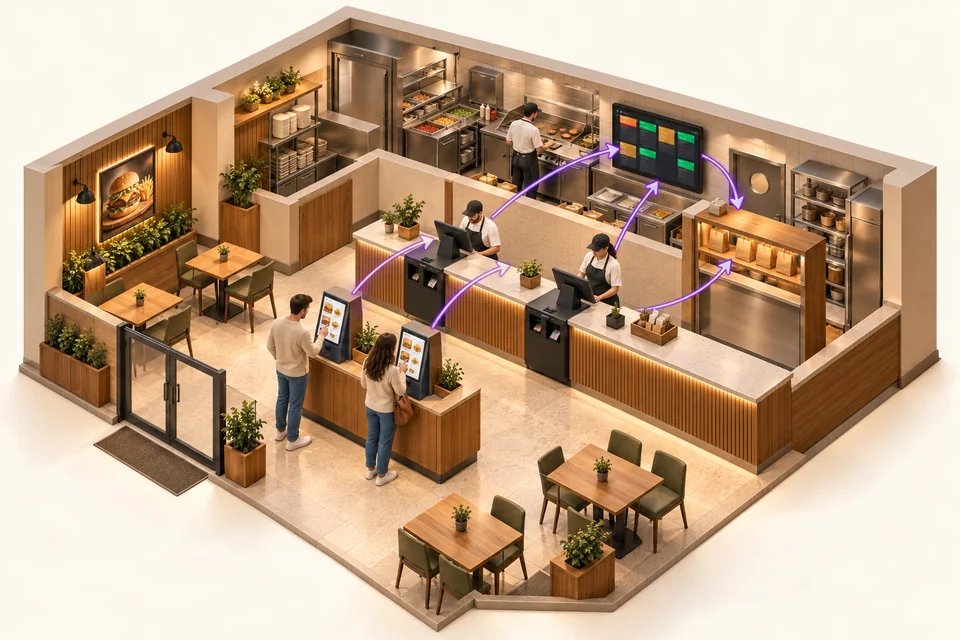
Customers choose their experience: staff-assisted ordering at the till or self-service at an ordering kiosk.
Orders are brought together on kitchen displays to support the preparation team.
A compatible cash recycler controlled by iotill Cash accepts coins and banknotes and returns change. Its installation is planned with your reseller.
THE RIGHT TOOLS FOR YOUR DAILY WORK.
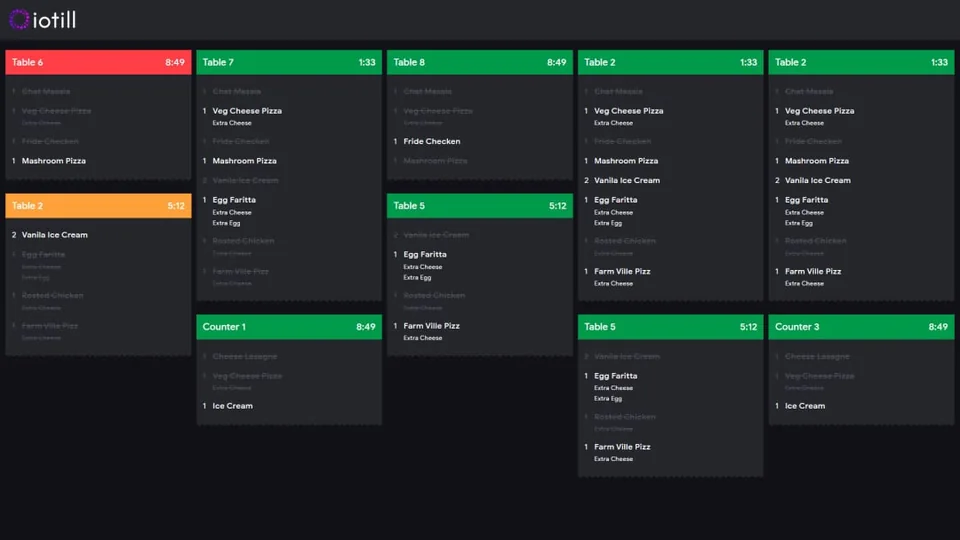
Orders from the till, kiosks, mobile POS and online ordering appear on the same screen for your team.
Track current orders from order-taking through preparation.
Changes, special requests and notes accompany orders to help teams communicate.
WORKING TOGETHER
Your team sees the information needed for preparation in a dedicated interface. Connected to the tills and kiosks, KDS helps coordinate teams during busy periods.
Explore self-service kiosksPRINTED SLIPS TO ACCOMPANY YOUR ORDERS
When preparation is complete, print an order slip or individual product labels from iotill KDS. Order numbers, items and options give your team the details they need to assemble trays and check bags before serving.
Print in 57 mm and 80 mm widths.
See iotill KDS in a demo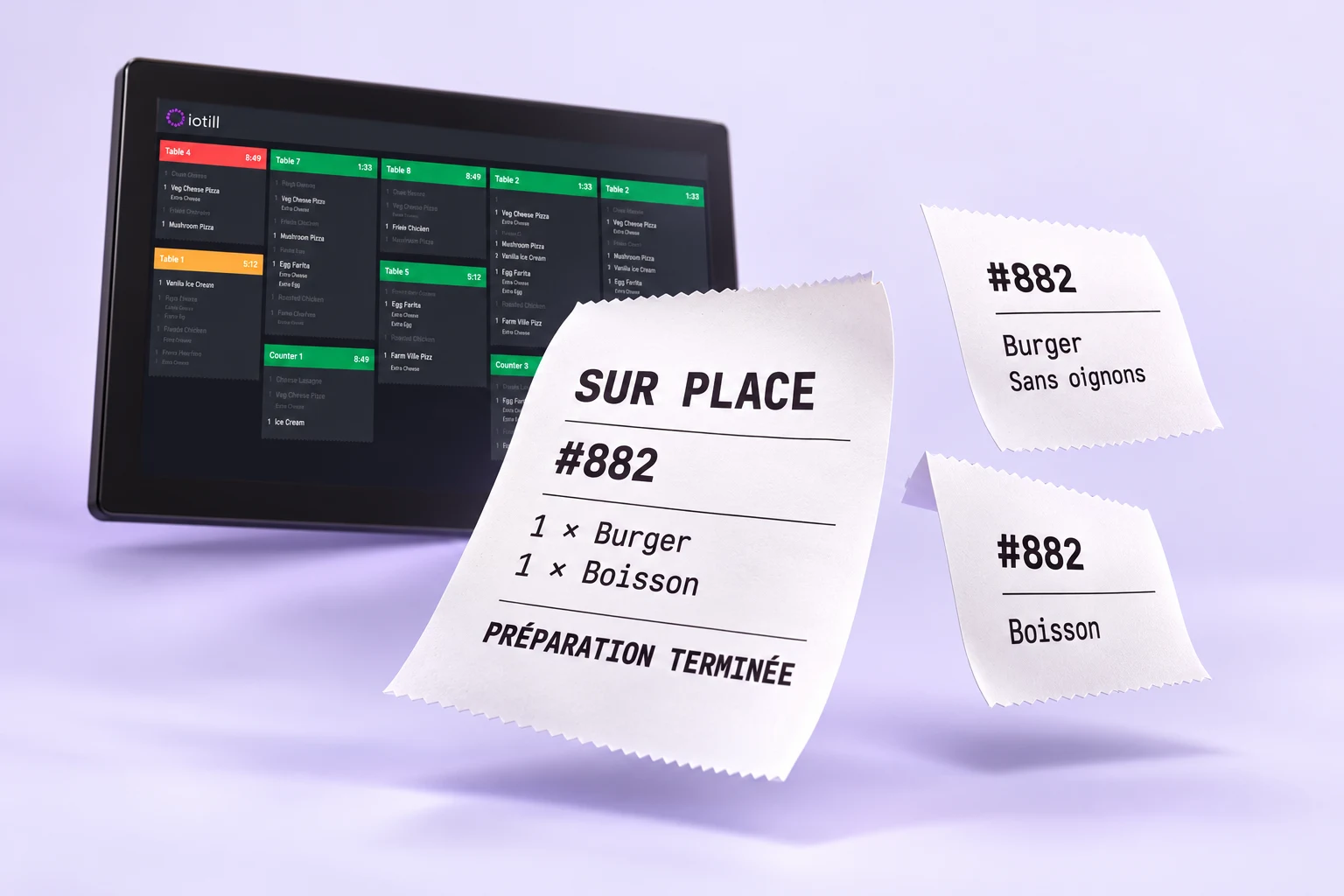
Explore uses and equipment suited to your activity.
See all business typesBETTER TOGETHER
LET’S PLAN THE NEXT STEP TOGETHER.
Tell us what you need and discover the equipment and features that suit your business in a demonstration.