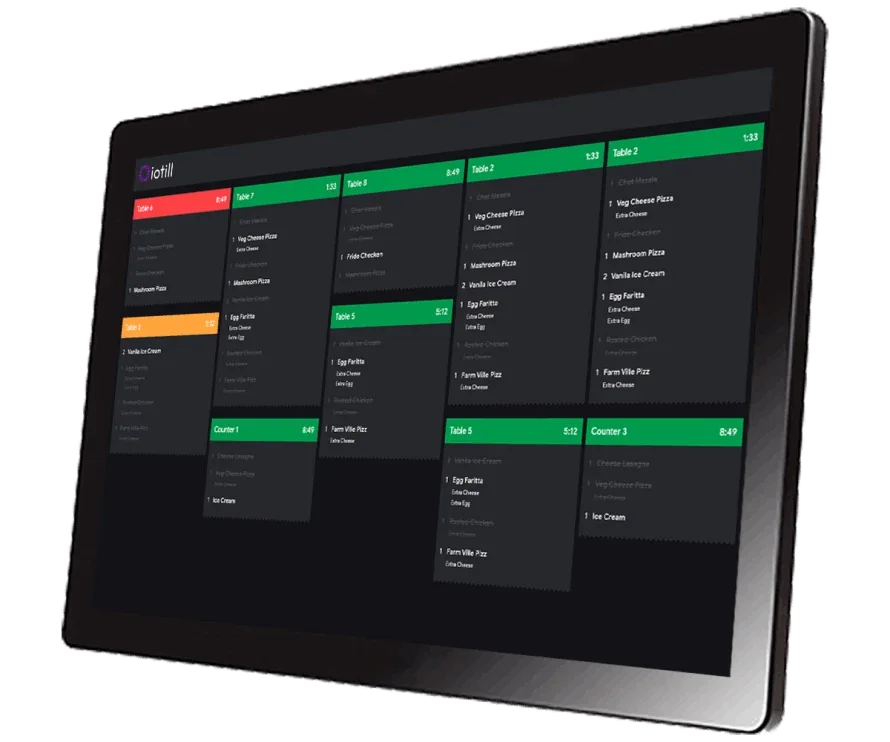
Organise preparation across brands
iotill KDS
The kitchen display that receives order details and supports the team’s work.

IOTILL / Dark kitchen
iotill helps organise a dark kitchen’s POS, brand menus and preparation. Orders from compatible channels reach the configured stations, with centralised tracking in iotill Cloud.
Request a demo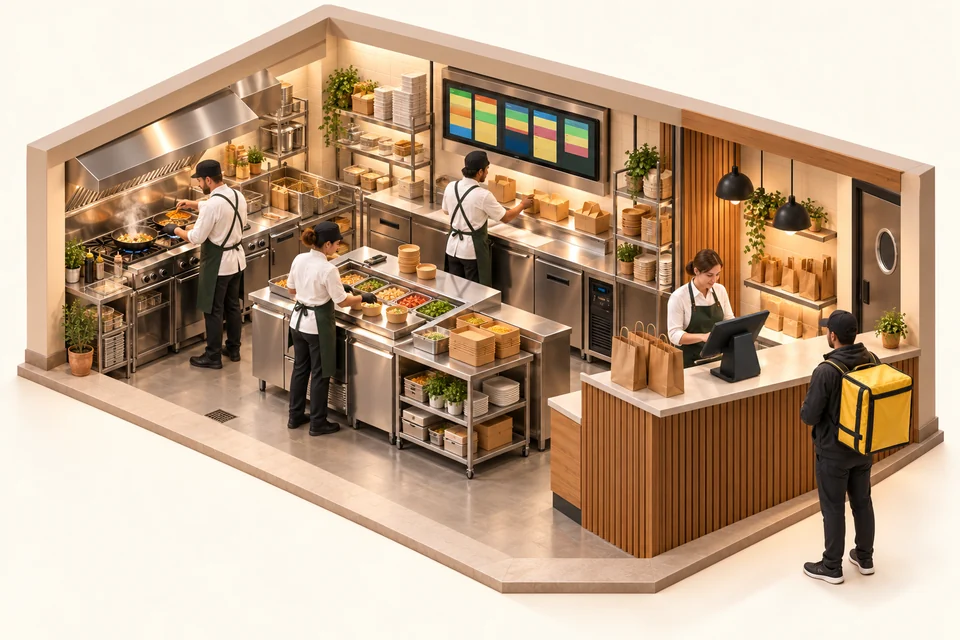
Orders from compatible channels enter your preparation workflow. With iotill KDS, the team sees the orders to process; the POS and iotill Cloud complete your activity tracking.
Organise preparation with KDS ↗HARDWARE FOR YOUR BUSINESS
Combine equipment or choose it to suit your space and service. Each product serves a purpose; your reseller prepares the configuration with you.
Organise preparation across brands
The kitchen display that receives order details and supports the team’s work.
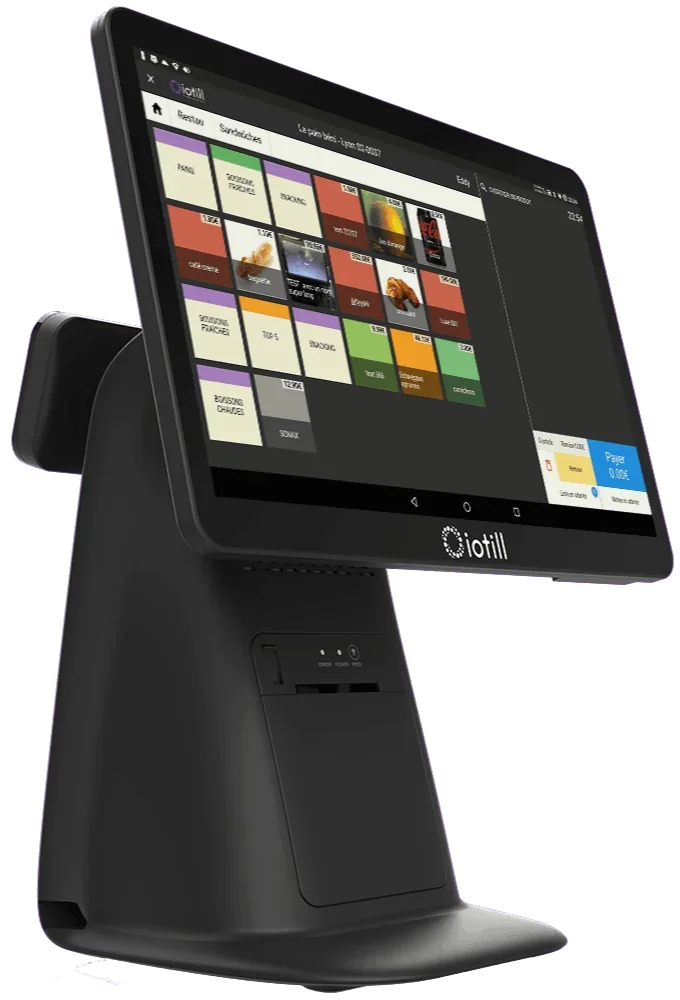
Manage menus and sales
All-in-one POS with a touchscreen catalogue, built-in receipt printer and 11.6-inch customer display.
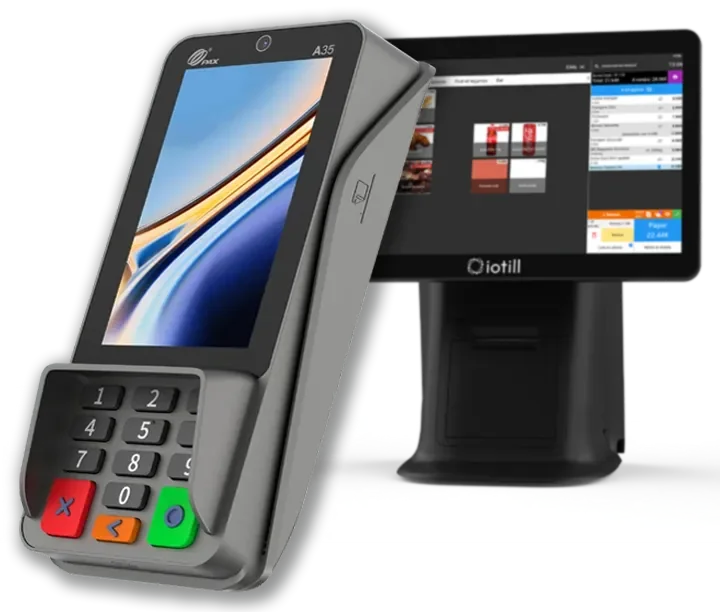
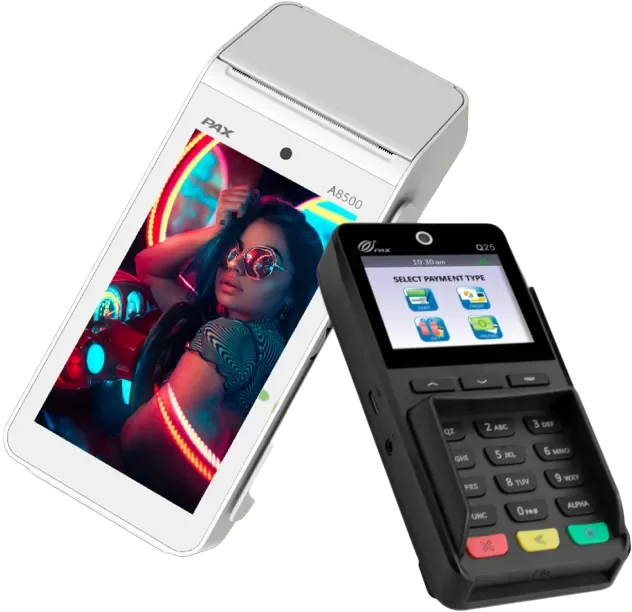

Provide counter payments for collections
With integrated iotill Pay, the till sends the amount and payments are automatically reconciled. Digital receipts, remote server processing and regular updates support payments.
Understand integrated payments ↗Unsure which equipment to choose?
Get advice on my equipmentCatalogue, prices and sales tracking for your workstations and locations.
ExploreAnalyse sales by product, category, period and hour.
ExploreTrack orders and preparation, including actual-weight preparation in supported configurations.
ExploreClick and collect and compatible channels, with connections checked by your reseller.
ExploreYour kitchen receives orders for different concepts and sales journeys. Product details, order source and progress must remain accessible to the team.
IN YOUR BUSINESS
iotill organises catalogues and prices for several concepts in one environment. Each brand keeps its menu within your kitchen configuration.
Orders from compatible online services can enter the preparation workflow. Your reseller checks the connectors required for your platforms before rollout.
iotill KDS displays orders and their details. Workstations are configured to track kitchen work during busy periods.
The iotill ODS module supports order tracking; iotill Cloud provides access to each concept’s activity. Keep an overview of preparation and sales.
Receive the order from the connected channel
Identify the brand and products
Prepare using the KDS
Confirm progress and organise dispatch
Your reseller prepares the configuration and connections for your chosen equipment with you.
THE COMPLETE WORKSTATION
An example to adapt to your space, products and existing equipment.
| Your requirements | Suggested setup |
|---|---|
| Catalogues and sales | iotill POS and iotill Cloud |
| Kitchen | KDS display |
| Order tracking | ODS module |
| Online channels | Compatible connectors checked during project planning |
Your reseller’s quote defines the licence, modules and equipment according to your business’s needs.
LET’S PLAN THE NEXT STEP TOGETHER.
Tell us about your business and needs: the demonstration will show you how to use iotill in your store.