iotill
Log in
EN
English Français
Demo?
Menu

IOTILL / SOLUTION 02

iotill Pocket.
Your mobile POS.

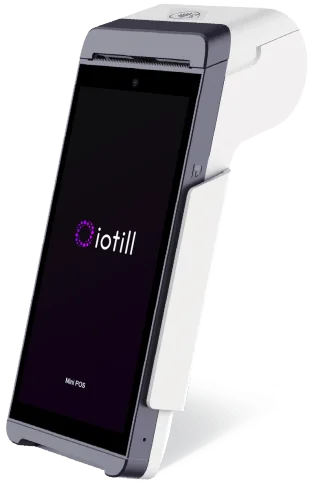
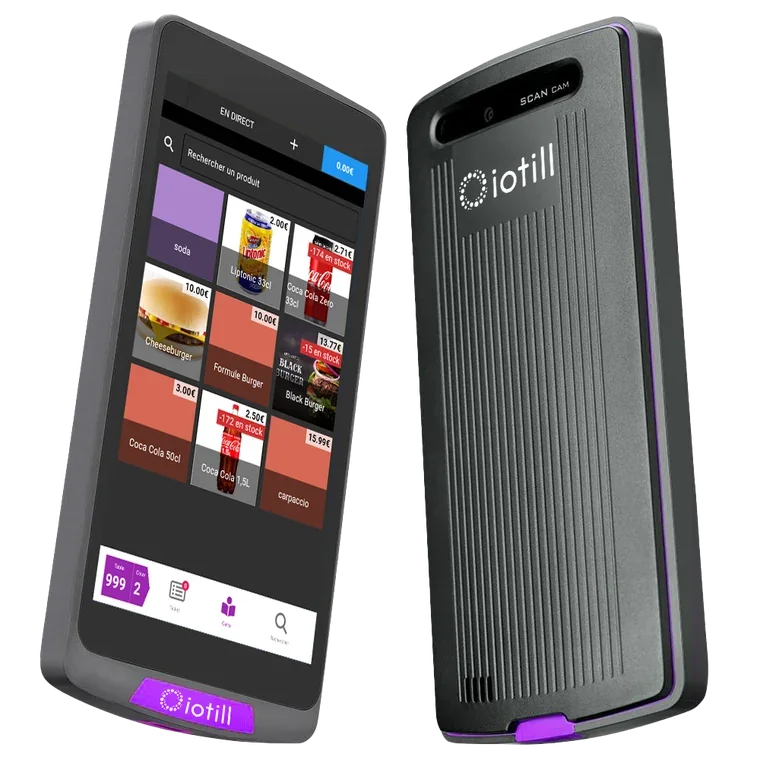
iotill Pocket, our mobile POS application, combines business functions and payments on a compatible terminal. At tables, in your shop or at a market, meet customers where they are.

In your working day
Compact iotill mobile POS with payments and printerMobile POS / iotill

Factur-X: invoice format. E-invoicing and e-reporting: document and data preparation; the transmission process is defined with your reseller. NF525: certification of the iotill v2 POS software.

AFTER THE PURCHASE

The receipt also opens up services on a smartphone.

By scanning the QR code on an iotill receipt, customers can create an invoice, customer account or loyalty card. They choose the services they need.

IOTILL WALLET / APPLE WALLET & GOOGLE WALLET

Loyalty, always with your customers.

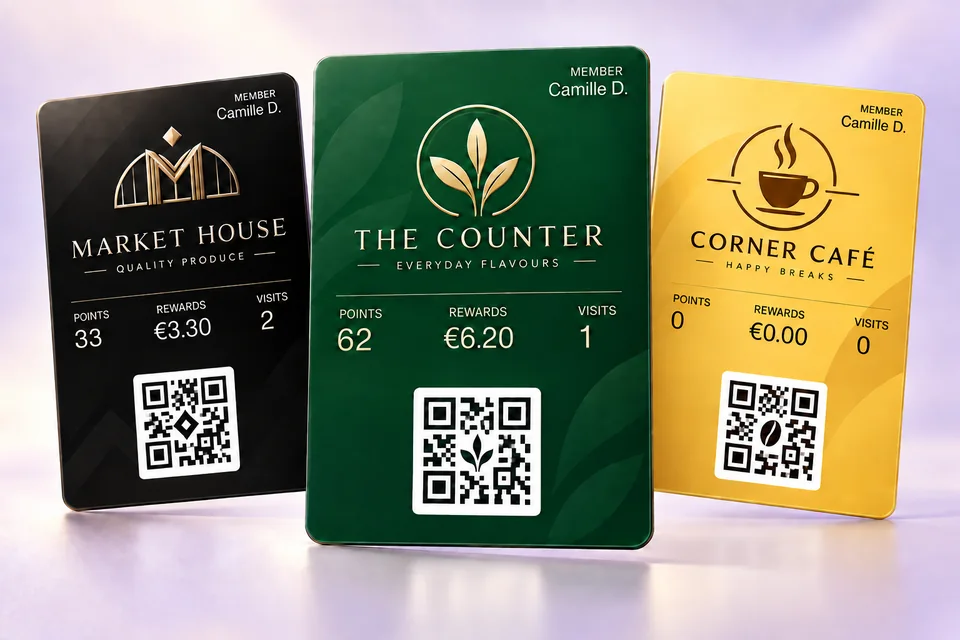
A digital loyalty card, a QR code to present and a programme centralised in iotill Cloud. Loyalty connects your POS, Cloud Scale, kiosks and iotill Pocket.

Discover iotill Wallet ↗
iotill Wallet loyalty cards: points, reward balance, visits and QR code

One mobile till. Three ways to simplify service.

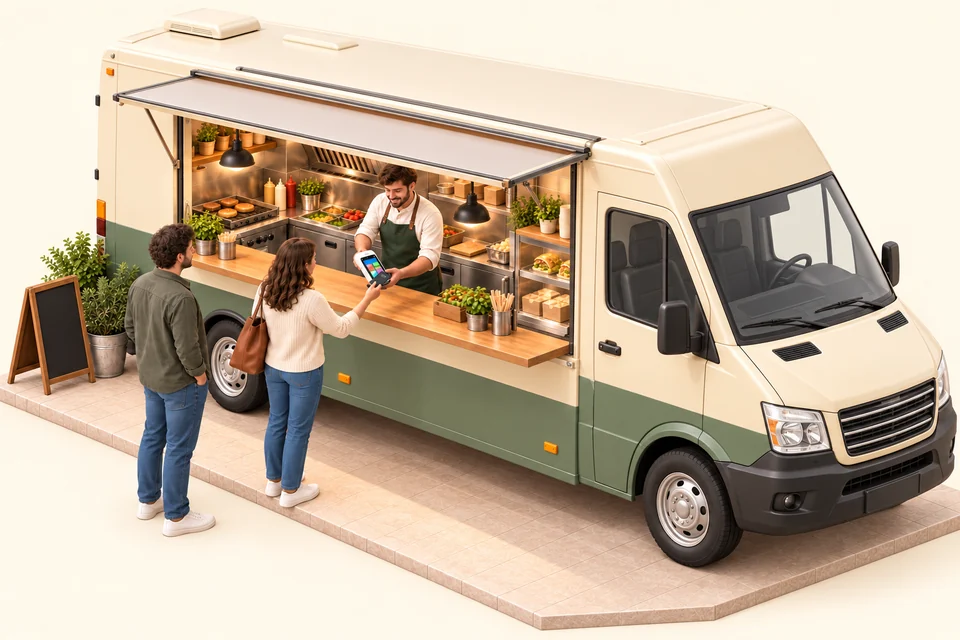
Food truck using iotill Pocket for POS and payment over 4G

At the food truck, your till and payment terminal in one hand.

Take orders and payments on the same iotill Pocket terminal. 4G connectivity supports mobile working, subject to network coverage and a suitable plan. A compact till for counters where every centimetre counts.

Explore this use case ↗
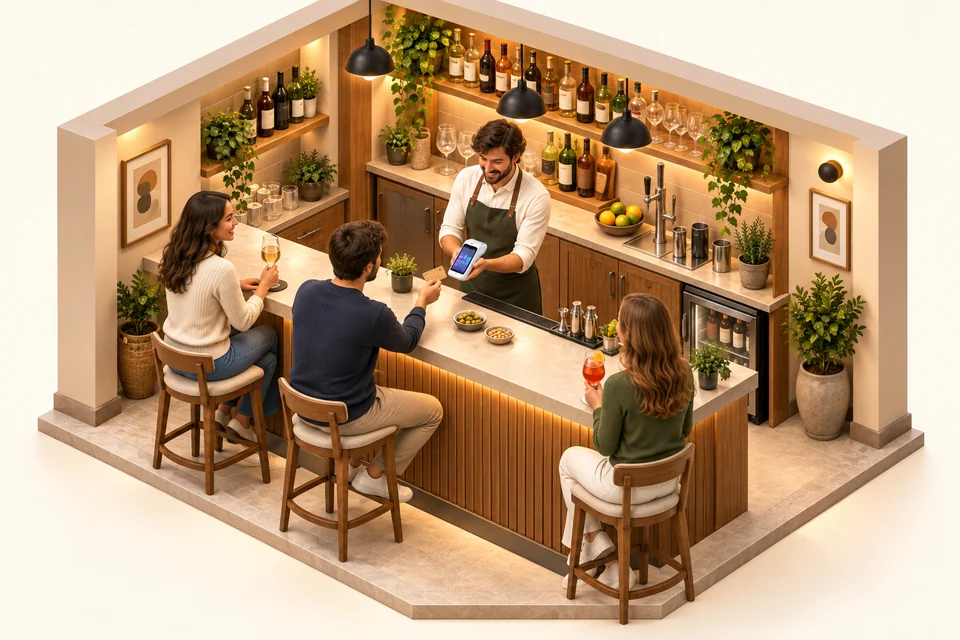
Bar using iotill Pocket as its only till with integrated payment

A short menu? Pocket can be your only till.

For a bar or a shop with a small catalogue, iotill Pocket can serve as the main till. Select products, take orders and accept payment on the same device, without an additional fixed till.

Explore this use case ↗
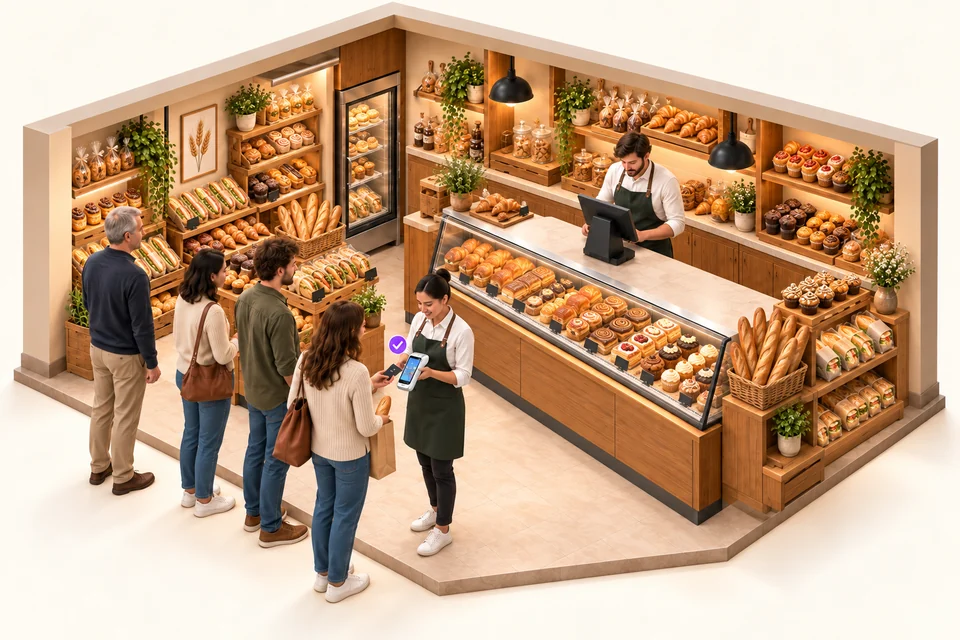
Bakery with a fixed till and an iotill Pocket team member taking payment for items sold by the piece in the queue, without weighing

During the rush, serve customers in the queue.

Alongside fixed tills, a team member with Pocket takes orders and payments for items sold by the piece directly in the queue. Pocket does not weigh products: sales requiring weighing remain on workstations equipped with a scale.

See queue busting in a bakery ↗

IOTILL POCKET / COMPACT POS AND PAYMENTS

Your terminal becomes a till too.

iotill Pocket is compatible with all PAX terminals, fixed and mobile. Choose the format that suits your use: at the counter, at the table or on the move, with POS features and payment on the same terminal.

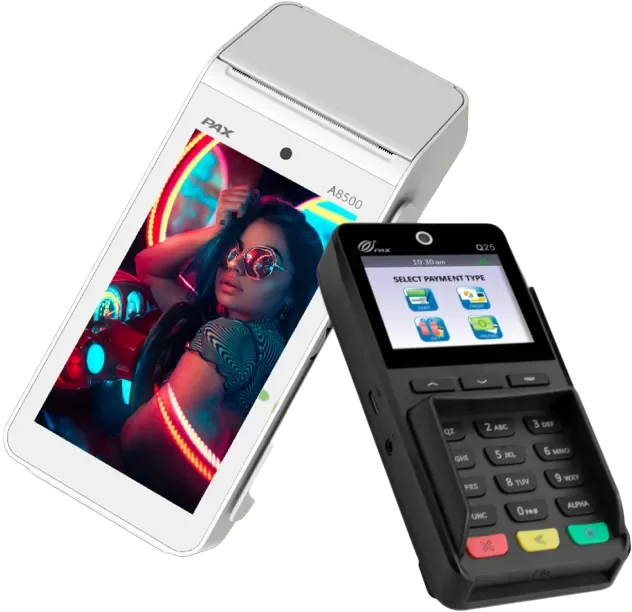
PAX A8500 terminal with Q25 customer pinpad

PAX A8500 with iotill Pocket

The iotill Pocket mobile POS application on PAX A8500, bringing business functions and payments together.

Request a quote
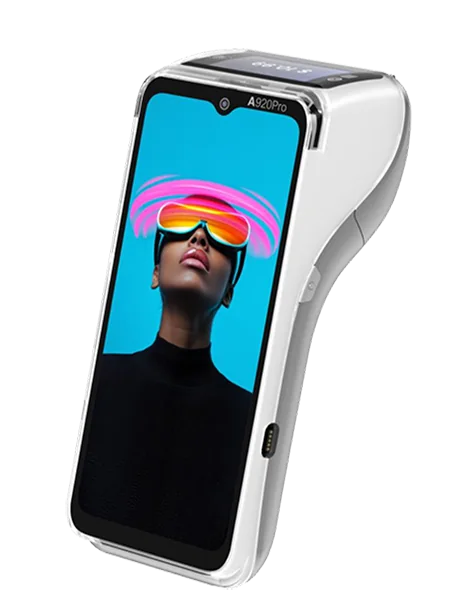
PAX A920 Pro Iconic mobile payment terminal

PAX A920 Pro Iconic with iotill Pocket

A compact mobile till with iotill Pocket business functions and payments.

Request a quote
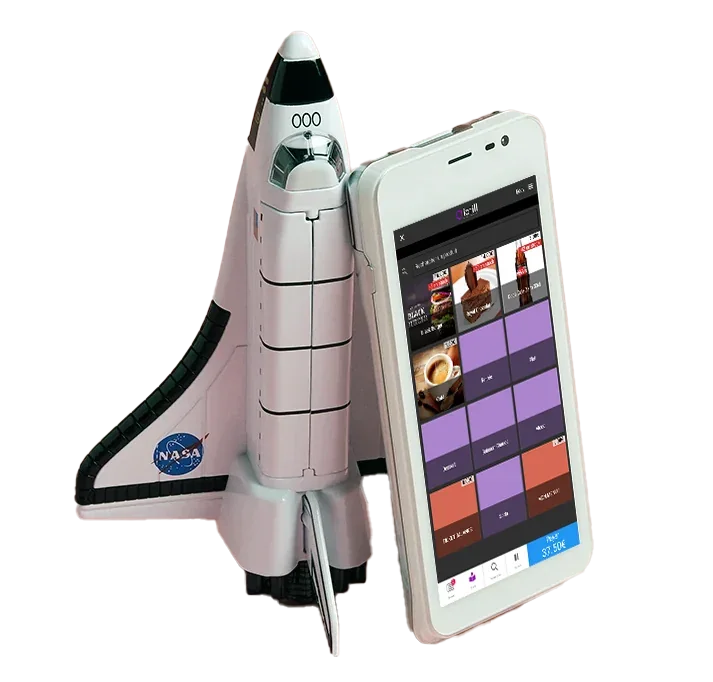
PAX A77 terminal with the iotill Pocket mobile POS application

PAX A77 with iotill Pocket

A compact mobile till with iotill Pocket business functions and payments.

Request a quote

IOTILL POCKET / YOUR MAIN TILL

A compact format.
A fully functional till.

In a food truck, bar or restaurant with a small menu, one device running iotill Pocket can be enough as your main till. Take orders, accept payments and manage loyalty in the application.

POS at the serving hatch, bar or table

iotill Pocket combines business functions and payments on your compatible terminal. A compact workstation for sales in your food truck, bar or restaurant with a short menu.

Orders sent to preparation

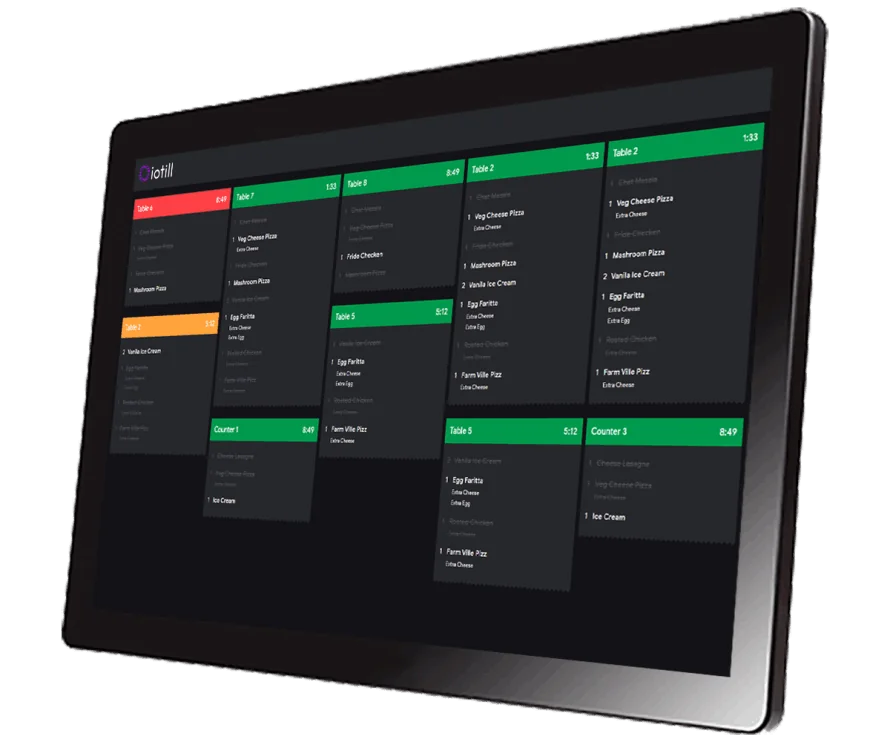
Connect a kitchen printer or iotill KDS screen to send orders to the team preparing them. Your reseller configures the equipment with you.

Explore the KDS kitchen display ↗

Loyalty with iotill Wallet

iotill Pocket also supports iotill Wallet loyalty. Customers can use their loyalty programme when purchasing through your mobile POS.

Discover iotill Wallet ↗

IOTILL POCKET / QUEUE BUSTING

An extra till
when the queue grows.

Have one or two tills at the counter? During a rush, a team member with iotill Pocket can approach customers in the queue to take orders and accept payments on a compatible terminal.

The mobile POS application supports your fixed tills during peak periods. It is commonly used in fast-food outlets, snack bars and bakeries to serve customers before they reach the counter.

Sales by item, with no weighing on Pocket. Items that need weighing remain on stations equipped with a scale.

Request a quote

AN EXAMPLE DURING THE RUSH

2fixed tills
at the counter
1iotill Pocket device
in the queue

A third workstation for taking orders and payments closer to customers.

THE RIGHT TOOLS FOR YOUR DAILY WORK.

01

Take orders at the table

Take orders close to customers while keeping everything connected to your checkout workflow.

02

Take payment on the spot

The integrated payment terminal supports the sale without sending customers back to the counter.

03

Stay connected

4G connectivity supports mobile working and synchronisation of sales with your management tools.

PAX A77 with the iotill Pocket mobile POS application

WORKING TOGETHER

A format for every service.

With a printer for paper receipts, or in a compact printer-free format for tableside orders: choose your terminal around your needs. Your reseller guides you through the available configurations.

Compare terminals for iotill Pocket

Solutions for your business.

Explore uses and equipment suited to your activity.

See all business types

ELECTRONIC INVOICING / THE GUIDES

Understand what changes for your sales and invoices.

iotill Pocket supports mobile sales and payments, without weighing. For business accounts and sales documents, explore iotill sales management.

Understand electronic invoicing ↗

LET’S PLAN THE NEXT STEP TOGETHER.

Let’s talk.

Your business. Your equipment. A practical demonstration.

Request a demo

USEFUL ANSWERS

Before you
get started.

Plan my equipment ↗
Does the iotill POS prepare electronic invoicing?
The POS, iotill Cloud Scale, Pocket and kiosks share the iotill software base. Business management, also accessible in iotill Cloud, prepares Factur-X invoices and the documents and data for e-invoicing and e-reporting. Your reseller specifies the transmission setup for your business.
What can customers do with the QR code on an iotill receipt?
On their smartphone, customers scan the QR code on a receipt issued by an iotill checkout, ordering kiosk or scale. They can create their compliant invoice, customer account and/or loyalty card. These services are independent: customers choose the ones they need.
Can iotill Pocket be the main till?
Yes. In a food truck, bar or restaurant with a short menu, a terminal running iotill Pocket can be enough as the main workstation. It can connect to a kitchen printer or iotill KDS display.
Does iotill Pocket support loyalty?
Yes. iotill Pocket also manages iotill Wallet loyalty, giving access to customers’ loyalty programme on the mobile till.
How can I use iotill Pocket for queue busting?
Alongside one or two fixed tills, a team member uses iotill Pocket to take orders and payments in the queue during rushes. This is particularly useful in fast-food outlets, snack bars and bakeries.
What is iotill Pocket?
iotill Pocket is iotill’s mobile POS application. It runs on compatible terminals including PAX A920 Pro Iconic, PAX A8500 and PAX A77. Your reseller prepares hardware and configuration suited to your activity.
Can mobile POS take both orders and payments?
Yes. iotill mobile POS combines order-taking and integrated payments. 4G connectivity supports use on the move.
Is mobile POS available with a printer?
Configurations with printers and compact printer-free formats are available. The choice depends on whether you need paper receipts and how service is organised.