Process shop sales
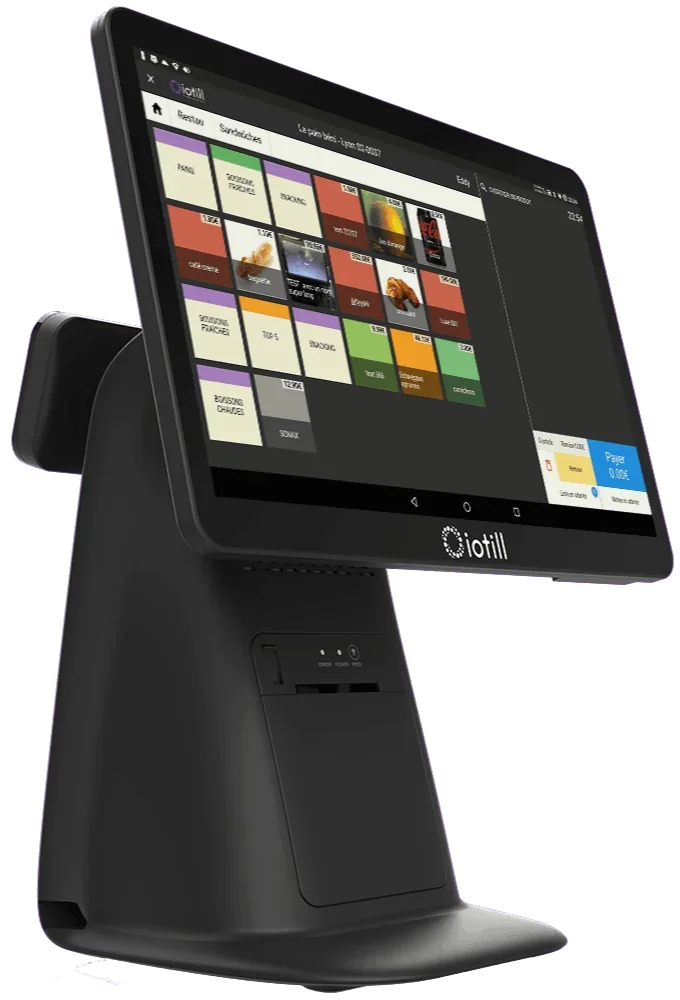
iotill all-in-one POS
All-in-one POS with a touchscreen catalogue, built-in receipt printer and 11.6-inch customer display.

IOTILL / Catering & events
For shop sales and event orders, iotill combines POS, weighing and preparation tracking. With ODS, requested products and prepared quantities stay with each order.
Request a demo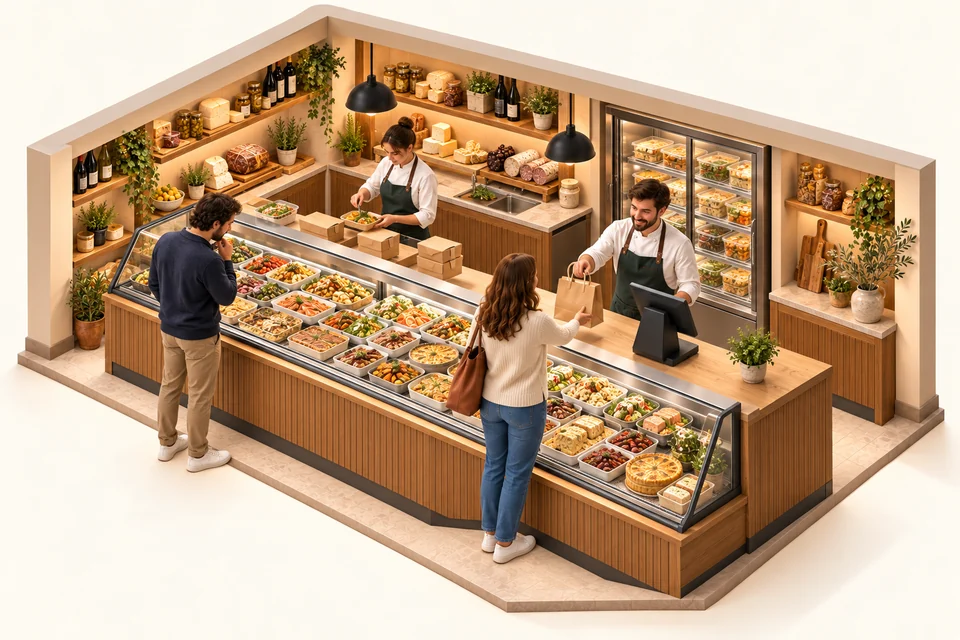
At the counter, the POS handles sales and order collection. For pre-orders, iotill ODS brings together requests and quantities; add a weighing station when the amount depends on the weight actually served.
Explore the all-in-one POS ↗HARDWARE FOR YOUR BUSINESS
Combine equipment or choose it to suit your space and service. Each product serves a purpose; your reseller prepares the configuration with you.
Process shop sales
All-in-one POS with a touchscreen catalogue, built-in receipt printer and 11.6-inch customer display.
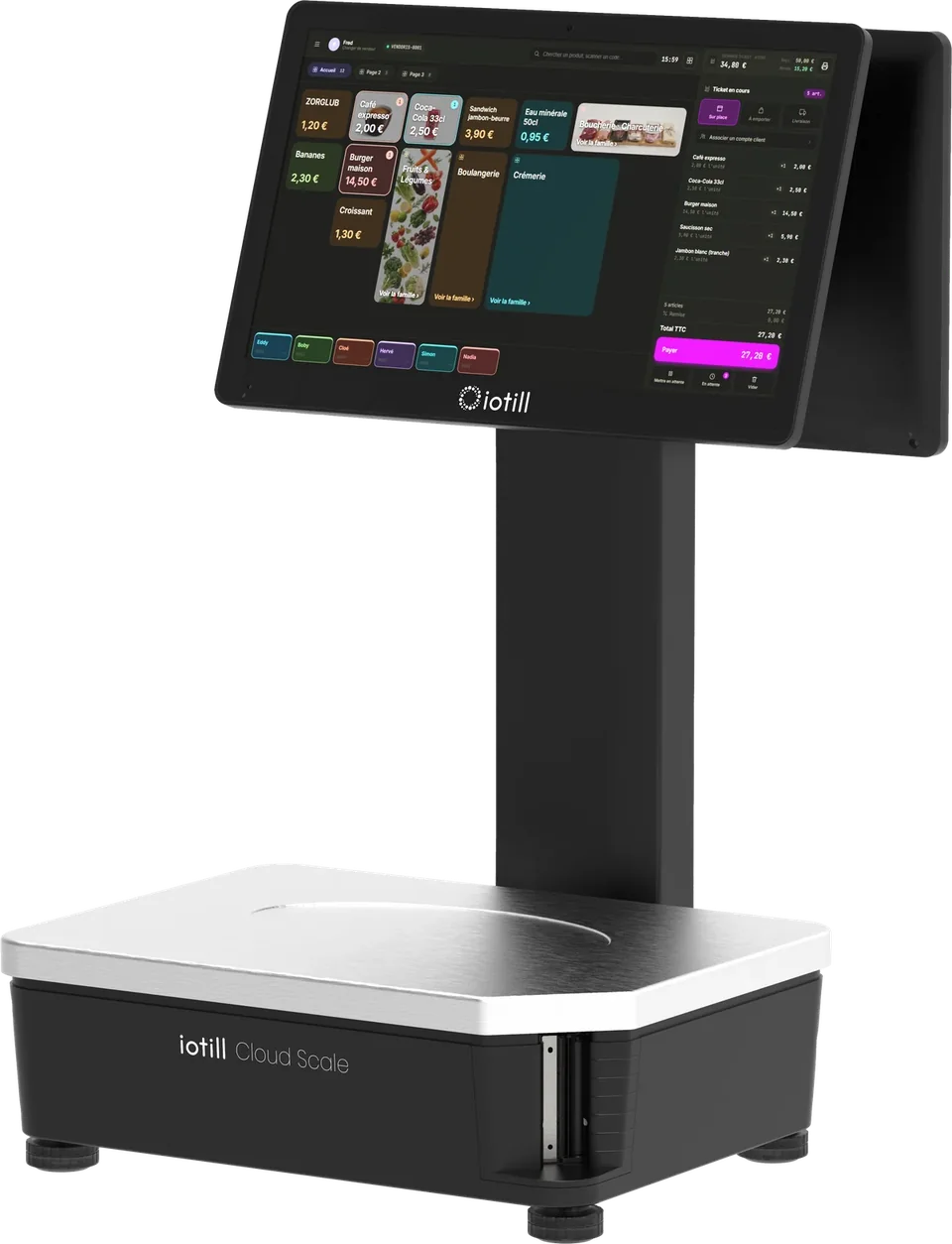
Prepare and bill by actual weight
Scales with built-in POS and weighed-order preparation. Wi-Fi connectivity, with optional 4G.
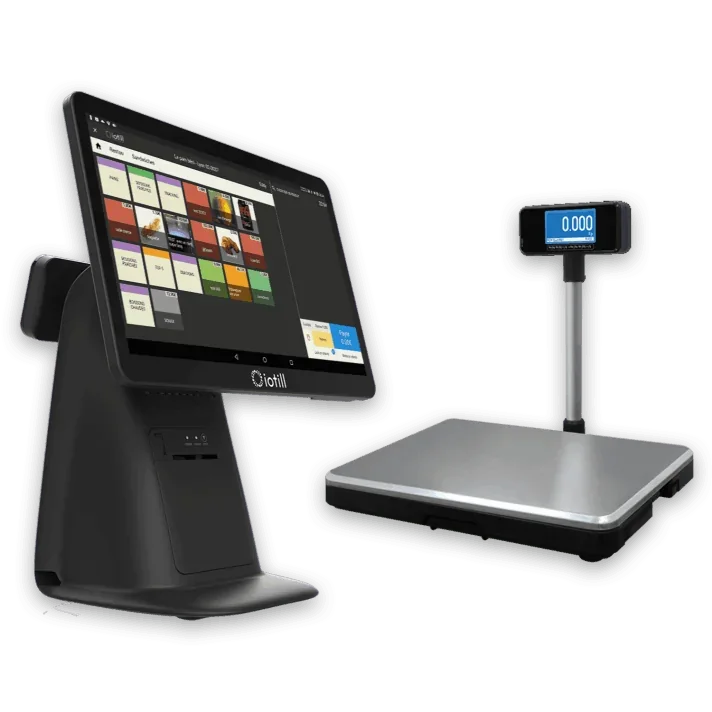
Weigh with a separate POS workstation
All-in-One POS and a separate checkout platform: the weighed amount goes to the receipt.
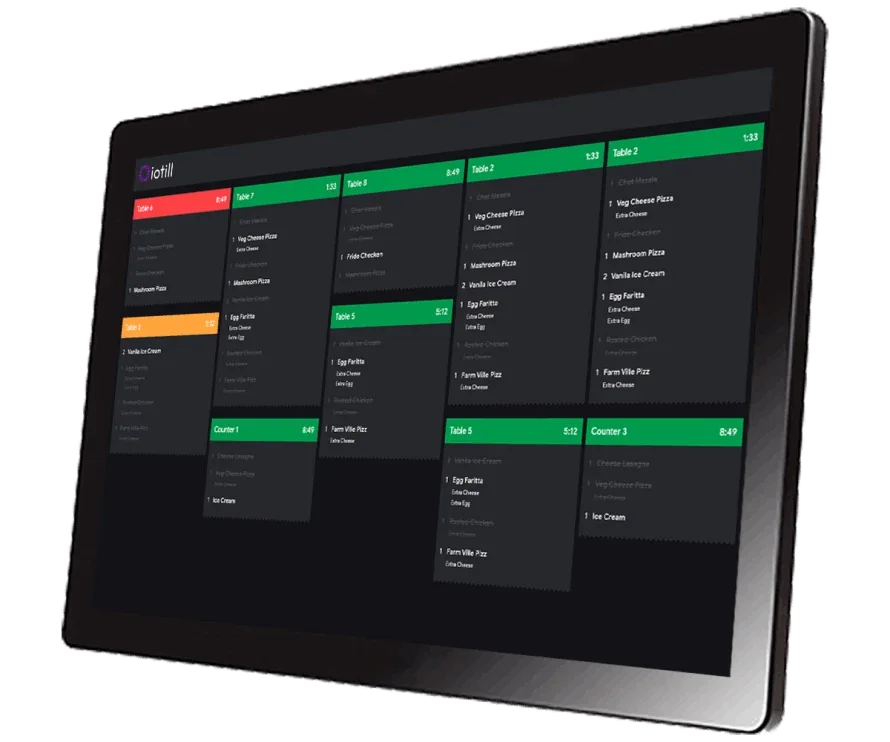
Display preparation tasks in the kitchen
The kitchen display that receives order details and supports the team’s work.
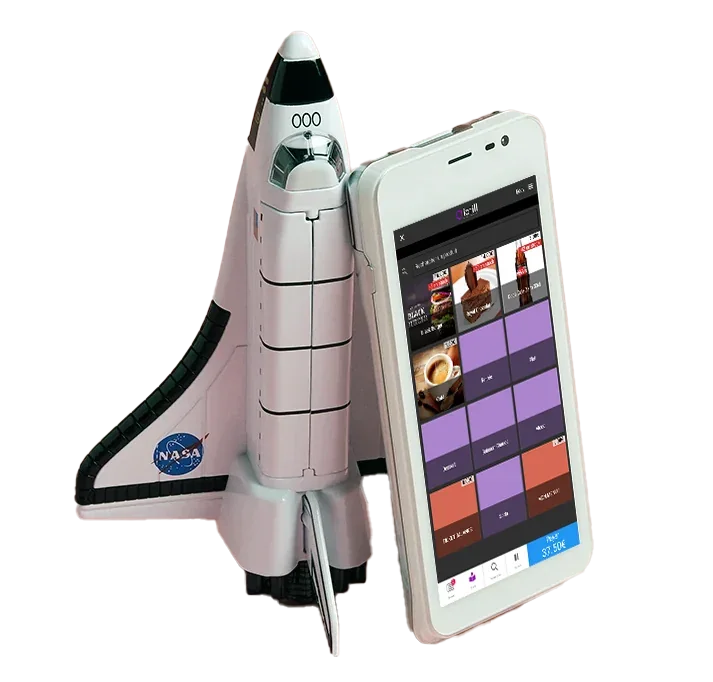
Take payment during catering events
iotill Pocket is compatible with all fixed and mobile PAX terminals. Choose the format that suits your use: at the counter, on the floor or on the move, with POS and payment on the same terminal. Sales by item, with no weighing on Pocket.
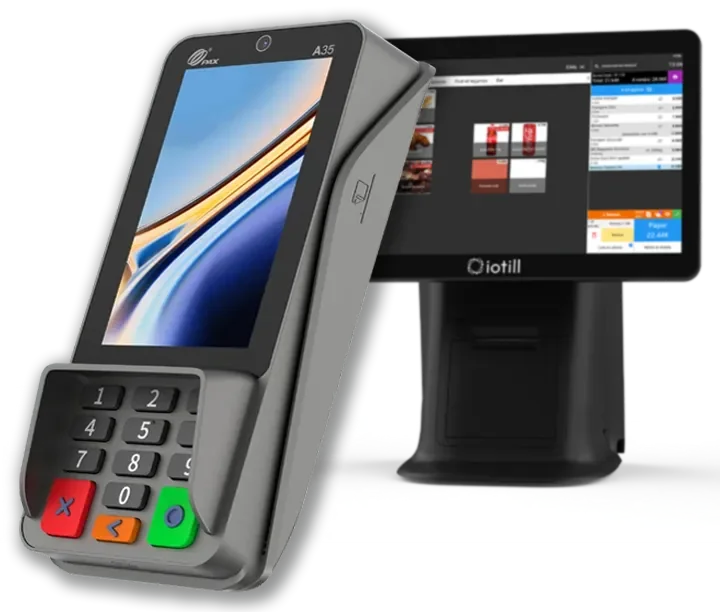
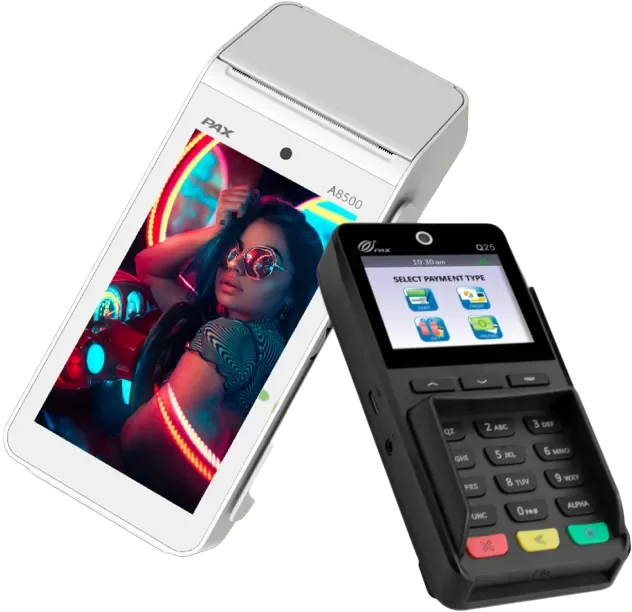

Take payment for orders
With integrated iotill Pay, the till sends the amount and payments are automatically reconciled. Digital receipts, remote server processing and regular updates support payments.
Understand integrated payments ↗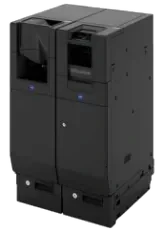
Handle cash in the shop
The iotill Cash module controls a compatible recycler to accept cash and give change. Hardware and modules are specified in the quote.
Unsure which equipment to choose?
Get advice on my equipmentCatalogue, prices and sales tracking for your workstations and locations.
ExploreAnalyse sales by product, category, period and hour.
ExploreTrack orders and preparation, including actual-weight preparation in supported configurations.
ExploreClick and collect and compatible channels, with connections checked by your reseller.
ExploreApple Wallet and Google Wallet loyalty card, customer QR code and referrals, with a programme centralised in iotill Cloud.
ExploreDAY-TO-DAY STOCK MANAGEMENT
In a food business equipped with the iotill POS, record losses with quantities and reasons. For stock intake, scan or select products, enter quantities and validate.
Platters, receptions and group meals: orders arrive for different dates and quantities. Your team needs to retrieve requests, organise preparation and bill products at the weight actually served.
IN YOUR BUSINESS
The iotill ODS module records orders with customer details, products and requested quantities. Orders can come from the till or a compatible online service.
An iotill KDS screen displays items and orders to prepare. The team sees the details needed for their work in an installation configured with your reseller.
Cloud Scale or scales connected to the till weigh prepared products. With ODS, the final price reflects the weight actually supplied.
iotill Cloud centralises sales and prices across workstations. Access activity and compare product categories using the reporting tools in your subscription.
Record the request and desired quantities
Prepare the items and platters
Weigh the relevant products
Finalise the amount and hand over the order
Your reseller prepares the configuration and connections for your chosen equipment with you.
THE COMPLETE WORKSTATION
An example to adapt to your space, products and existing equipment.
| Your requirements | Suggested setup |
|---|---|
| Shop sales | iotill all-in-one POS |
| Prepared orders | iotill ODS module |
| Weighing | Cloud Scale or POS with checkout scales |
| Kitchen work | KDS screen according to the project |
Your reseller’s quote defines the licence, modules and equipment according to your business’s needs.
LET’S PLAN THE NEXT STEP TOGETHER.
Tell us about your business and needs: the demonstration will show you how to use iotill in your store.