Find their card
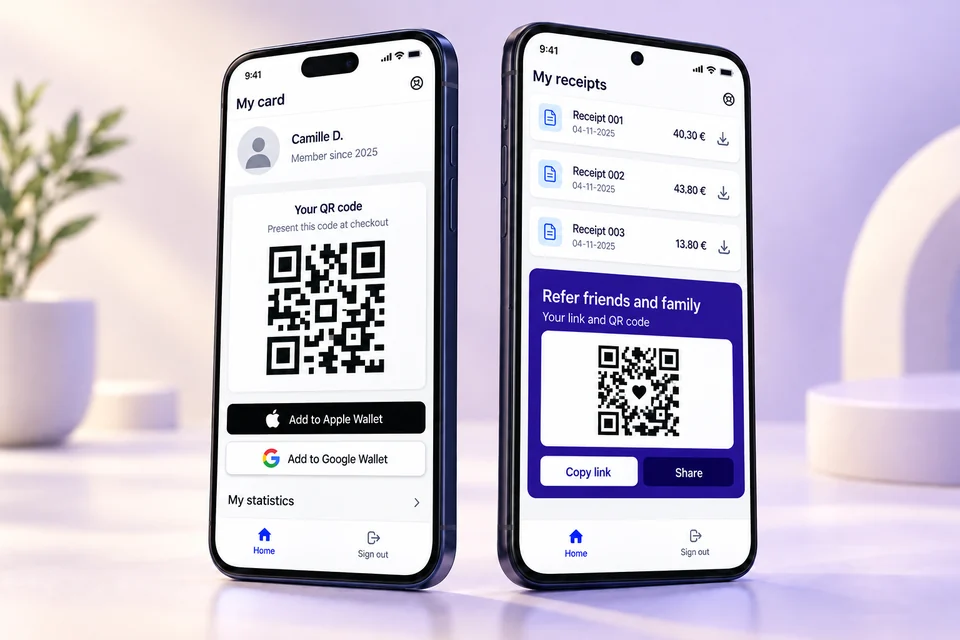
Customers find their card and QR code in their personal portal.

IOTILL WALLET
With iotill Wallet, customers keep their loyalty card in Apple Wallet or Google Wallet. They show its QR code when making a purchase and see their rewards, according to the programme you have configured.
Request an iotill Wallet demo ↗See the customer journey ↓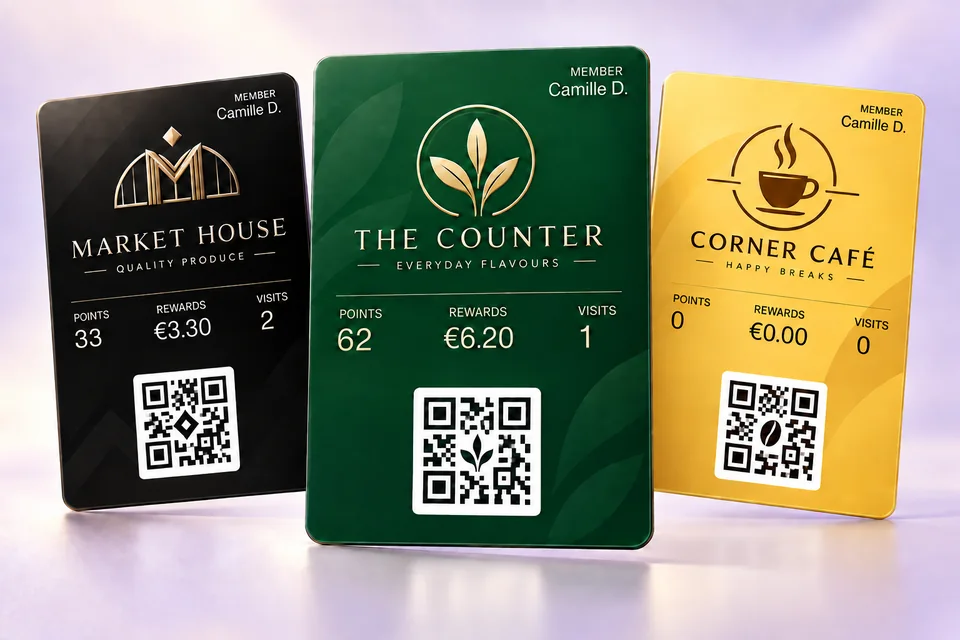
Customers find their card and QR code in their personal portal.
They add their card to Apple Wallet or Google Wallet and present it when making a purchase.
Their referral link and QR code help introduce friends and family to your programme.
THE RECEIPT QR CODE, FOR YOUR CUSTOMERS
On their smartphone, your customer scans the QR code on a receipt issued by an iotill checkout, ordering kiosk or scale. They can create their compliant invoice, customer account or loyalty card, according to their needs.
They choose one or more services. The three options are independent.
See the receipt QR journey in a demo ↗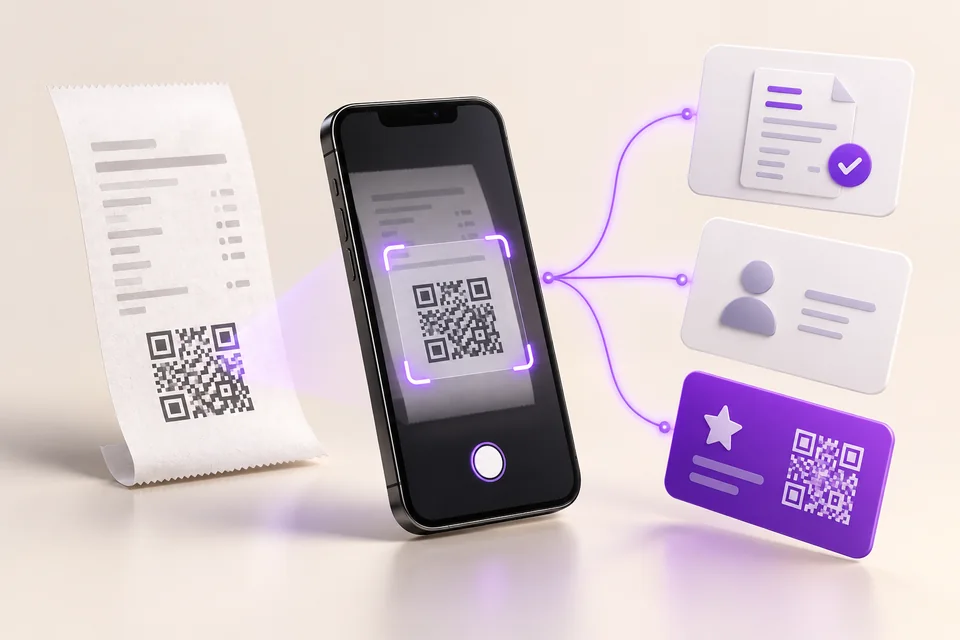
THE CUSTOMER PORTAL
One place to find a loyalty card, view receipts and access referrals. The Apple Wallet and Google Wallet buttons let customers keep their card on their phone.
MADE FOR YOUR BUSINESS
Give your card your own brand identity. Points, reward balance and visits make programme benefits visible to customers, according to your configuration.
Loyalty at a glance
Accumulated rewards
Number of visits
CONNECTED LOYALTY
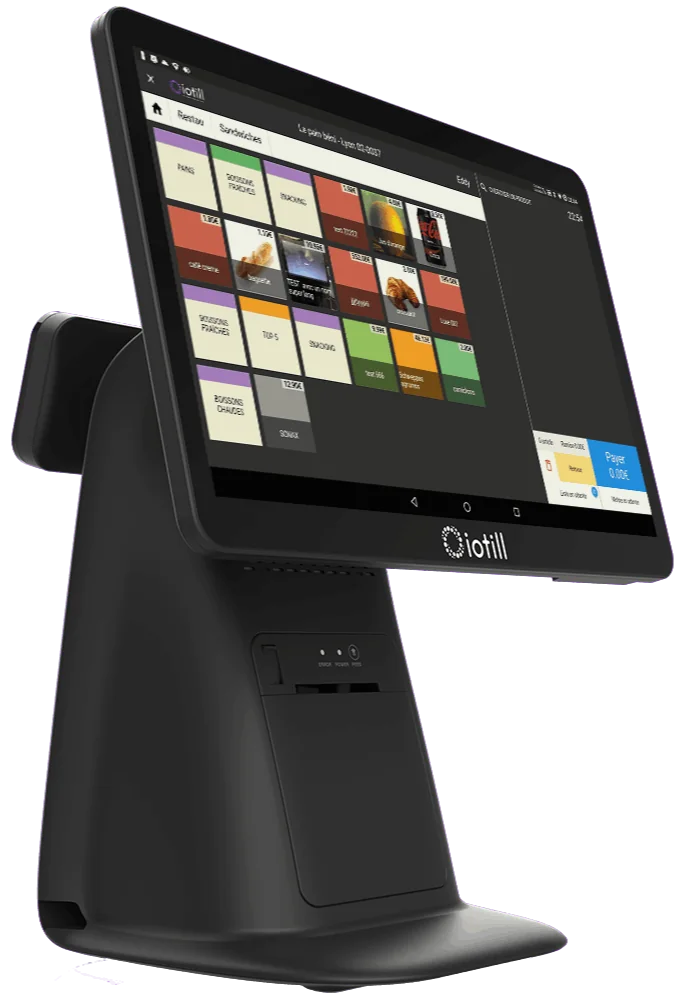
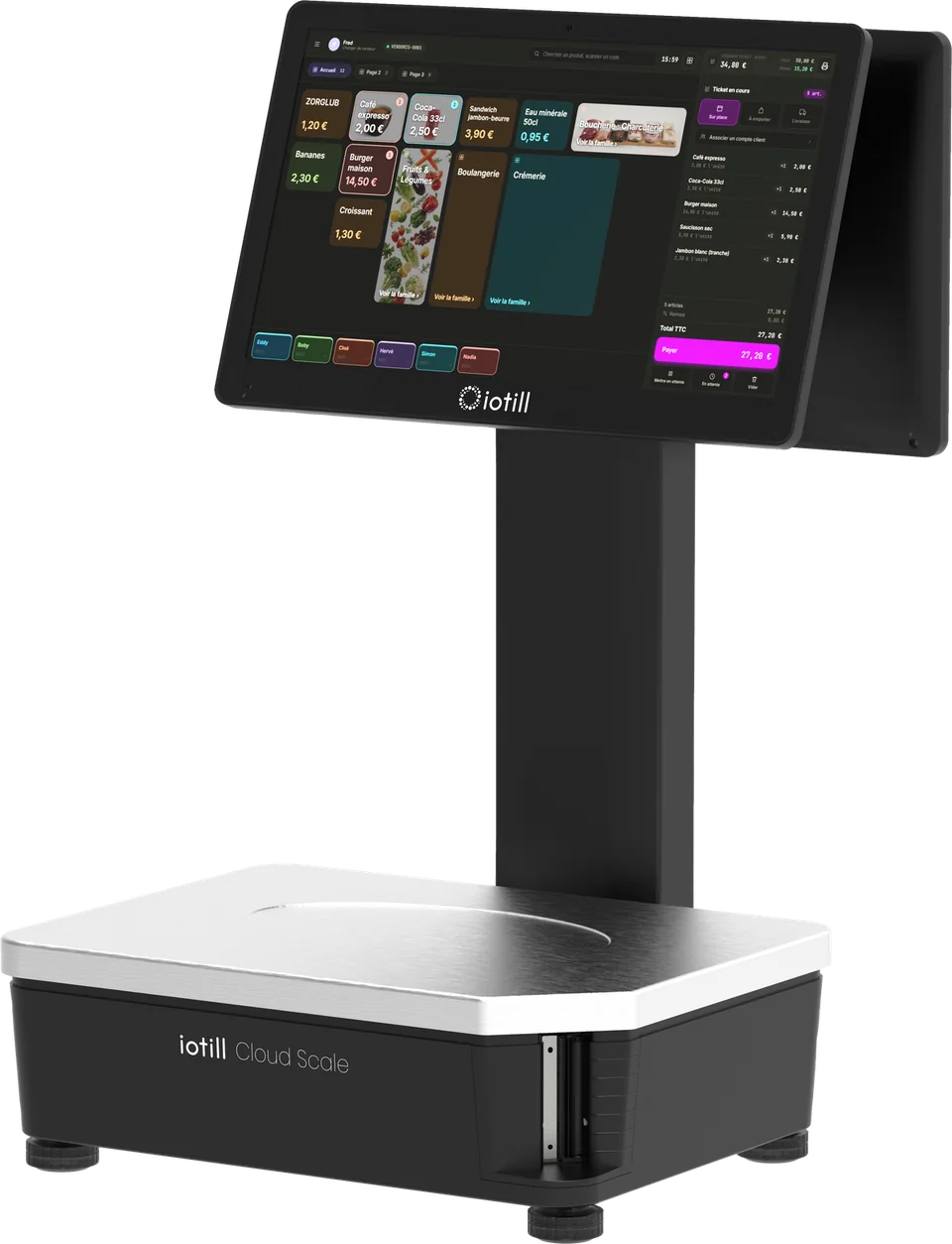
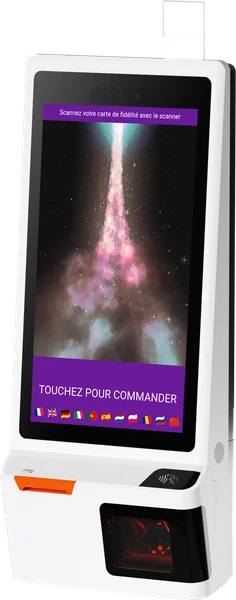
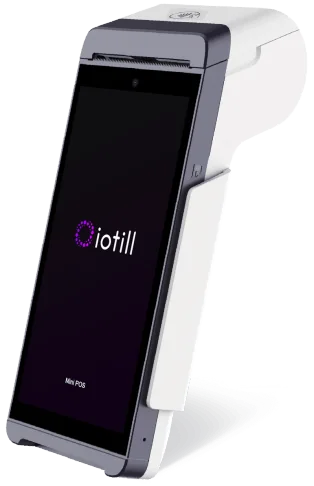
iotill Cloud centralises loyalty. At the counter, on a POS scale, at a kiosk or on the move, your iotill devices are part of the same customer programme.
Manage it with iotill Cloud ↗From local shops to food service, make loyalty part of your customers’ journey.
IOTILL WALLET
Let’s prepare your loyalty card and its integration with your iotill equipment.
Request an iotill Wallet demo ↗In Analytics, view the breakdown of sales by loyalty and compare revenue, number of sales and average basket. These figures describe your business; on their own, they do not prove the programme’s impact.
Explore sales analysis ↗