Spot dates that need checking
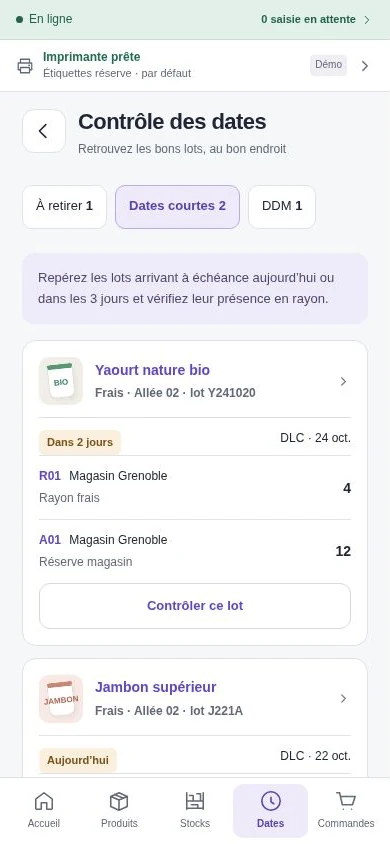
A batch of yoghurt is nearing its expiry date. The terminal shows how many units are on the chilled shelf and how many are in the stockroom. Check the lot number on the pack and record the quantity removed if needed.

iotill Stock
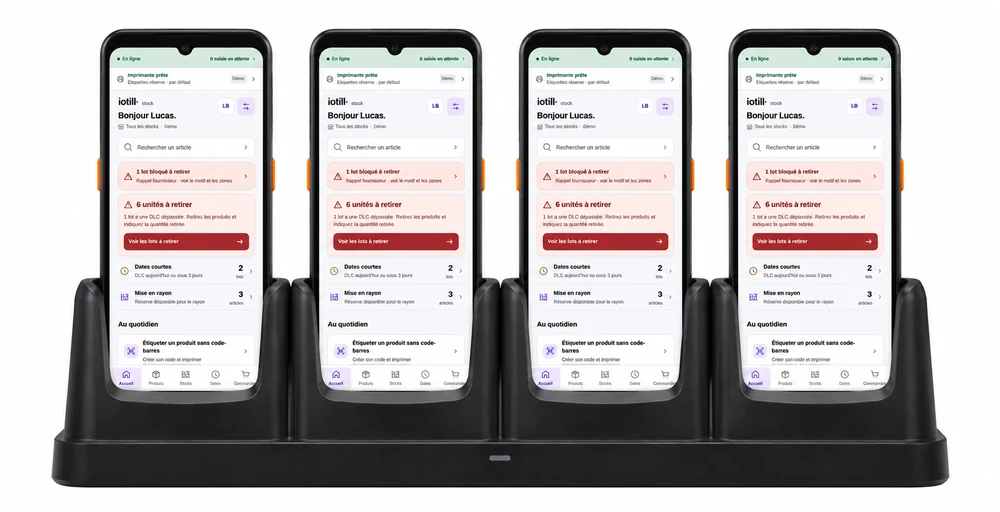
Count items, plan shelf replenishment and find the lots that need checking, straight from the store terminal.
Request an iotill Stock demo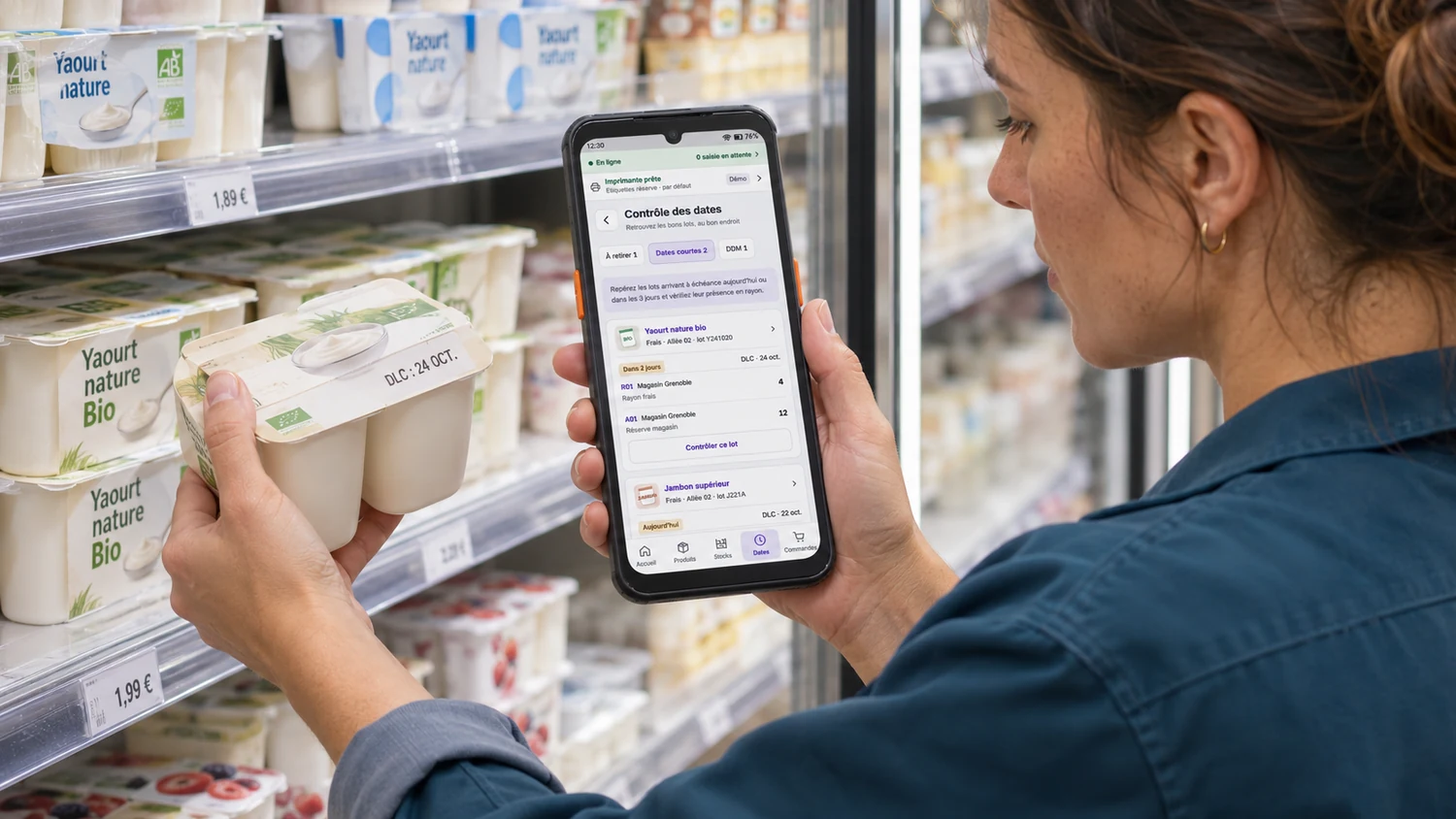
Mobile stock management for retail stores
A batch of yoghurt is nearing its expiry date. The terminal shows how many units are on the chilled shelf and how many are in the stockroom. Check the lot number on the pack and record the quantity removed if needed.
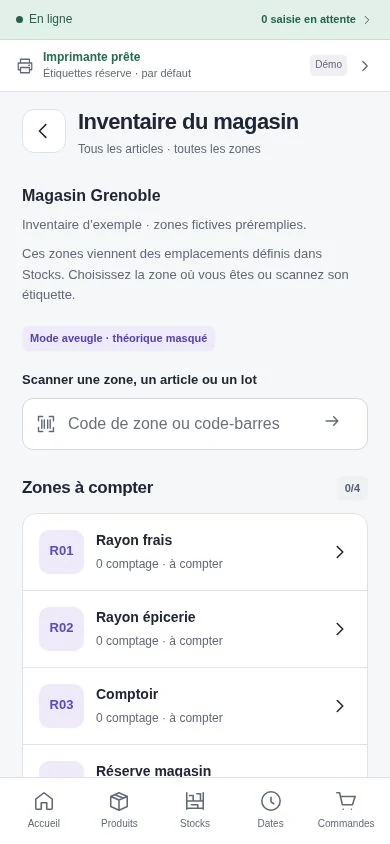
Scan the zone label, then the items or lots you find there. In blind count mode, staff count what is in front of them without seeing the expected quantity. The screen shows which zones still need counting.
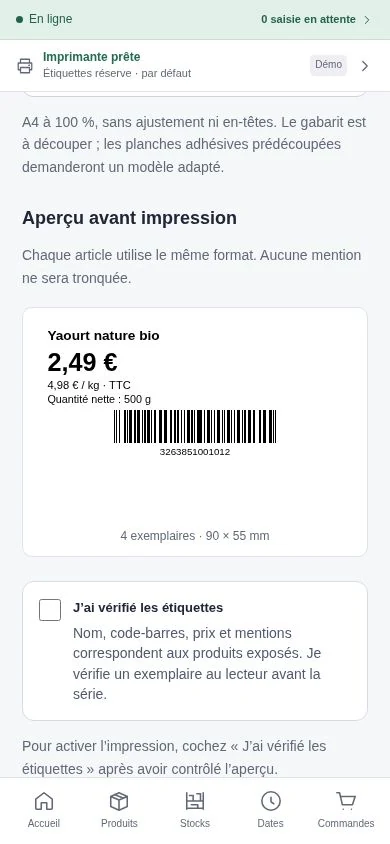
Open the shelf label preview from the item record. Check the price, barcode and item details before printing the batch. For an item without a barcode, you can create an internal code and reuse it for reprints.
FROM DELIVERY TO SHELF
On delivery, scan the items and enter the lots actually received. Stock levels update when you complete the delivery.
To refill a shelf, check what is available in the stockroom and the quantity suggested. When stock moves between locations, the receiving team counts the units that arrive and records any damaged items.
See stock management in iotill Cloud