Order at the counter or kiosk
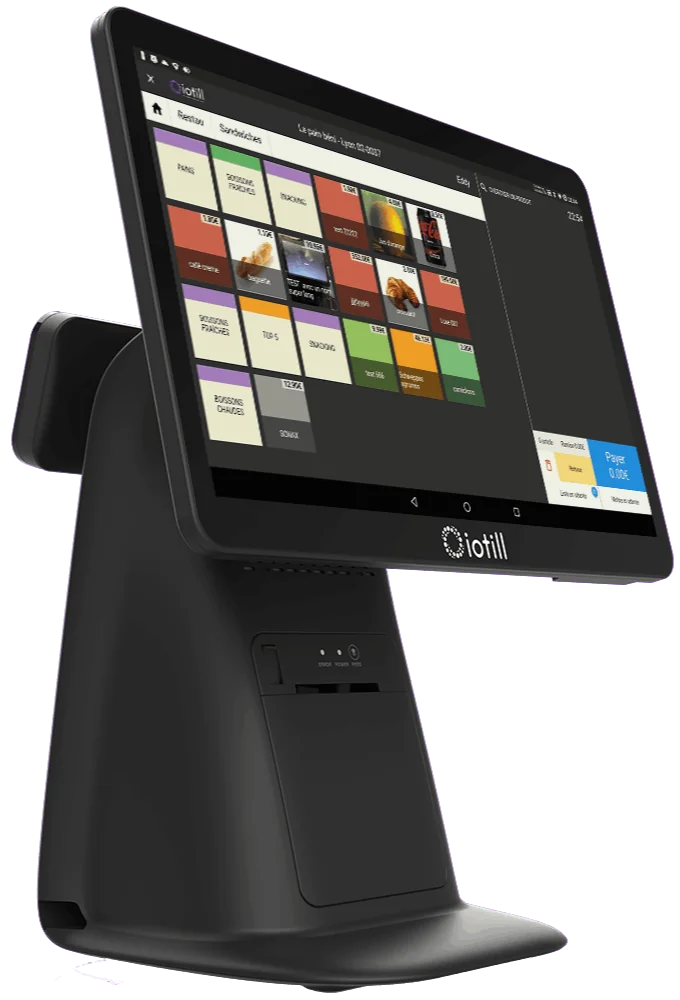
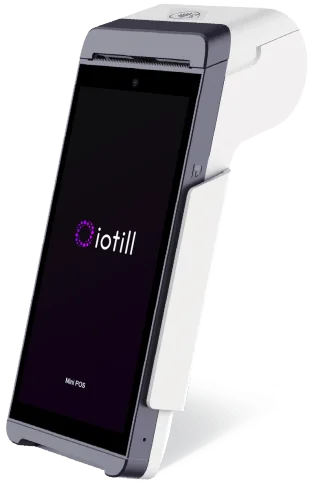
Customers choose their experience: staff-assisted ordering at the till or self-service at an ordering kiosk.

IOTILL / SOLUTION 04
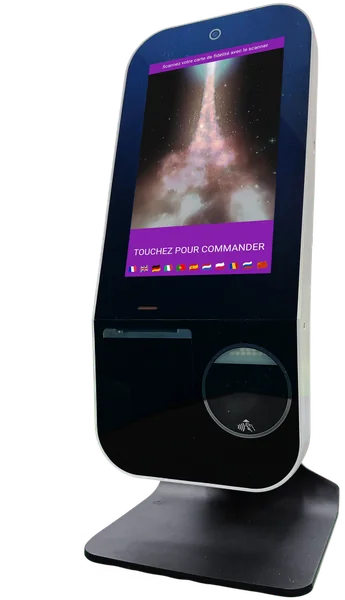
iotill Kiosk is the application for your self-service kiosks. Three screen sizes — 10, 15 and 24 inches — with integrated payment on every kiosk: customers choose and pay independently while your team focuses on preparation.
Explore everyday features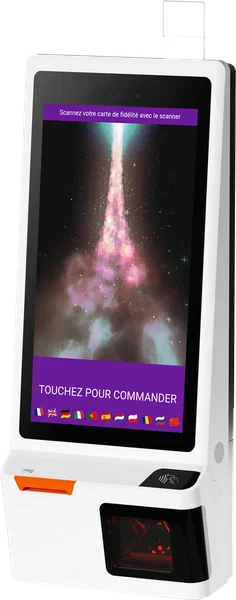 Self-service kiosks / iotill
Factur-X: invoice format. E-invoicing and e-reporting: document and data preparation; the transmission process is defined with your reseller. NF525: certification of the iotill v2 POS software.
ITEM AVAILABILITY
From the iotill POS, you can mark an item as sold out or unavailable. Availability can be managed manually and/or automatically so kiosk ordering reflects available items.
A product is no longer available? Your team marks it from the POS.
Unavailability can be triggered automatically by zero stock or by schedules.
On the kiosk, an out-of-stock item remains visible: it is greyed out and labelled “Unavailable”.
Hiding an item or category button is a separate feature: it hides that button on the kiosk. This differs from an item that remains visible but unavailable.
In a fast-food business or food truck equipped with a kiosk, this feature lets self-service ordering reflect actual item availability during service.
Explore unavailable item management at the POS ↗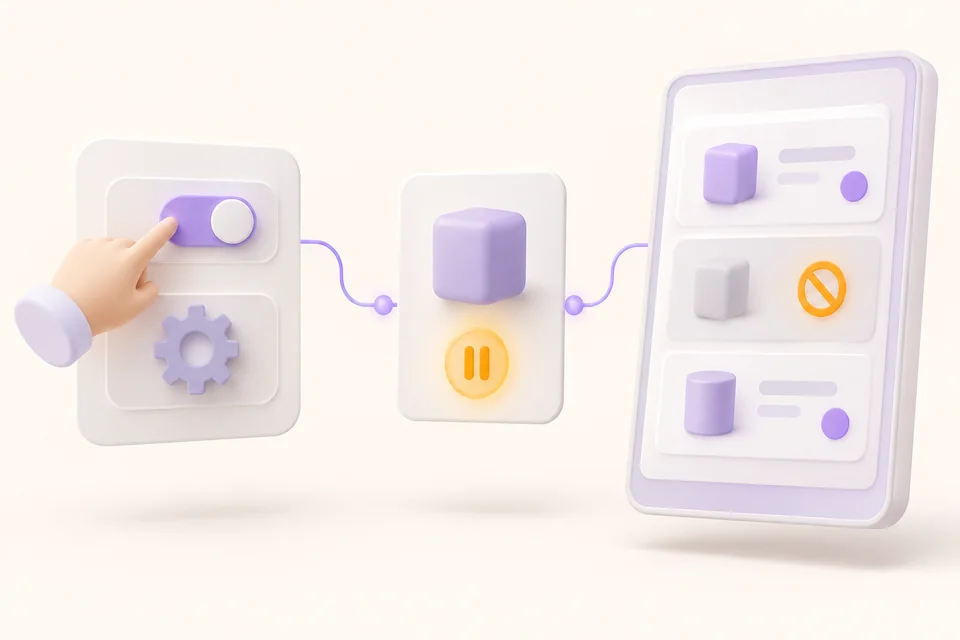
THE FAST-FOOD RESTAURANT AT A GLANCE
Orders placed at the counter or at a kiosk reach the kitchen display system. Tills, kiosks and compatible cash recyclers fit into a workflow designed for both customers and staff.
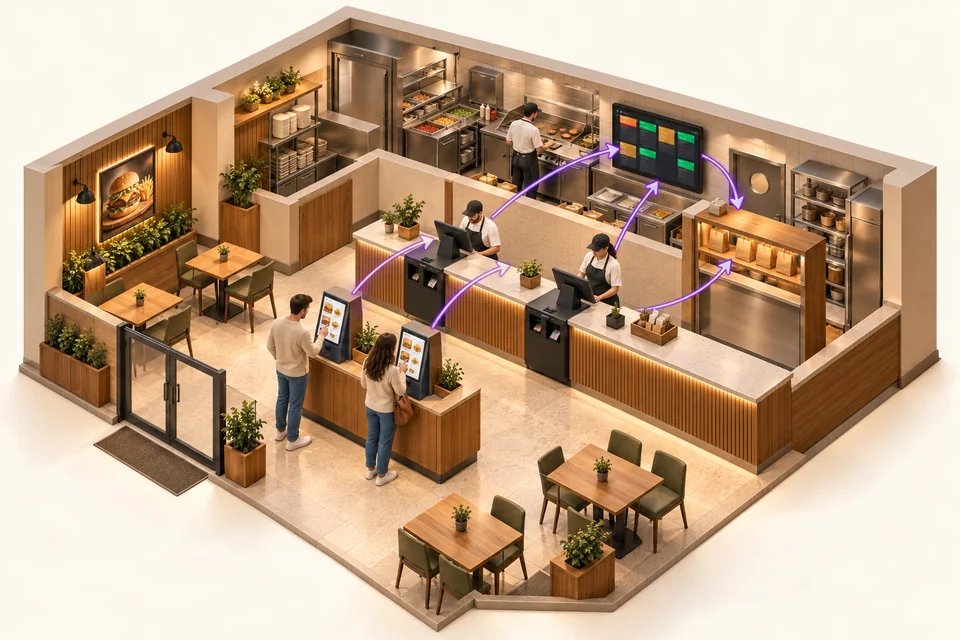
Customers choose their experience: staff-assisted ordering at the till or self-service at an ordering kiosk.
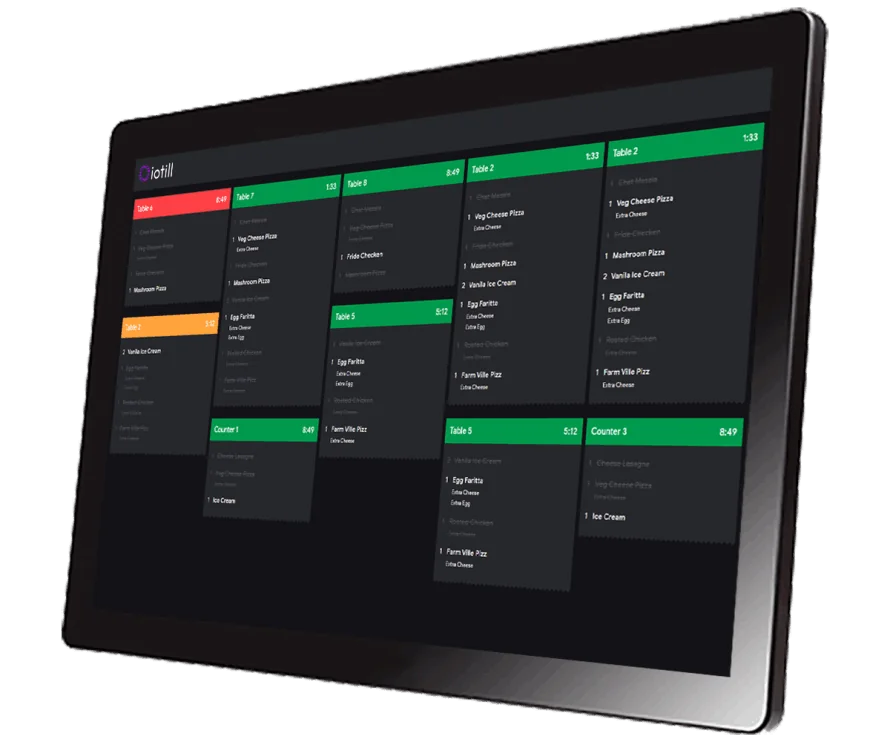
Orders are brought together on kitchen displays to support the preparation team.
A compatible cash recycler controlled by iotill Cash accepts coins and banknotes and returns change. Its installation is planned with your reseller.
TO COMPLETE YOUR SETUP
An autonomous cash payment station can complement the kiosk journey. Its placement and connection to orders are defined with your reseller.
Understand cash automation ↗Compatible channels complement the in-store ordering journey. Connections are validated by your reseller according to the services used.
Track orders in preparation ↗Screens and signage services, including Screen Guru, complement your setup. They should be arranged with your distributor.
See a fast-food setup ↗THE RECEIPT QR CODE, FOR YOUR CUSTOMERS
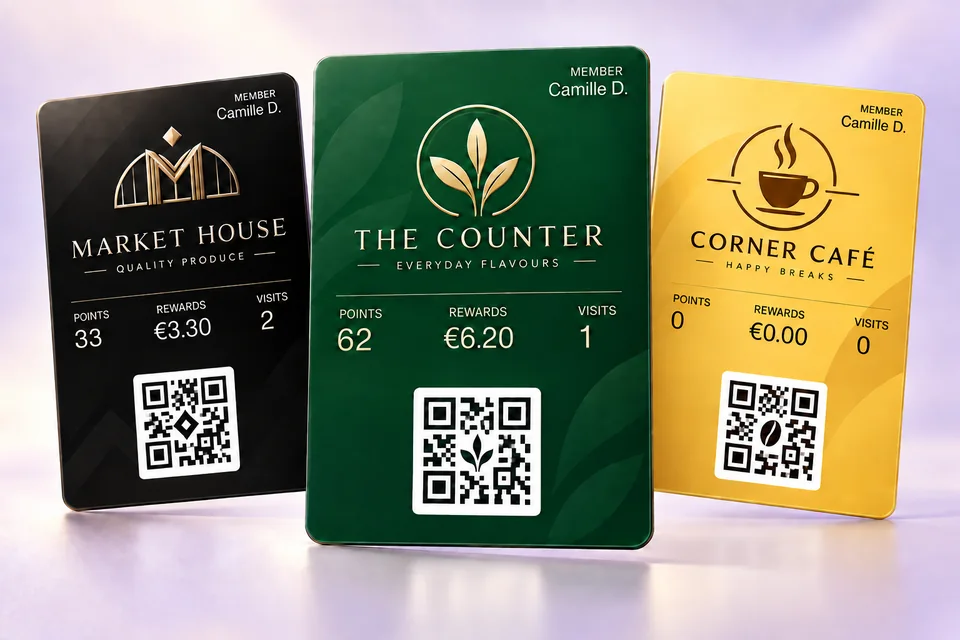
On their smartphone, your customer scans the QR code on a receipt issued by an iotill checkout, ordering kiosk or scale. They can create their compliant invoice, customer account or loyalty card, according to their needs.
They choose one or more services. The three options are independent.
See the receipt QR journey in a demo ↗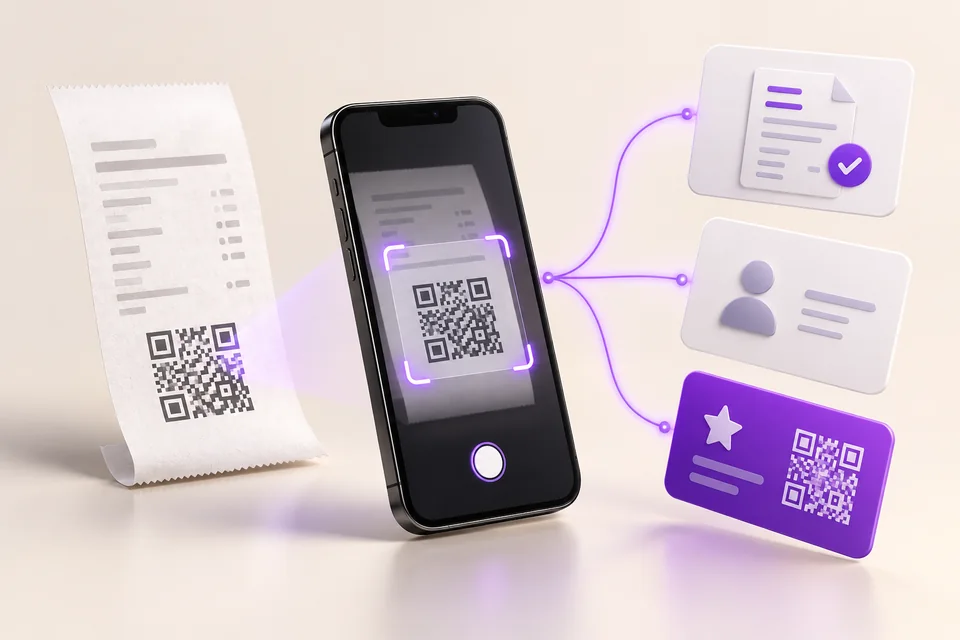
THE IOTILL RANGE
10″, 15″ and 24″ screens.
Choose the format that suits your space and customer journey.
Integrated payments
Request a quote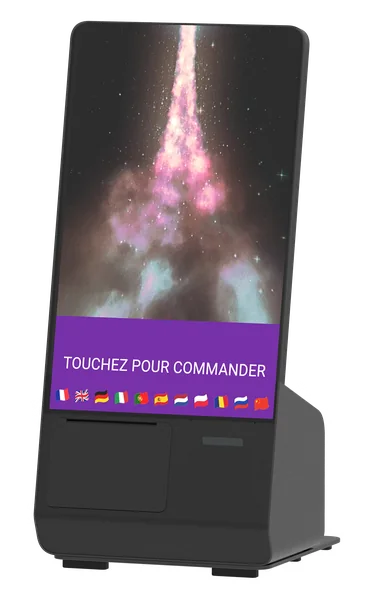
Integrated payments
Request a quoteIntegrated payments
Request a quoteUnsure which equipment to choose?
Get advice on my equipmentTHE RIGHT TOOLS FOR YOUR DAILY WORK.
Customise the ordering journey and manage products and availability from your management tools.
All three kiosks include payments. Customers order and pay at the same point.
Wall-mounted, countertop or freestanding: the kiosk fits your space and customer journey.
WORKING TOGETHER
Connect the kiosk to the iotill KDS screen so orders reach the preparation team directly. Customers can also use their loyalty programme at the till and kiosk.
Explore the KDSExplore uses and equipment suited to your activity.
See all business typesBETTER TOGETHER
LET’S PLAN THE NEXT STEP TOGETHER.
Tell us what you need and discover the equipment and features that suit your business in a demonstration.