Order at the counter or kiosk
Customers choose their experience: staff-assisted ordering at the till or self-service at an ordering kiosk.

IOTILL / Fast food
iotill combines all-in-one POS, self-service kiosks with payments and KDS displays for fast food. Menus are configured in a shared environment, from customer choice to preparation.
Request a demoITEM AVAILABILITY
From the iotill POS, you can mark an item as sold out or unavailable. Availability can be managed manually and/or automatically so kiosk ordering reflects available items.
A product is no longer available? Your team marks it from the POS.
Unavailability can be triggered automatically by zero stock or by schedules.
On the kiosk, an out-of-stock item remains visible: it is greyed out and labelled “Unavailable”.
Hiding an item or category button is a separate feature: it hides that button on the kiosk. This differs from an item that remains visible but unavailable.
In a fast-food business or food truck equipped with a kiosk, this feature lets self-service ordering reflect actual item availability during service.
Explore unavailable item management at the POS ↗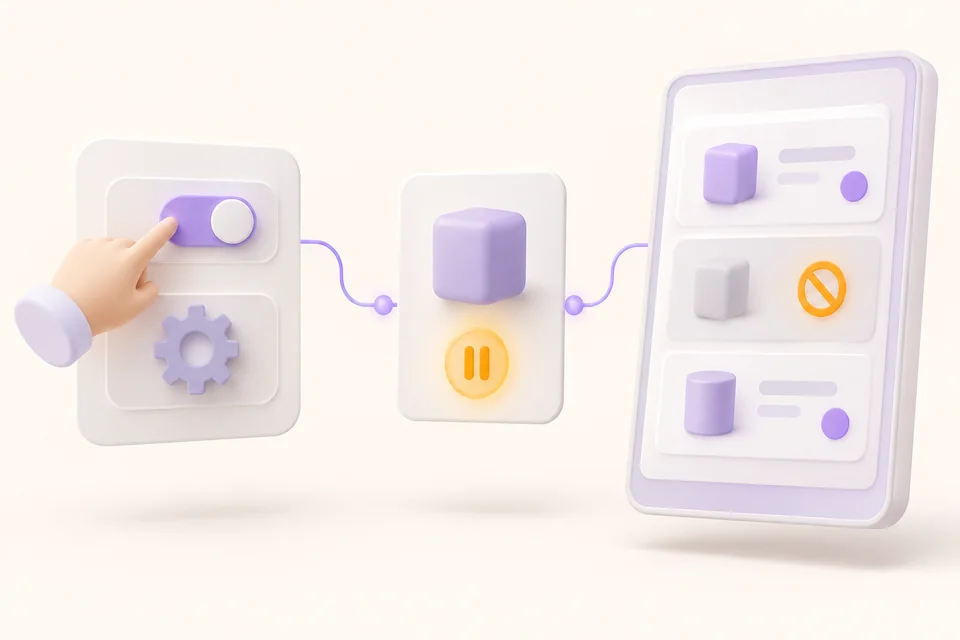
THE FAST-FOOD RESTAURANT AT A GLANCE
Orders placed at the counter or at a kiosk reach the kitchen display system. Tills, kiosks and compatible cash recyclers fit into a workflow designed for both customers and staff.
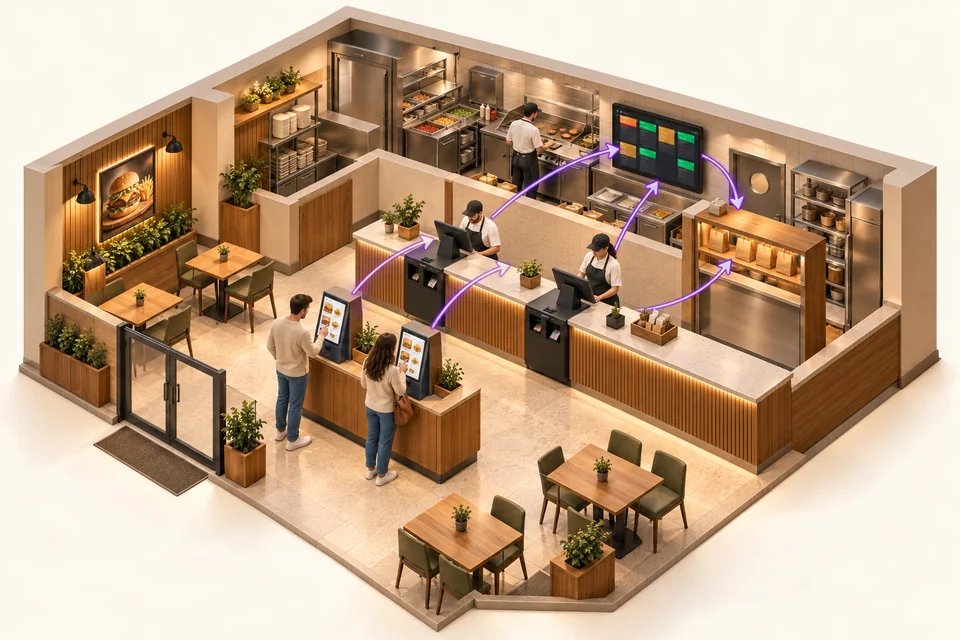
Customers choose their experience: staff-assisted ordering at the till or self-service at an ordering kiosk.
Orders are brought together on kitchen displays to support the preparation team.
A compatible cash recycler controlled by iotill Cash accepts coins and banknotes and returns change. Its installation is planned with your reseller.
HARDWARE FOR YOUR BUSINESS
Combine equipment or choose it to suit your space and service. Each product serves a purpose; your reseller prepares the configuration with you.
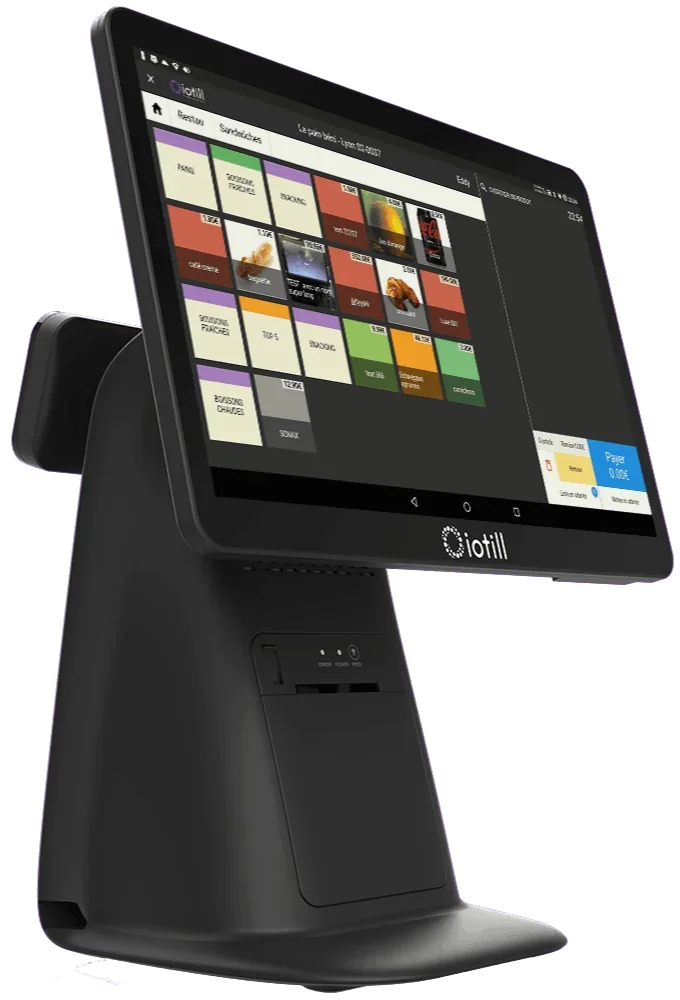
Take payment at the counter
All-in-one POS with a touchscreen catalogue, built-in receipt printer and 11.6-inch customer display.
Order and pay independently
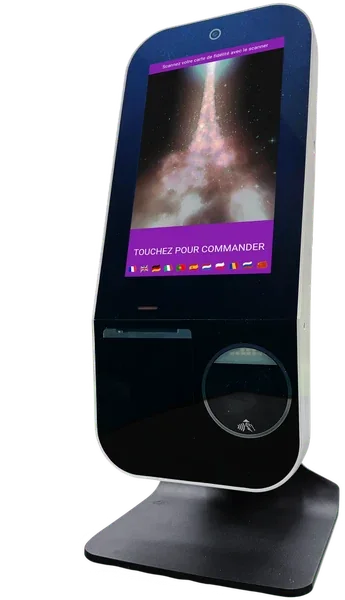
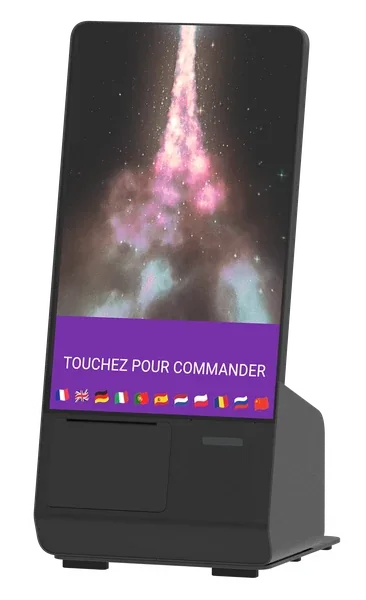
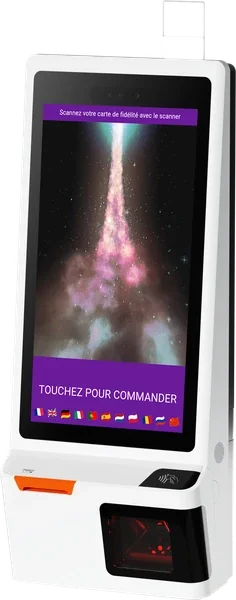
K Mini, K1 and K2: three models for self-service ordering. A range of 10, 15 and 24-inch screens, all with integrated payments.
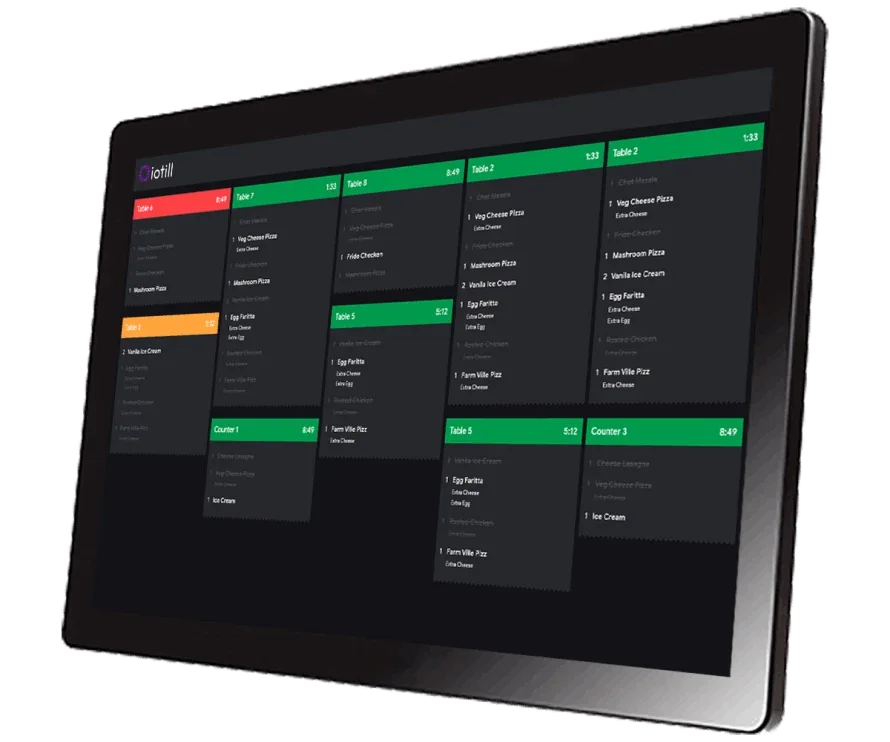
Receive details in the kitchen
The kitchen display that receives order details and supports the team’s work.
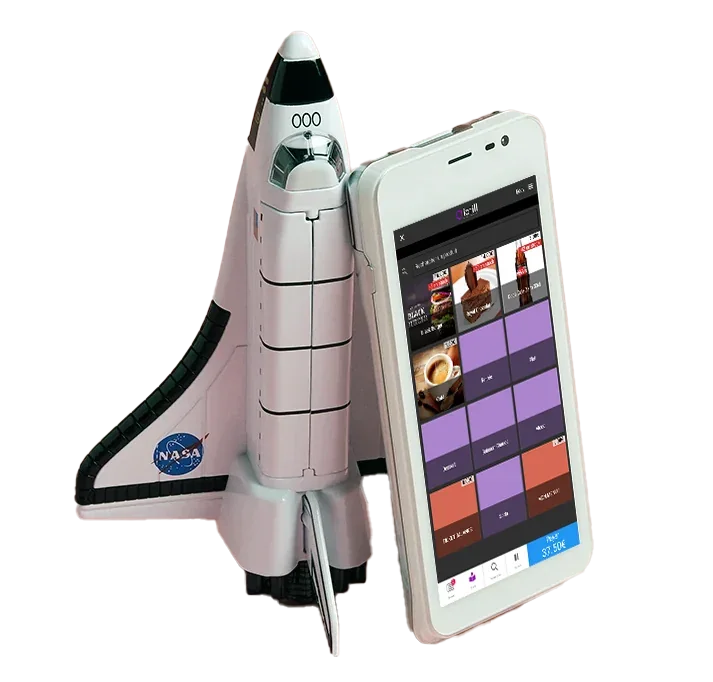
Work through the queue during rushes
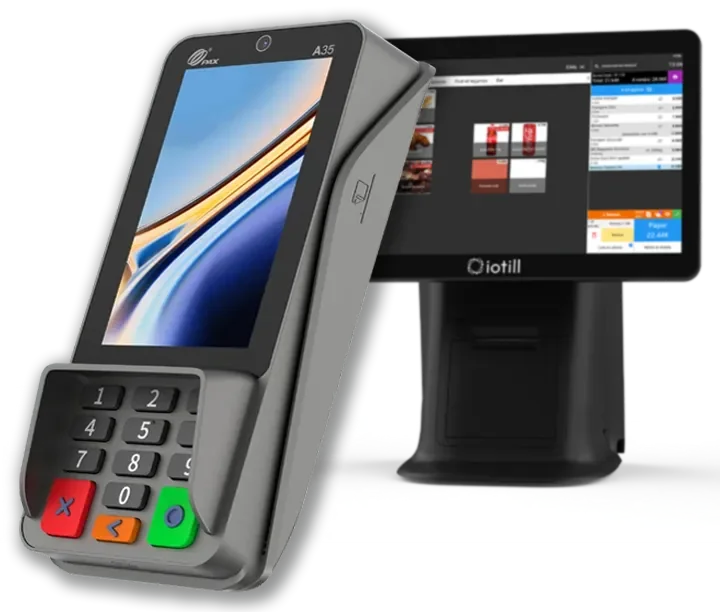
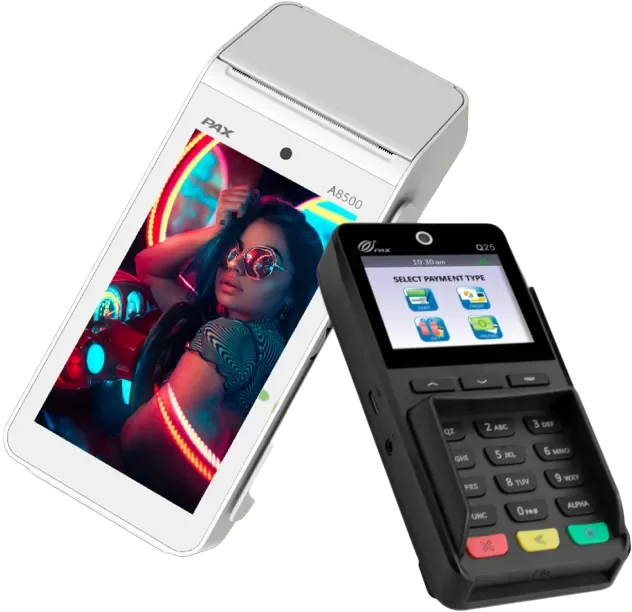
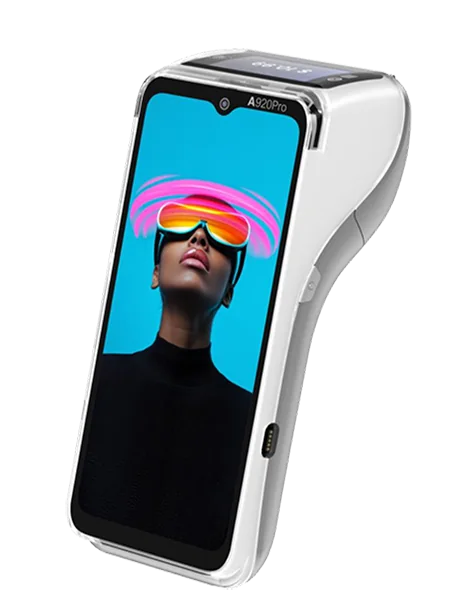
iotill Pocket is compatible with all fixed and mobile PAX terminals. Choose the format that suits your use: at the counter, on the floor or on the move, with POS and payment on the same terminal. Sales by item, with no weighing on Pocket.
Take card payments for orders
With integrated iotill Pay, the till sends the amount and payments are automatically reconciled. Digital receipts, remote server processing and regular updates support payments.
Understand integrated payments ↗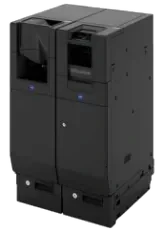
Automate cash handling
The iotill Cash module controls a compatible recycler to accept cash and give change. Hardware and modules are specified in the quote.
Unsure which equipment to choose?
Get advice on my equipmentCatalogue, prices and sales tracking for your workstations and locations.
ExploreAnalyse sales by product, category, period and hour.
ExploreClick and collect and compatible channels, with connections checked by your reseller.
ExploreApple Wallet and Google Wallet loyalty card, customer QR code and referrals, with a programme centralised in iotill Cloud.
ExploreAn independent cash payment point to connect to the ordering journey, particularly kiosks.
ExploreScreens and display services, including Screen Guru, to arrange with your distributor.
ExploreDAY-TO-DAY STOCK MANAGEMENT
In a food business equipped with the iotill POS, record losses with quantities and reasons. For stock intake, scan or select products, enter quantities and validate.
IOTILL POCKET / QUEUE BUSTING
Have one or two tills at the counter? During a rush, a team member with iotill Pocket can approach customers in the queue to take orders and accept payments on a compatible terminal.
The mobile POS application supports your fixed tills during peak periods. It is commonly used in fast-food outlets, snack bars and bakeries to serve customers before they reach the counter.
Sales by item, with no weighing on Pocket. Items that need weighing remain on stations equipped with a scale.
Request a quoteAN EXAMPLE DURING THE RUSH
A third workstation for taking orders and payments closer to customers.
At lunchtime, customers order at the counter, kiosks and sometimes online. Organise these channels so the kitchen receives the details it needs, while giving customers different ways to order.
IN YOUR BUSINESS
iotill POS brings together products, meal deals, options and prices. Teams access the menu configured for your fast-food outlet.
iotill Kiosk lets customers choose their meal and extras, then pay. The 10, 15 and 24-inch screen formats suit different layouts.
Orders from the counter, kiosks and compatible channels go to configured KDS displays. The team sees products and tracks preparation.
A compatible click-and-collect service can add online ordering. Define preparation and collection with your reseller.
Build the meal at the counter or kiosk
Pay through the chosen journey
Send products to KDS
Prepare and hand over the order
Your reseller prepares the configuration and connections for your chosen equipment with you.
THE COMPLETE WORKSTATION
An example to adapt to your space, products and existing equipment.
| Your requirements | Suggested setup |
|---|---|
| Counter | iotill POS |
| Self-service ordering | 10, 15 or 24-inch Kiosk with integrated payments |
| Kitchen | KDS displays |
| Online orders | Additional compatible service |
Your reseller’s quote defines the licence, modules and equipment according to your business’s needs.
LET’S PLAN THE NEXT STEP TOGETHER.
Tell us about your business and needs: the demonstration will show you how to use iotill in your store.