
IOTILL / ELECTRONIC INVOICING
From receipt to invoice
Has your customer already paid and now needs an invoice? They scan the receipt QR code with their smartphone to access the service, even after checkout.
Request a demo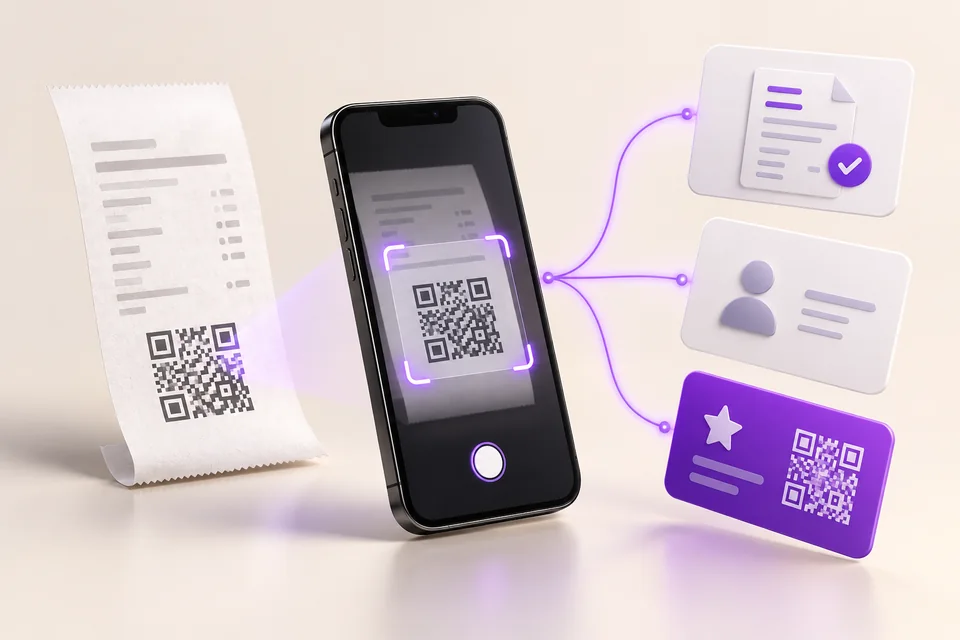
THE ESSENTIALS
In practice, for your shop.
An iotill POS, kiosk or scale receipt can provide access to three services: creating an invoice, a customer account or a loyalty card. The customer chooses what is useful to them. These actions are independent.
They scan their receipt
The QR code opens the service on their smartphone.
They choose what they need
Invoice, customer account or loyalty: they can choose one or several services.
They enter their details
For an invoice, they enter the required details using the purchase already recorded.
01
The invoice request may come after the purchase.
At payment time, your customer may not have thought to ask for an invoice. Once they have their receipt, they can use their phone to access the service and create the document they need.
The QR code connects this action to the sale recorded on the iotill POS, kiosk or scale. The customer follows the steps and enters the requested details. During a demonstration, you can see what they see on their smartphone and the resulting invoice.
02
One receipt, several services to choose from.
One customer only wants an invoice. Another also wants to create an account or join your loyalty programme. The QR workflow lets them choose one or several services according to their needs.
A loyalty card is not required to create an invoice. With iotill Wallet, a customer who chooses loyalty can find their card in Apple Wallet or Google Wallet. Your team can explain the options simply: “Scan your receipt to access your invoice and customer services.”
Discover iotill Wallet ↗03
For your business, keep the link to the sale.
The service starts from the purchase already recorded. It extends your checkout workflow and gives the customer access on their own phone. This customer QR code is different from the QR code on a scale receipt that staff use to retrieve items at checkout.
If the invoice falls within the reform, regulatory transmission must also be arranged. Creating it on a smartphone and exchanging it through a platform are two stages. Your reseller shows you the resulting document and explains the planned connection for your installation.
Straightforward answers to your questions.
- Does the customer have to join the loyalty programme to get an invoice?
- No. They can choose the invoice alone. The customer account and loyalty card are services they can also choose according to their needs.
- Has the invoice created on a smartphone already been sent to a platform?
- The QR code provides access to invoice creation. Regulatory delivery depends on the platform and connection chosen for your installation. Your reseller can show you the stages and how to monitor them.
Sources and updates
This guide presents the French reform. The sources below let you check the rules. Your accountant can confirm which ones apply to your business.
Sources consulted on 12 October 2026.
EXPLORE FURTHER
Continue with the right guide.
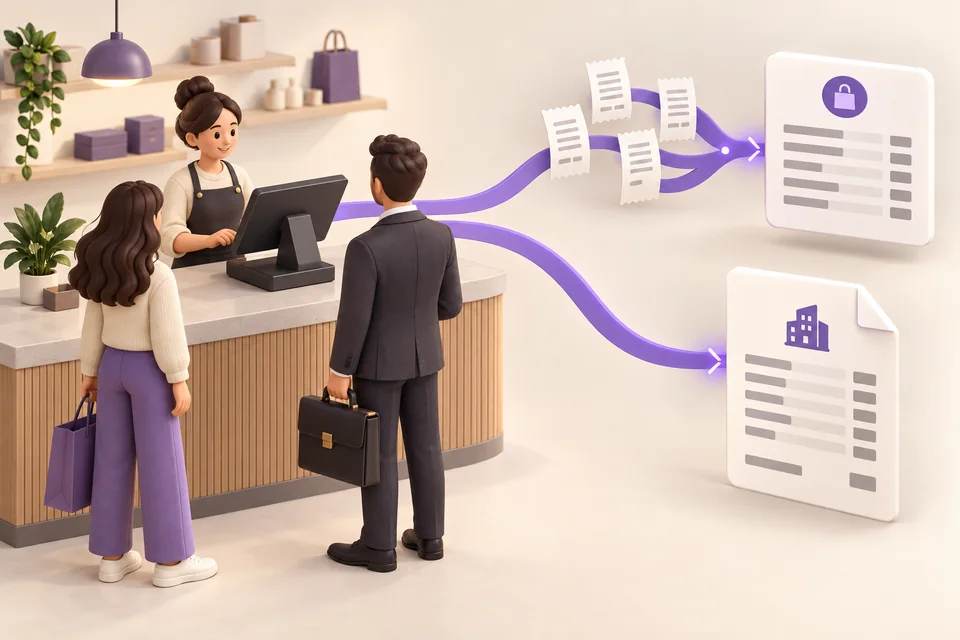
Consumers and businesses: one POS, two workflows
Taking consumer payments and invoicing business customers? Manage both from one POS and understand France’s e-invoicing and e-reporting workflows.
Read the guide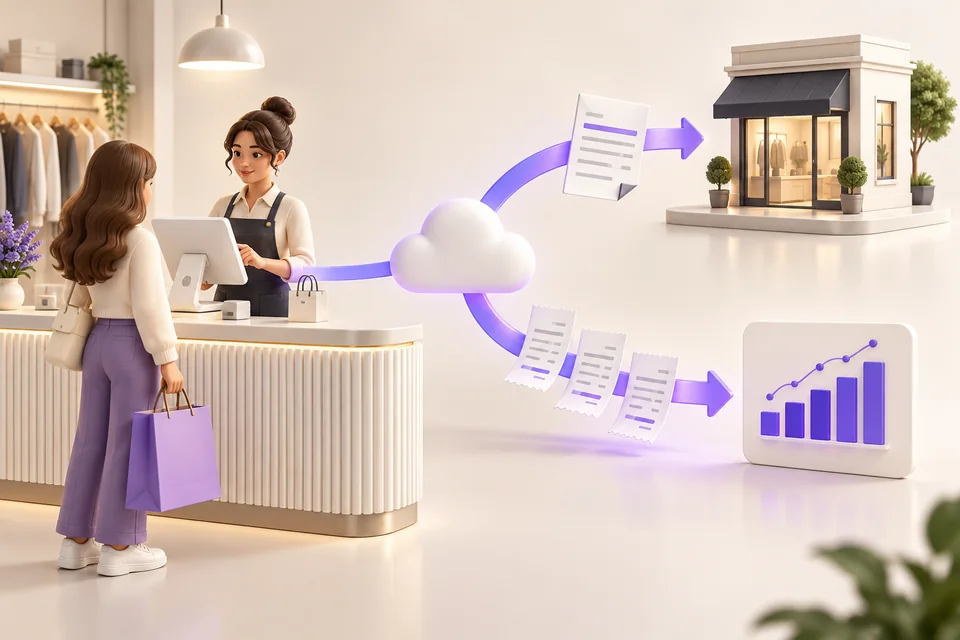
POS and electronic invoicing
Checkout, business customers, Factur-X and QR codes: discover how iotill connects your sales to electronic invoicing.
Read the guide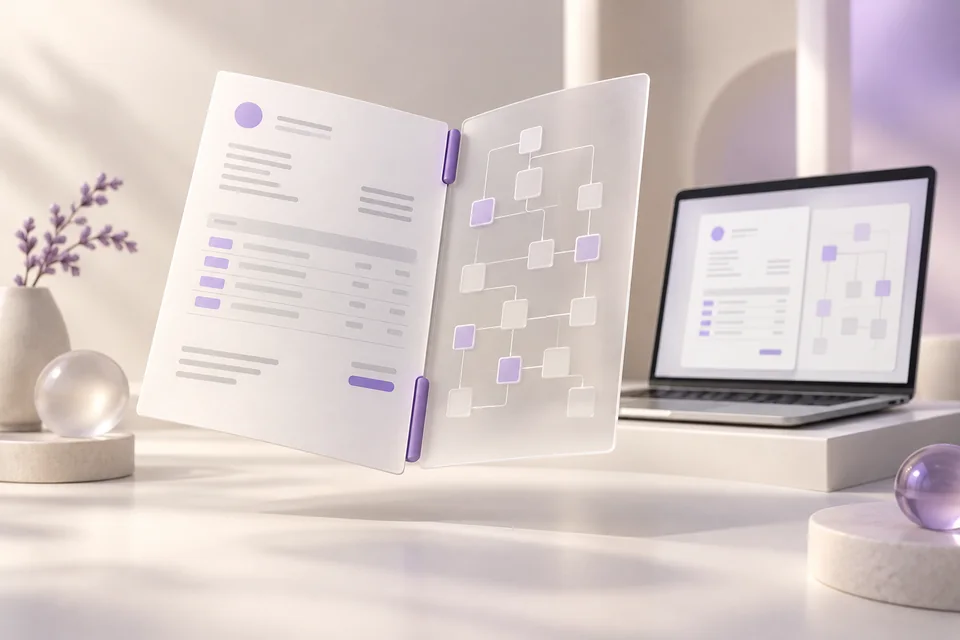
Understanding Factur-X
Factur-X explained simply: a readable PDF and data for software. Discover its role in invoices generated by iotill.
Read the guide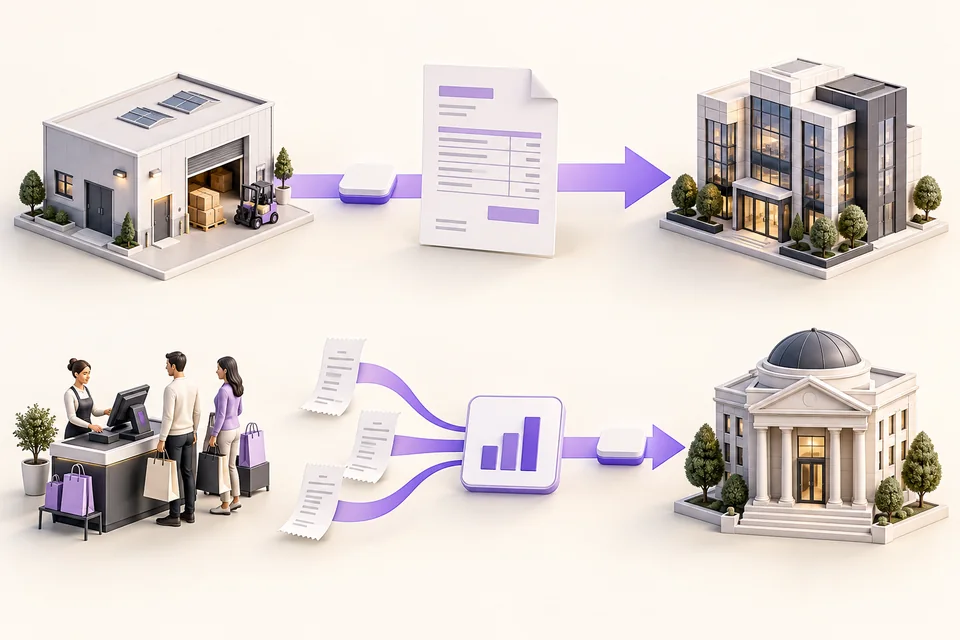
E-invoicing or e-reporting?
An invoice between businesses or sales data to transmit: understand the difference between e-invoicing and e-reporting with simple examples.
Read the guideExplore these workflows in iotill.
YOUR SHOP, YOUR WORKFLOW
See how it works for your business.
Request a demonstration using a typical sale or order. You can see the resulting invoice and ask questions about the stages to set up.