
IOTILL / ELECTRONIC INVOICING
E-invoicing or e-reporting?
The two terms sound similar, but serve different needs: exchanging an invoice with a business and transmitting data about your sales. Here is how to recognise them in your day-to-day activity.
Request a demo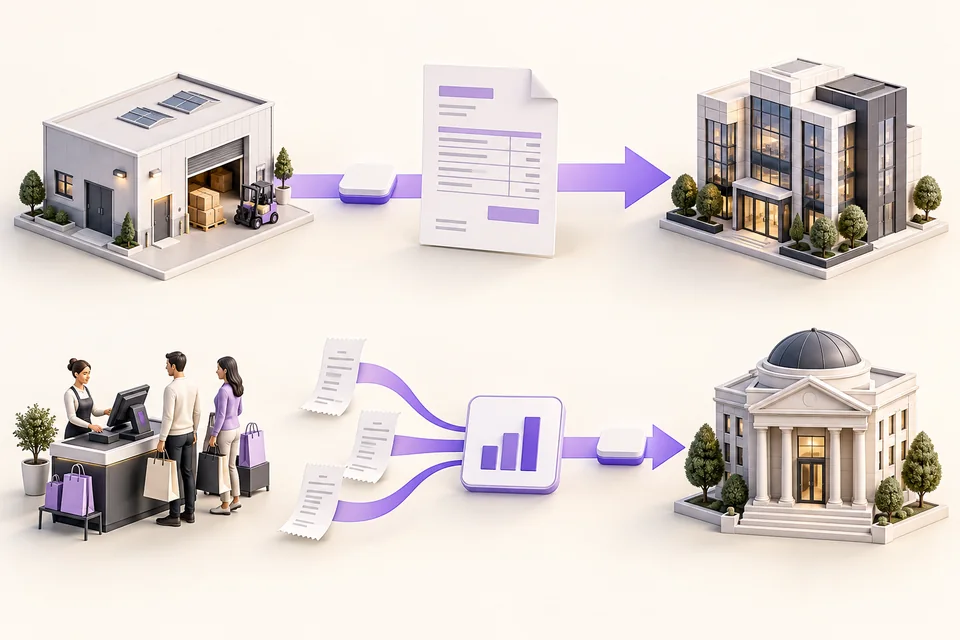
THE ESSENTIALS
In practice, for your shop.
With e-invoicing, an invoice moves between businesses. With e-reporting, sales data is sent to the tax authority, and sometimes payment data too. One business may use both.
Who do you sell to?
Identify whether your customer is an individual or a business.
What kind of sale is it?
The customer’s country and the nature of the transaction also matter.
What must be transmitted?
Depending on the sale, the workflow concerns an invoice or data.
01
An invoice on one side. Data on the other.
You invoice a French business subject to VAT: when the transaction falls within the reform, the invoice is exchanged through approved platforms. This is e-invoicing. Your customer receives a document whose data their software can use.
You sell to an individual: for transactions within scope, sales data is sent to the tax authority through an approved platform. This is e-reporting. Certain transactions with businesses abroad also follow this workflow. The distinction therefore depends on the sale, not just the label “business customer”.
E-INVOICING
You invoice a business.
For French B2B transactions within scope: a structured invoice exchanged through approved platforms.
E-REPORTING
You transmit sales data.
Including consumer sales within scope: transaction data sent to the authorities.
These diagrams summarise the two principles. The applicable workflow depends on your sale and the customer’s situation.
02
You may use both in the same day.
An individual pays for a purchase at checkout. Later, a business customer orders several items in their company’s name. You use the same products, but the documents and information to transmit may differ.
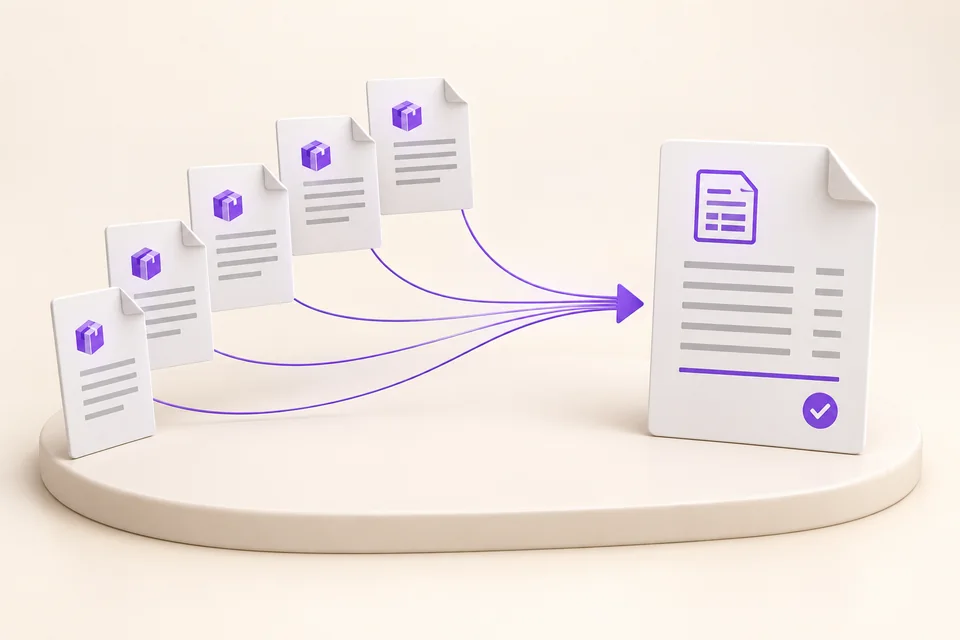
In iotill, you can track the business order, delivery notes and invoice on the customer’s account. If you deliver several times, several delivery notes can be combined into a summary invoice. Sales to individuals provide the data useful for e-reporting.
03
To prepare, look at your actual sales.
List your usual situations: a sale to an individual, an order from a business, a customer abroad if you have any. Your accountant helps you identify which system applies to each case.
With your reseller, you can then review the documents produced by iotill and arrange the platform connection. This approach applies to your activity whether you use a POS, a scale, a kiosk or a mobile terminal.
Straightforward answers to your questions.
- Can a business be subject to both?
- Yes. If you sell to individuals and invoice businesses, your transactions may fall under both systems. The type of sale and the customer’s situation determine the applicable workflow.
- Where does Factur-X fit in?
- Factur-X is an invoice format: it combines a readable PDF with structured data. It can be used for the document exchanged in an e-invoicing workflow. It does not replace choosing a platform or arranging transmission.
Sources and updates
This guide presents the French reform. The sources below let you check the rules. Your accountant can confirm which ones apply to your business.
- French tax authority · Identify your situation ↗
- French tax authority · The role of approved platforms ↗
Sources consulted on 12 October 2026.
EXPLORE FURTHER
Continue with the right guide.
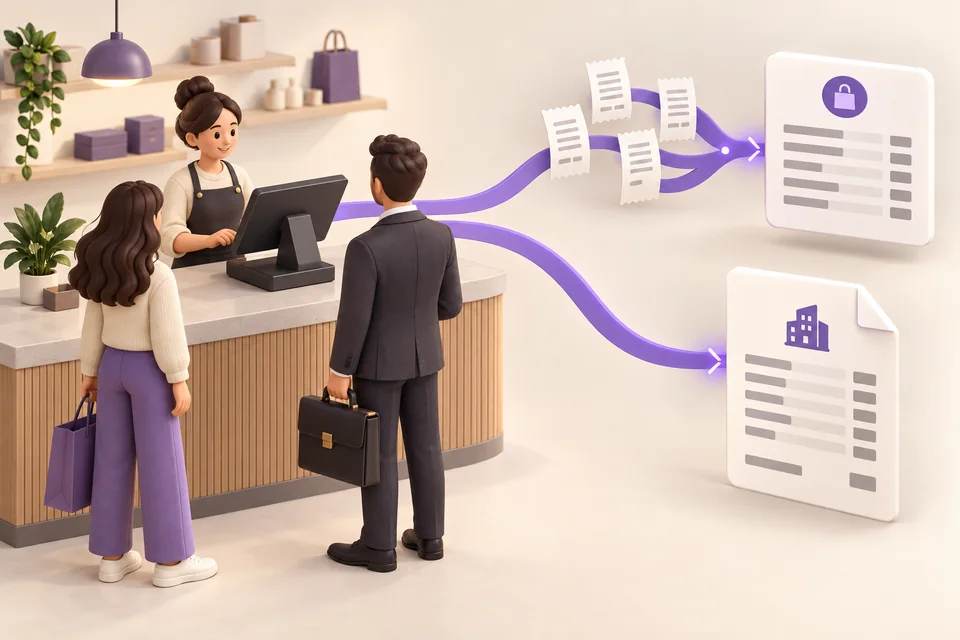
Consumers and businesses: one POS, two workflows
Taking consumer payments and invoicing business customers? Manage both from one POS and understand France’s e-invoicing and e-reporting workflows.
Read the guide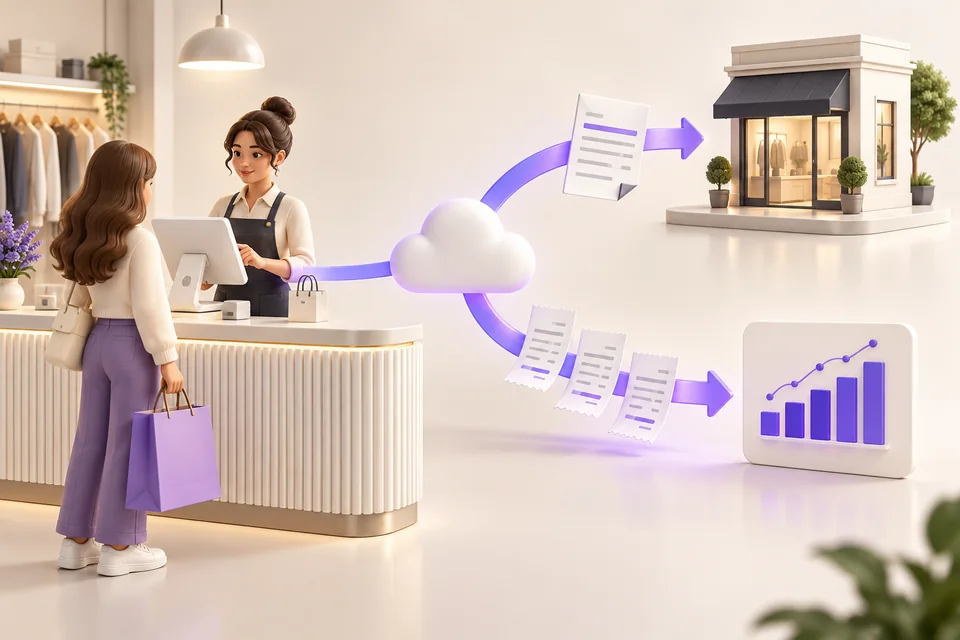
POS and electronic invoicing
Checkout, business customers, Factur-X and QR codes: discover how iotill connects your sales to electronic invoicing.
Read the guide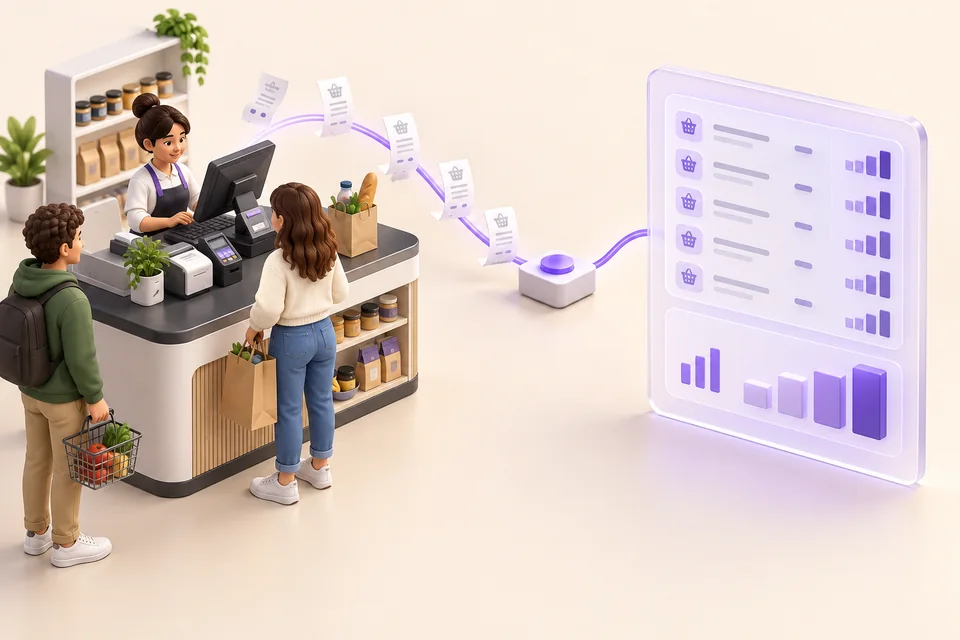
E-reporting and consumer sales
Do you sell to individuals? Discover what e-reporting is, the data to transmit and the stages to prepare your POS.
Read the guide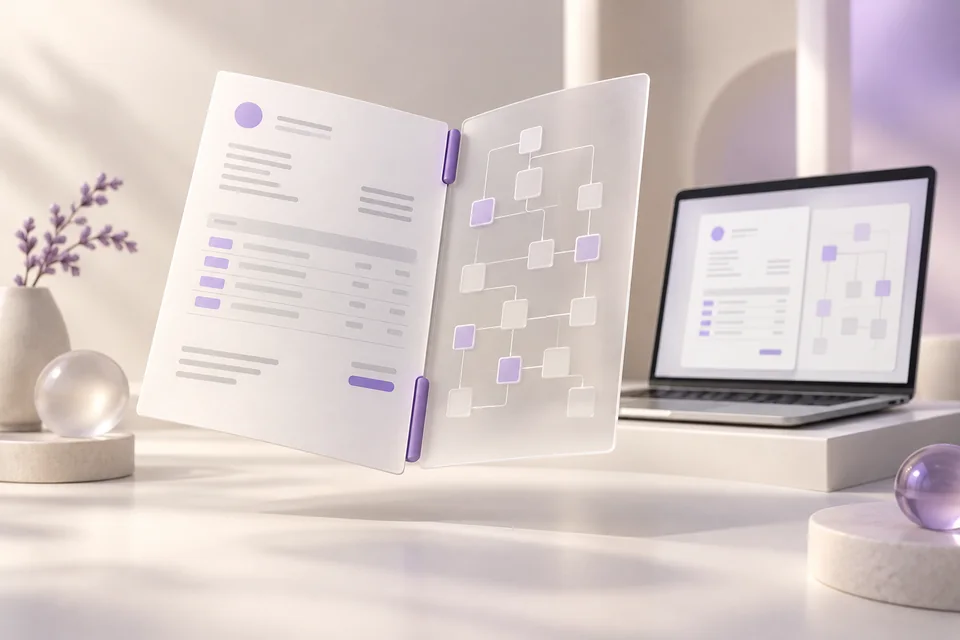
Understanding Factur-X
Factur-X explained simply: a readable PDF and data for software. Discover its role in invoices generated by iotill.
Read the guide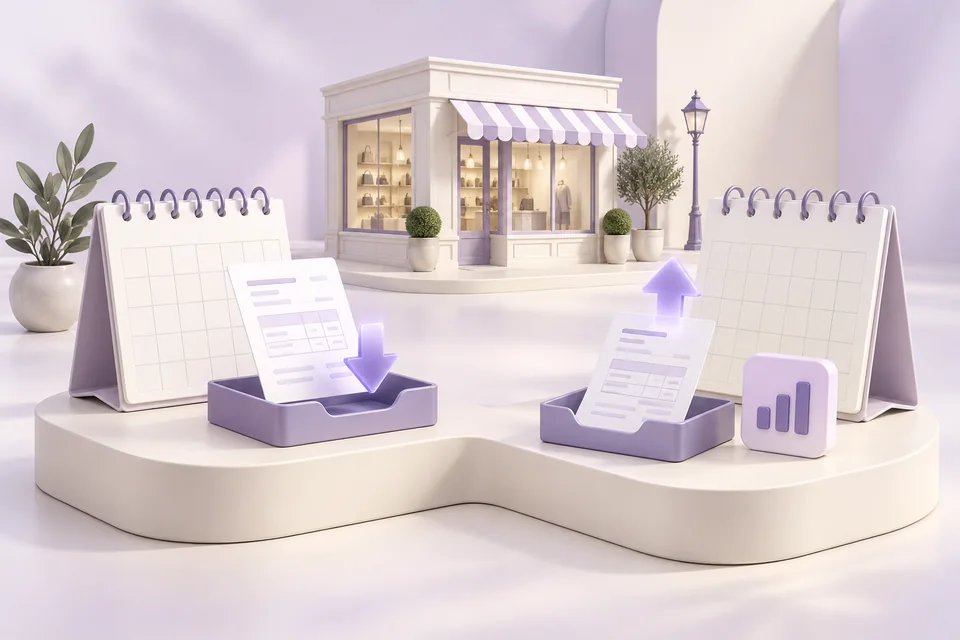
Electronic invoicing: the 2026–2027 timeline
Receiving invoices since September 2026, issuing them according to your business: find the dates and stages to prepare for electronic invoicing.
Read the guideExplore these workflows in iotill.
YOUR SHOP, YOUR WORKFLOW
See how it works for your business.
Request a demonstration using a typical sale or order. You can see the resulting invoice and ask questions about the stages to set up.