Their invoice
The customer creates an invoice from their receipt, directly on their smartphone.
Explore invoice management ↗
IOTILL CLOUD
Access your management tools through your browser. Sales, stock and locations stay within reach, even away from the counter.
Request an iotill Cloud demoLog in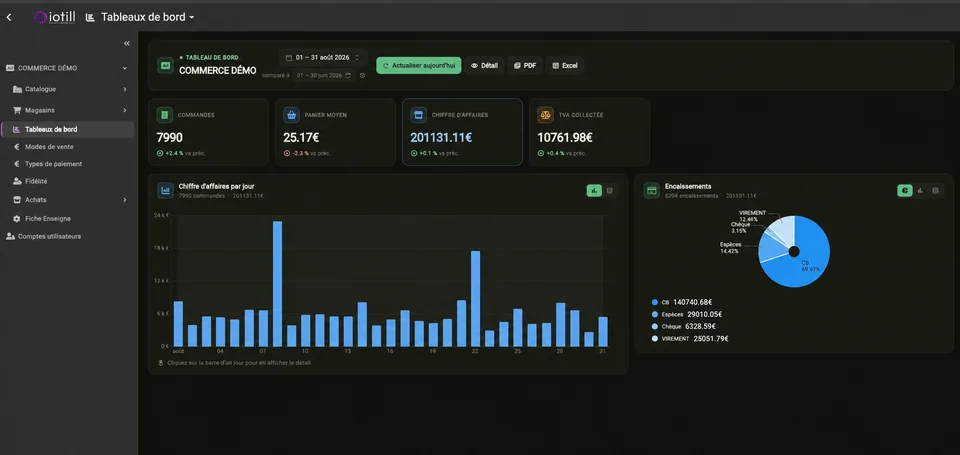
Factur-X: invoice format. E-invoicing and e-reporting: document and data preparation; the transmission process is defined with your reseller. NF525: certification of the iotill v2 POS software.
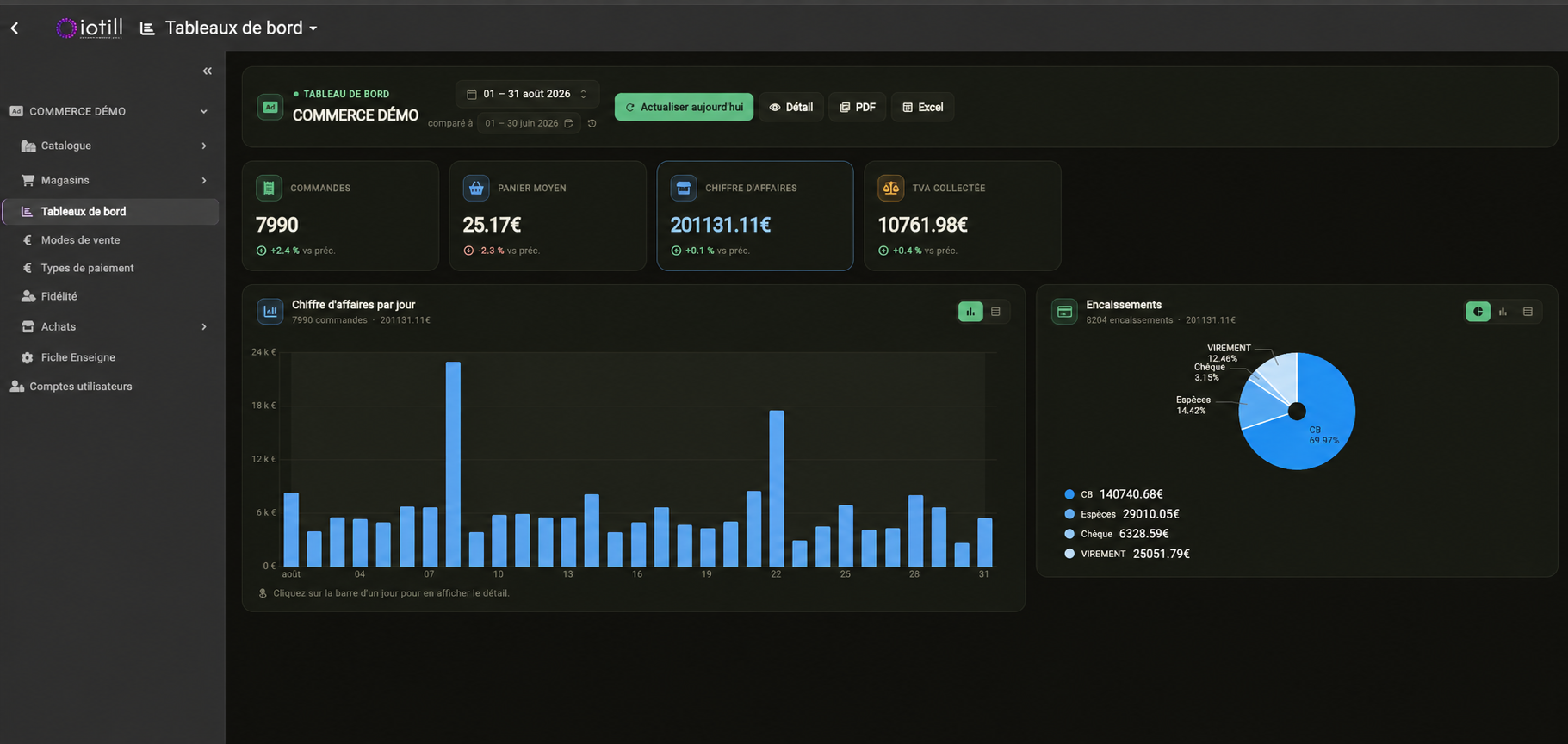
YOUR DASHBOARD
Orders, average basket, revenue and payments: track your business and compare periods in iotill Cloud.
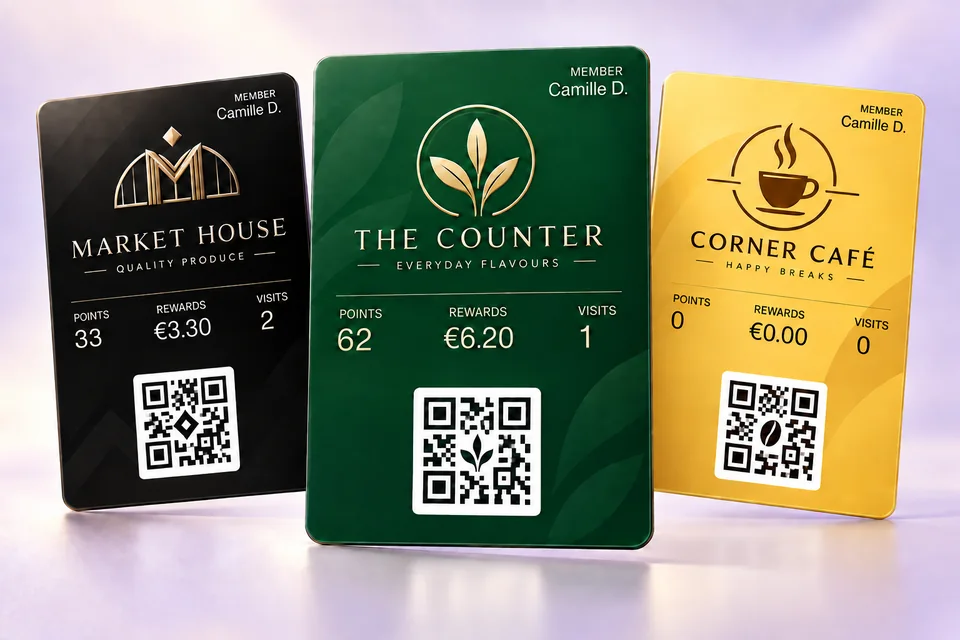
THE RECEIPT QR CODE, FOR YOUR CUSTOMERS
On their smartphone, your customer scans the QR code on a receipt issued by an iotill checkout, ordering kiosk or scale. They can create their compliant invoice, customer account or loyalty card, according to their needs.
They choose one or more services. The three options are independent.
See the receipt QR journey in a demo ↗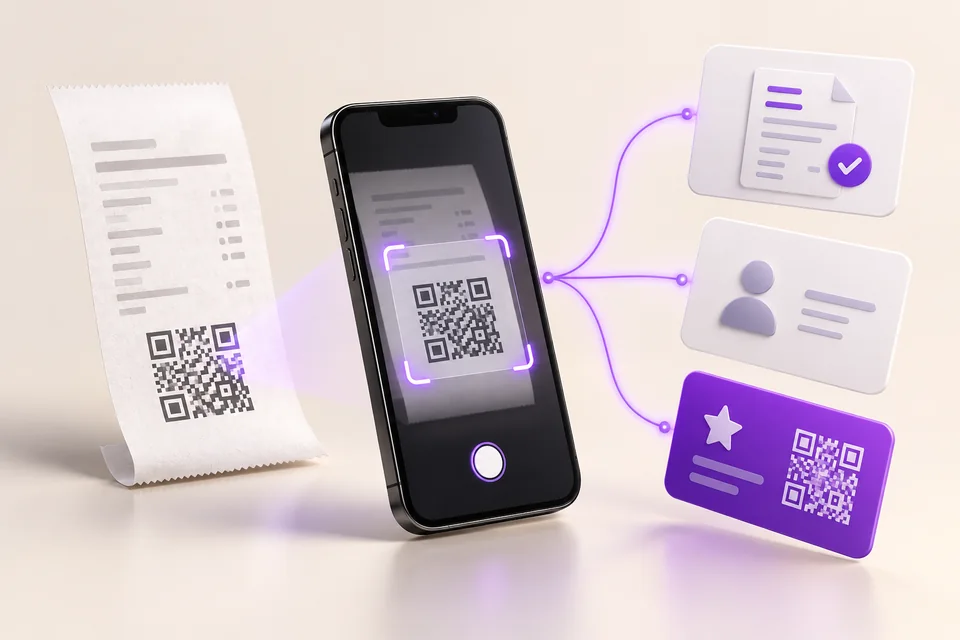
Here, customers use the QR code for services after their purchase. Retrieving a scale ticket at checkout is a separate use.
SERVICE COUNTERS AND CHECKOUTS
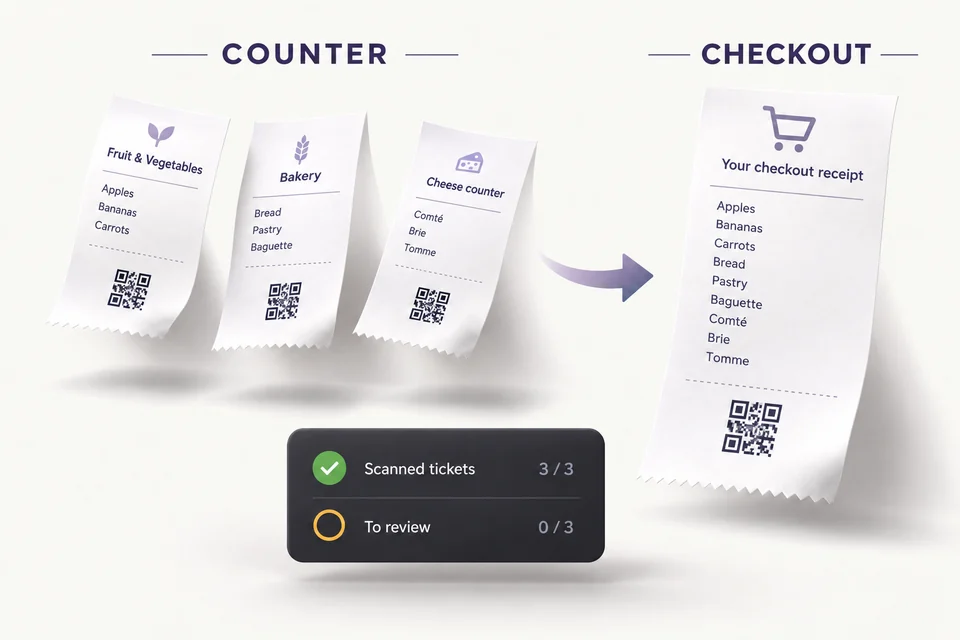
At checkout, scan the QR code on the scale ticket or retrieve it from the list of tickets not yet processed at checkout. The scale ticket’s item details are included in the checkout receipt.
Compare tickets issued at each service counter with those scanned at checkout. Identify tickets not yet processed at checkout and discrepancies to review when monitoring shrinkage by department.
SHRINKAGE MONITORING
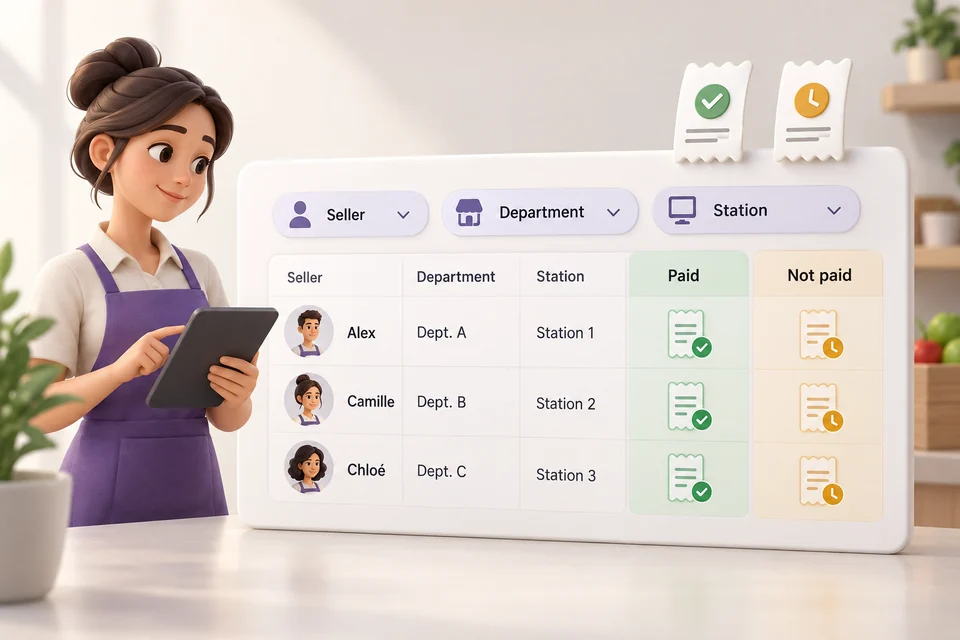
Reconcile tickets issued at service counters with their checkout status. Review paid and unpaid tickets by seller, department and workstation to identify discrepancies that need checking.
Find the tickets associated with each seller.
Compare issued and paid tickets for each department.
Identify the workstation that issued tickets needing review.
THE HEART OF YOUR ECOSYSTEM
iotill Cloud centralises catalogue management and connects your products, points of sale and sales management. Access your tools from a browser on desktop, tablet or smartphone.
CATEGORIES AND PRODUCTS
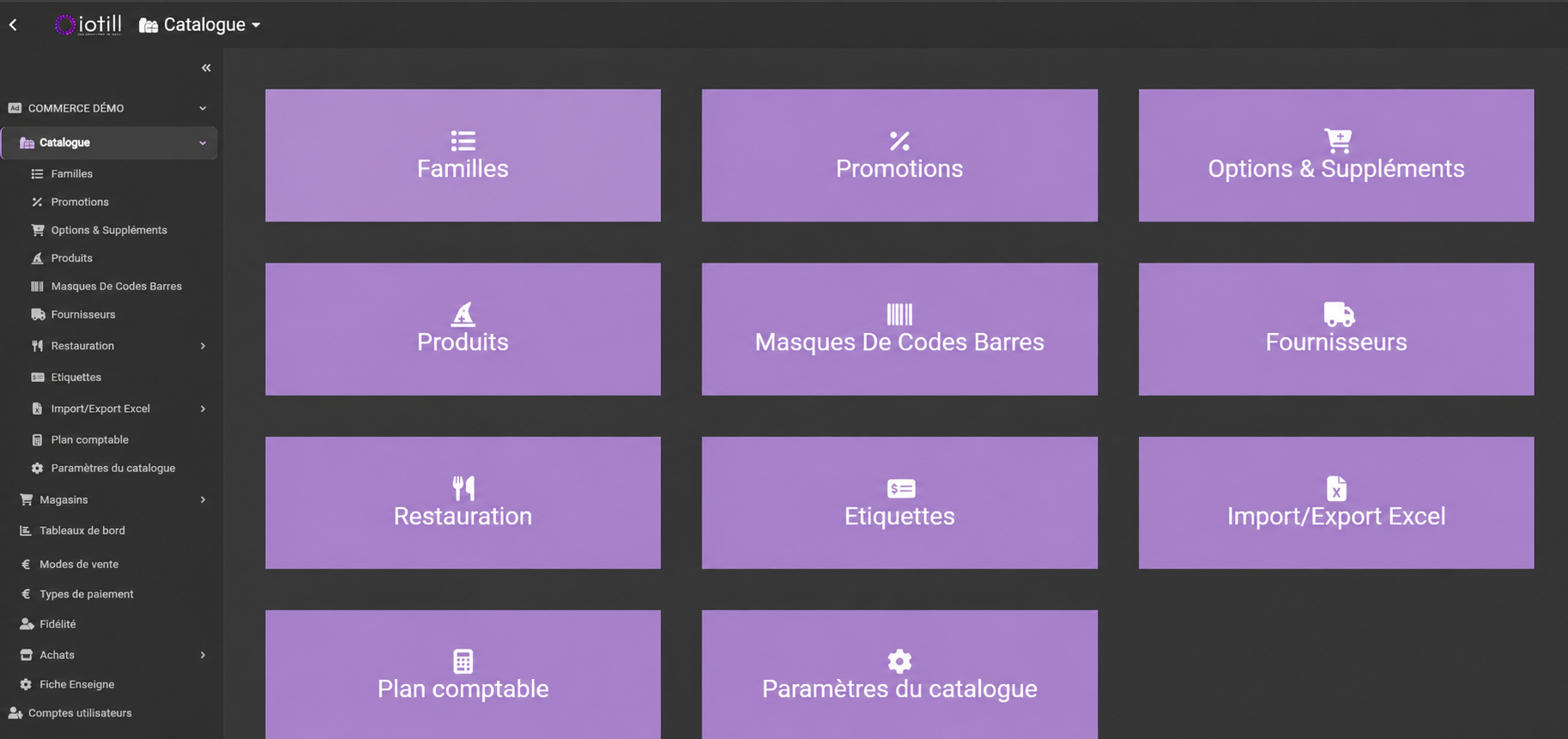
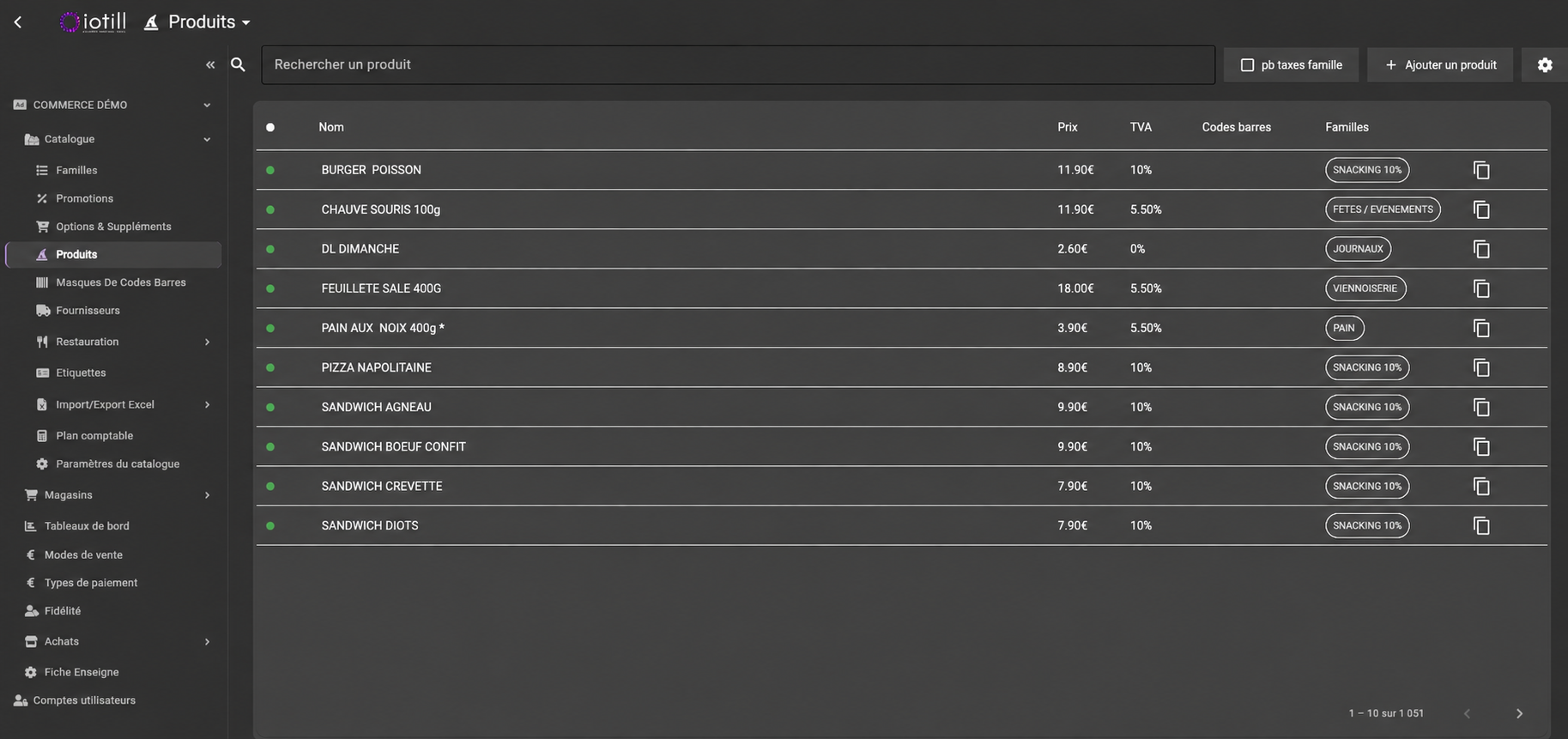
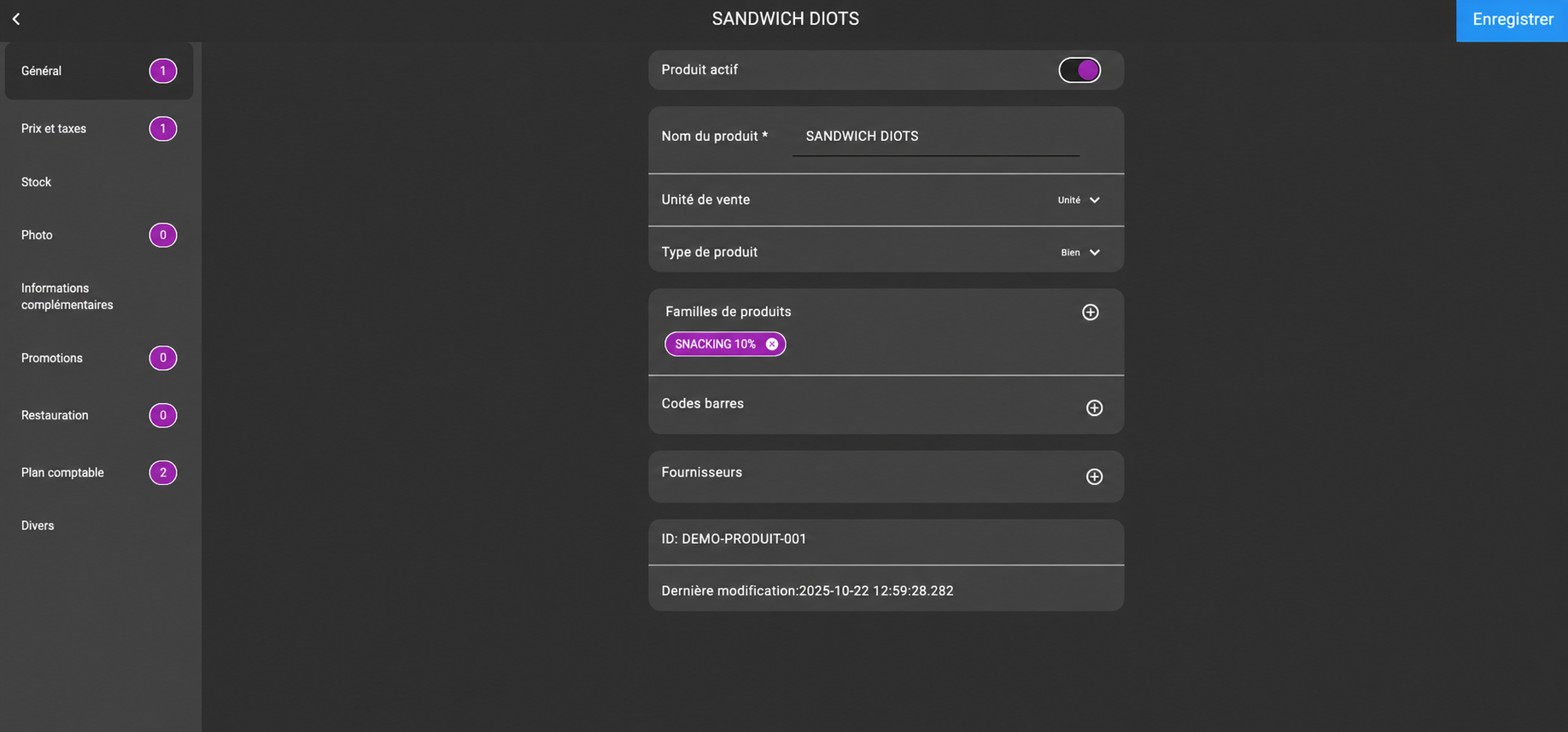
Organise items by category, view their prices and VAT, and manage each product record: sales unit, barcodes, suppliers, promotions and accounting settings.
Manage promotions for individual items from your catalogue.
For food service, organise the options and extras associated with your products.
Manage suppliers and import or export your catalogue to simplify updates.
VARIABLE BARCODES
Configure multiple barcode masks to recognise the formats used in your business. iotill can read an embedded price in euros or francs and convert a variable barcode reading into a weight for calculation at the till.
Explore POS solutions with scales ↗PRODUCT LABELS
Select products, prepare label sheets and generate a PDF with product names, prices and barcodes.
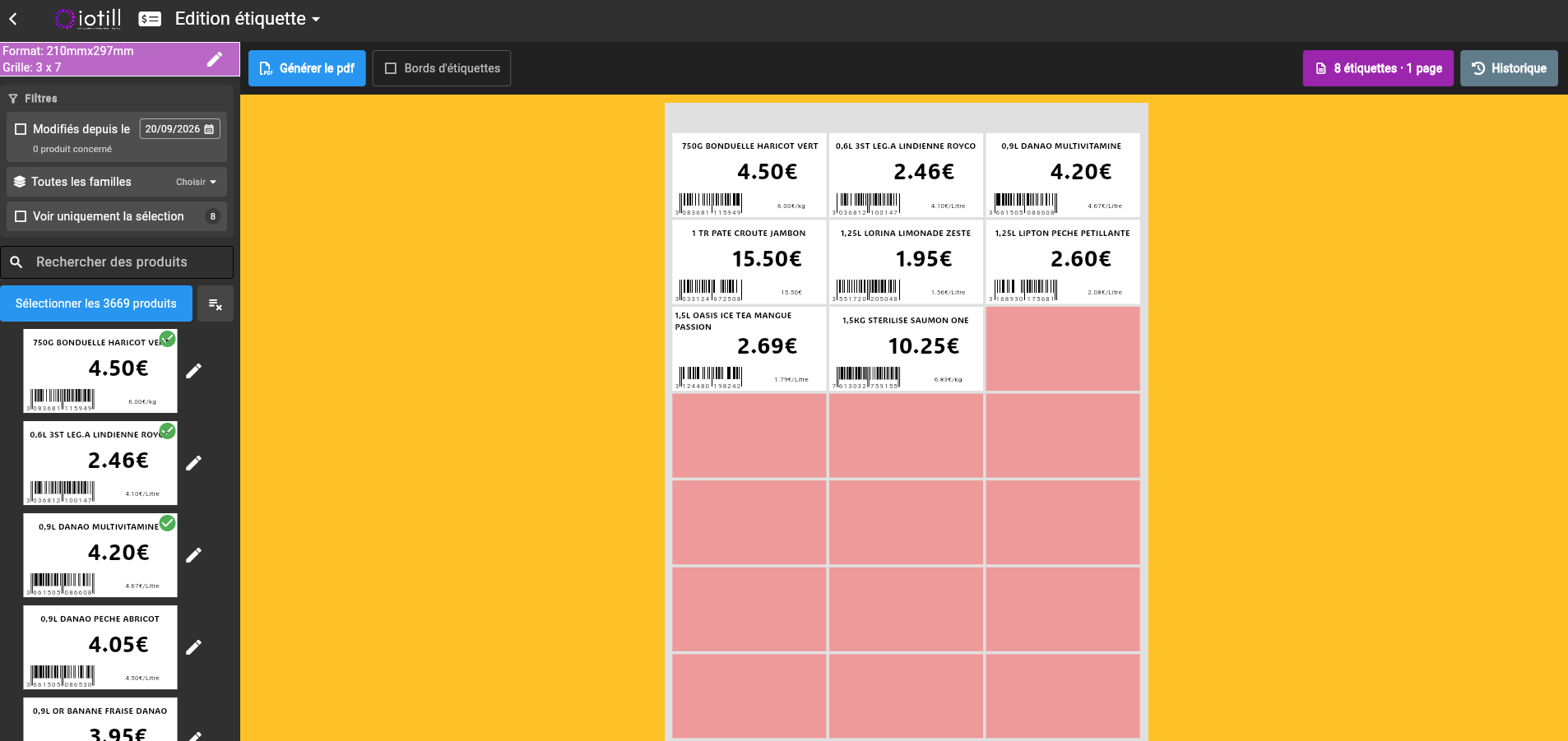
CHART OF ACCOUNTS AND EXPORTS
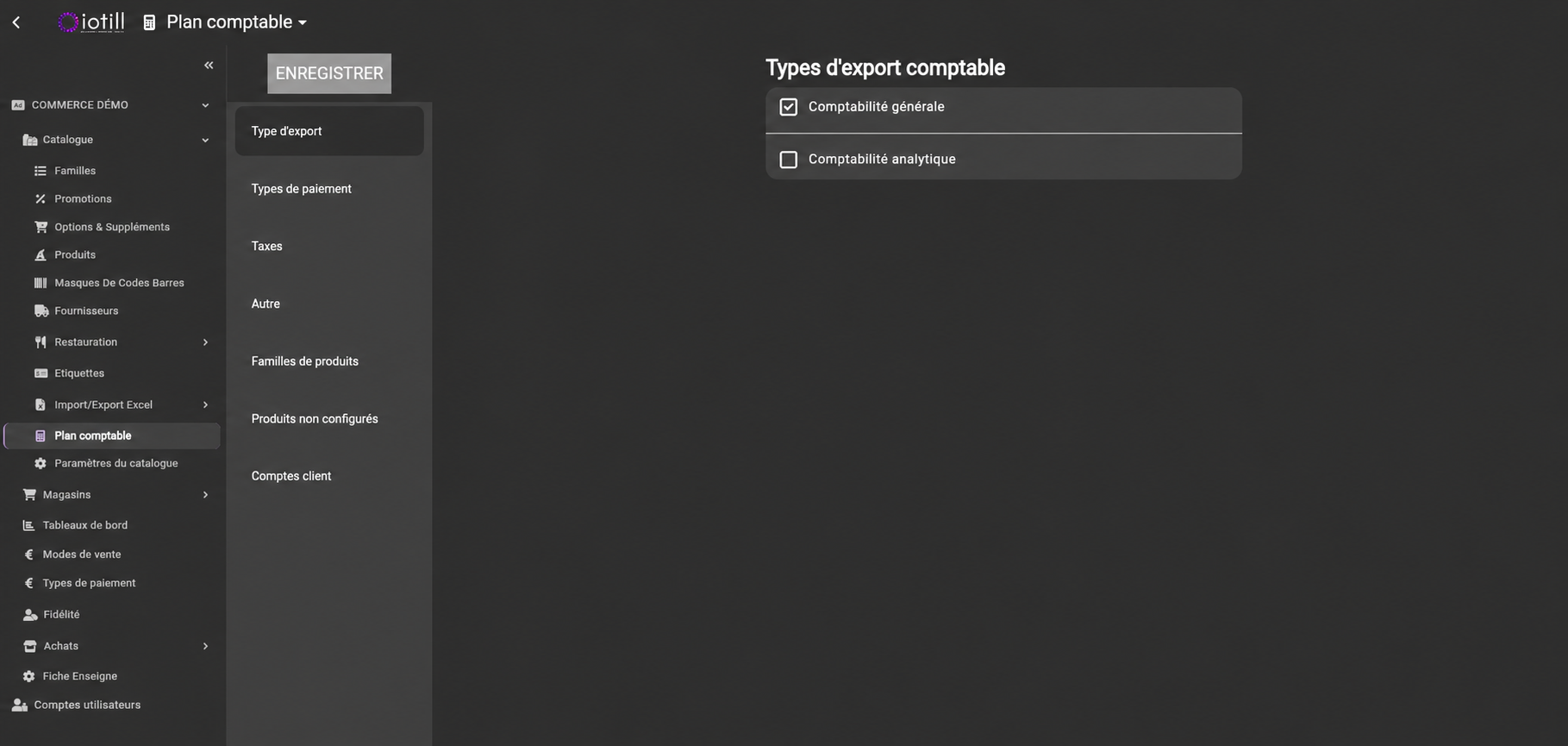
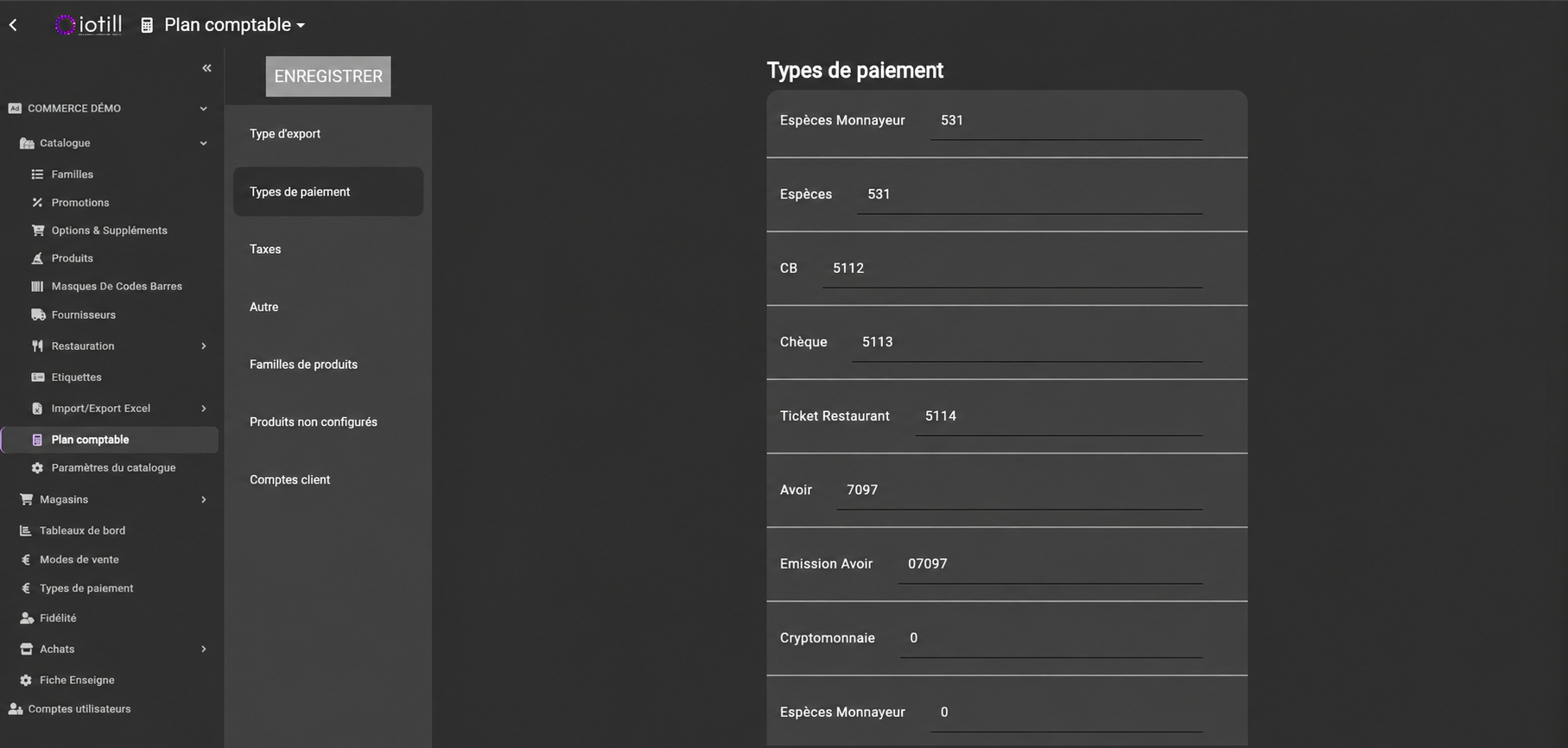
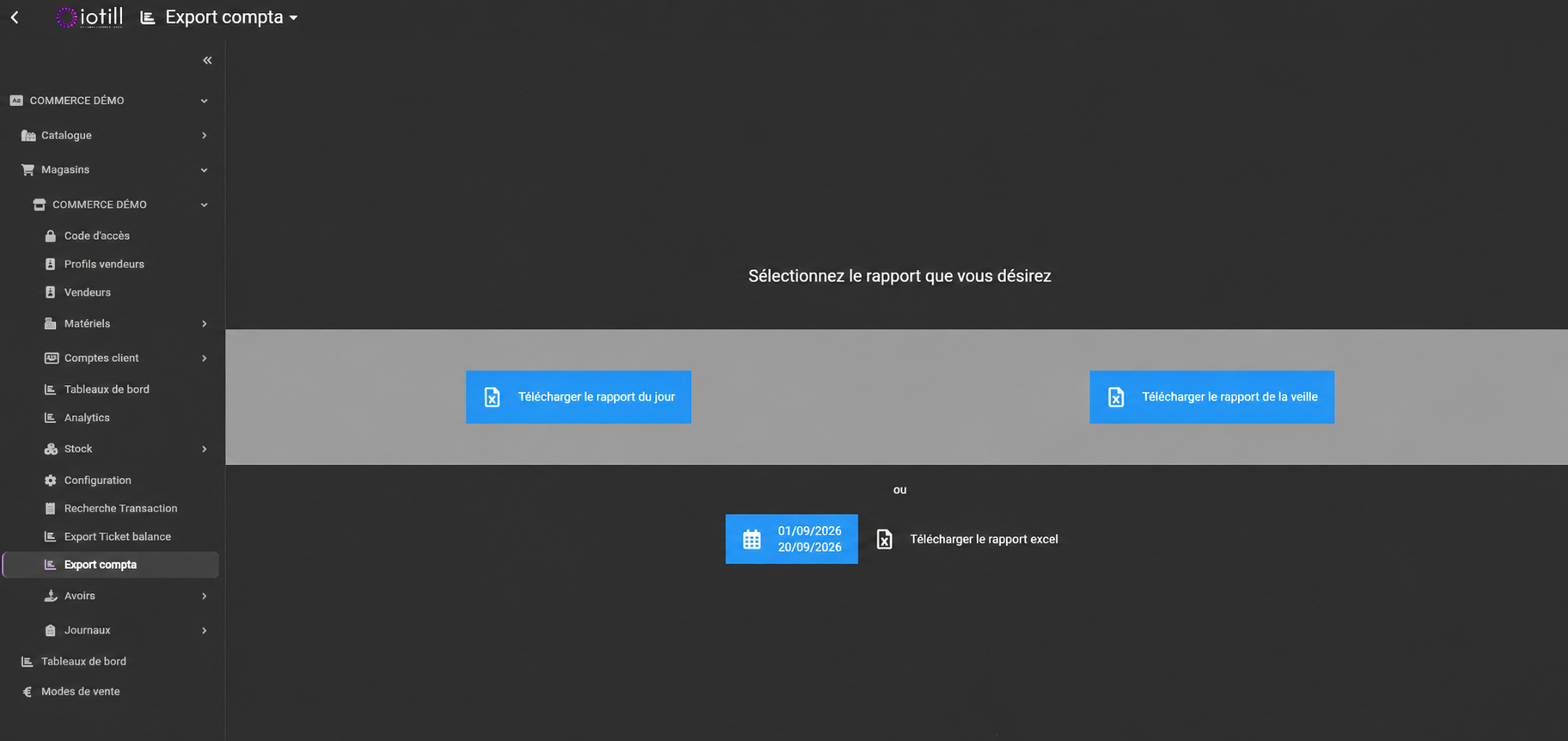
Configure your chart of accounts and choose general or analytical accounting exports. Mappings can be organised by payment type, tax, product category or customer account.
LOGGING AND TRACEABILITY
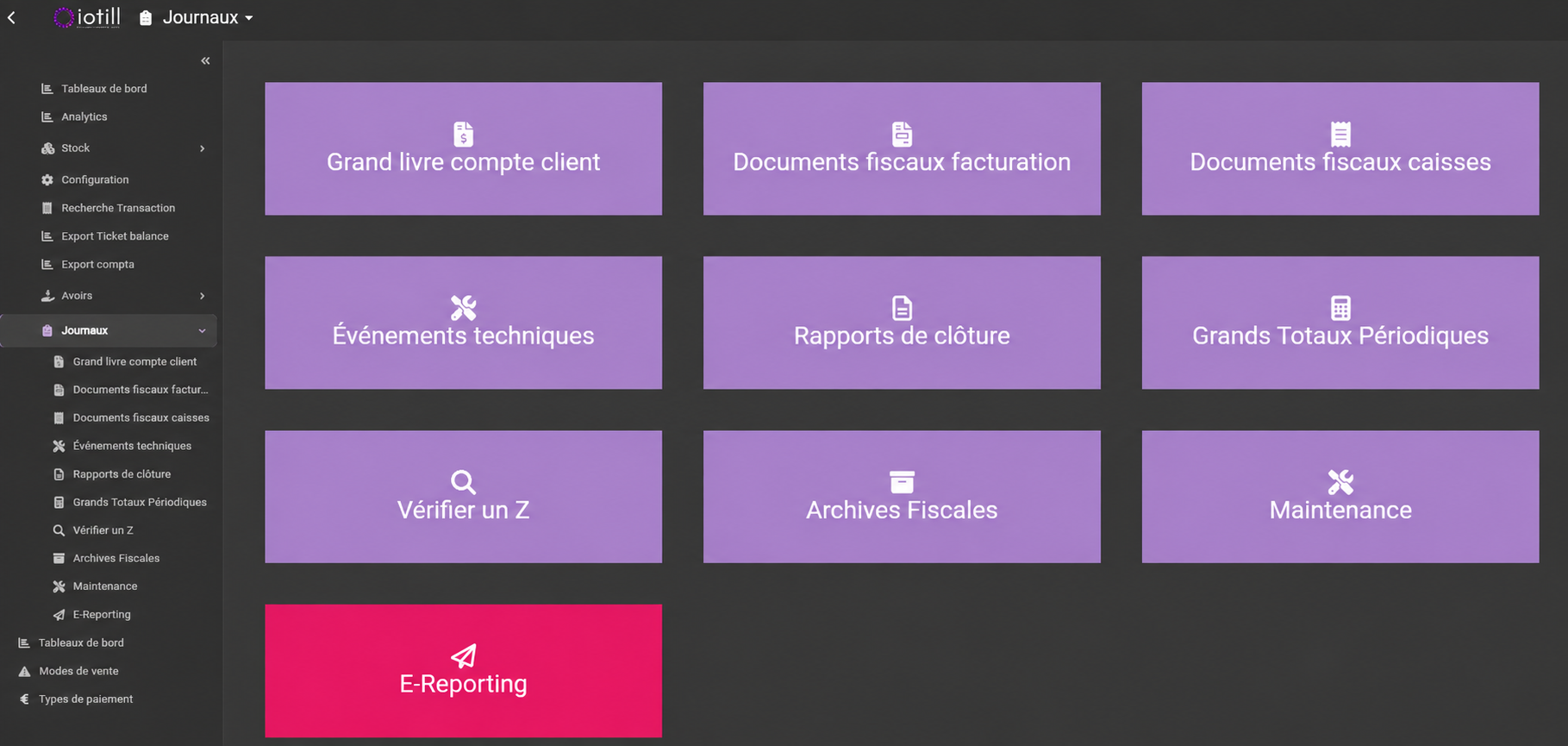
iotill Cloud brings together comprehensive activity logs: customer accounts, fiscal invoicing and POS documents, technical events, closing reports and periodic grand totals. Access the logs and archives you need to track operations in one place.
View the customer account ledger and fiscal documents associated with sales and invoicing.
Access closing reports, periodic grand totals and Z report verification.
Access technical events and fiscal archives in iotill Cloud.
CHAIN AND STORE PRICES
Stores use the chain catalogue price by default. If you enter a store-specific price for an item, that store uses this price when selling the item.
Choose how to organise pricing: centralised prices for all stores, or default chain prices with local prices for one or more items.
No store-specific price: the catalogue price applies. With a store-specific price: the local price takes precedence.
Explore chain management ↗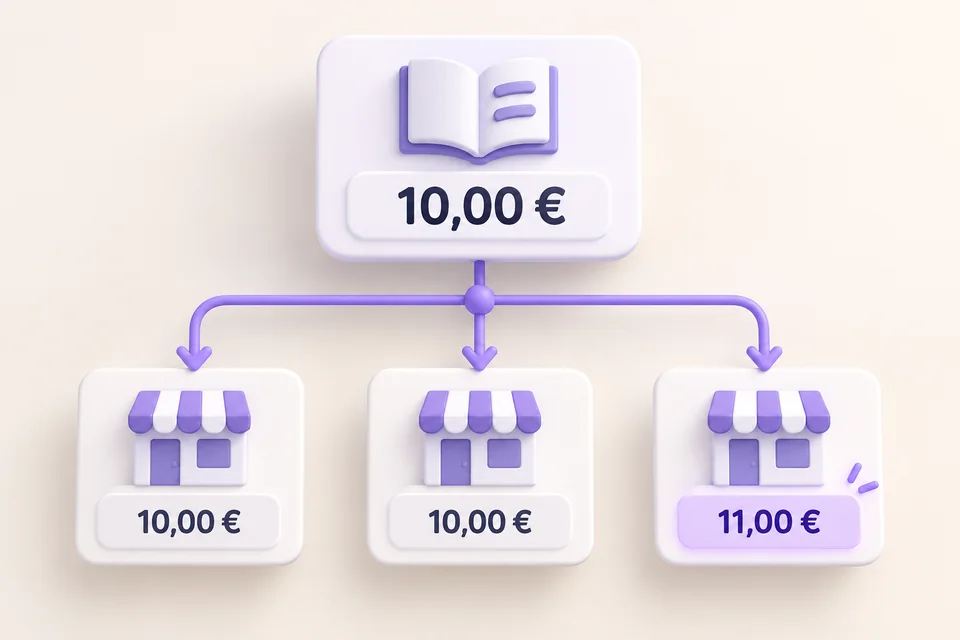
CENTRALISED STOCK
Stock management is part of the iotill environment, from the POS to the Cloud. Centralise stock monitoring and access your management tools in one place.
Access and manage your stock in iotill Cloud.
Import and export stock data in Excel format to work with your files.
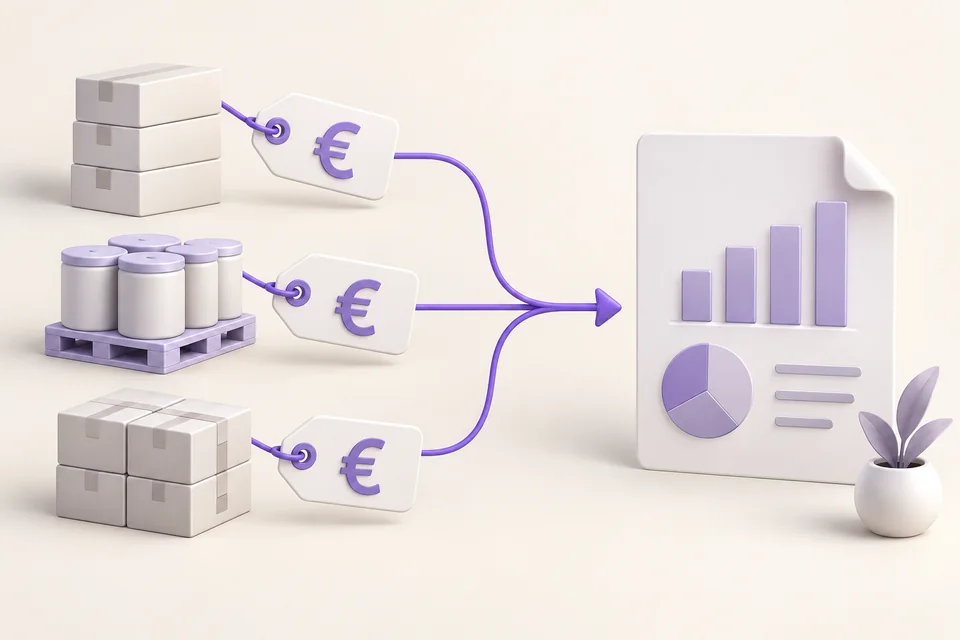
View stock valuation, provided product purchase prices have been entered.
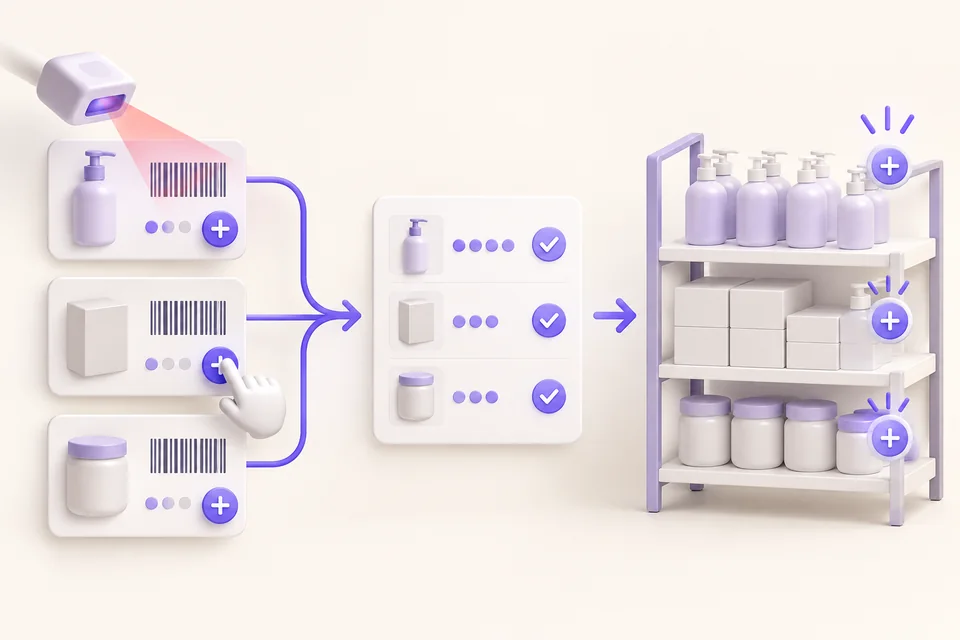
Record losses with their reasons or add stock quantities from the POS. Loss monitoring has its own POS dashboard and multi-format exports.
Explore stock operations at the POS ↗IN-STORE CREDIT VOUCHERS
Issue a credit voucher directly at the POS and print it for your customer. Configure its validity period in iotill Cloud.
This process applies to credit vouchers issued against POS receipts. Accounting credit notes are also managed in sales management.
Handed to the customer
Valid until the stated dateGIFT RECEIPTS
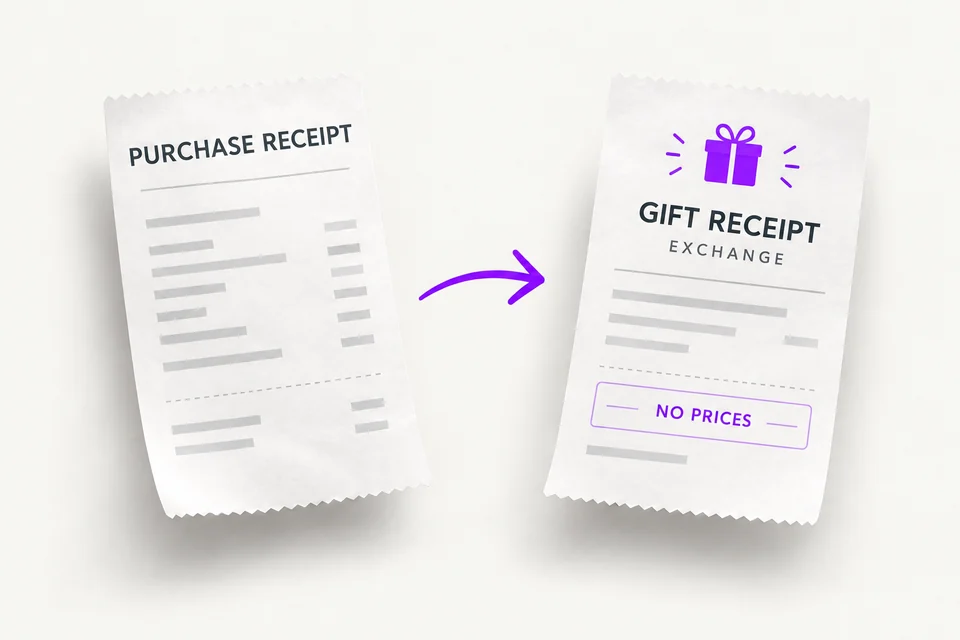
Give your customer a price-free exchange receipt to include with their gift, so the recipient can return to the store for an exchange.
For example, in a jewellery shop, the buyer keeps the purchase receipt and gives the gift receipt to the recipient.
PAYMENT TYPES
Use standard payment types — cash, bank card, meal vouchers and cheques — and freely create your own custom payment types.
CONNECTED SALES MODES
Dine-in, takeaway, Click & collect or delivery: configure sales modes in iotill Cloud, at the heart of your ecosystem. At the POS, select a sales mode to apply the catalogue prices and VAT rates configured for that mode.
Your team switches context in one click, without re-entering prices. Manage settings remotely in iotill Cloud.
Compare eat-in, takeaway and delivery in Analytics ↗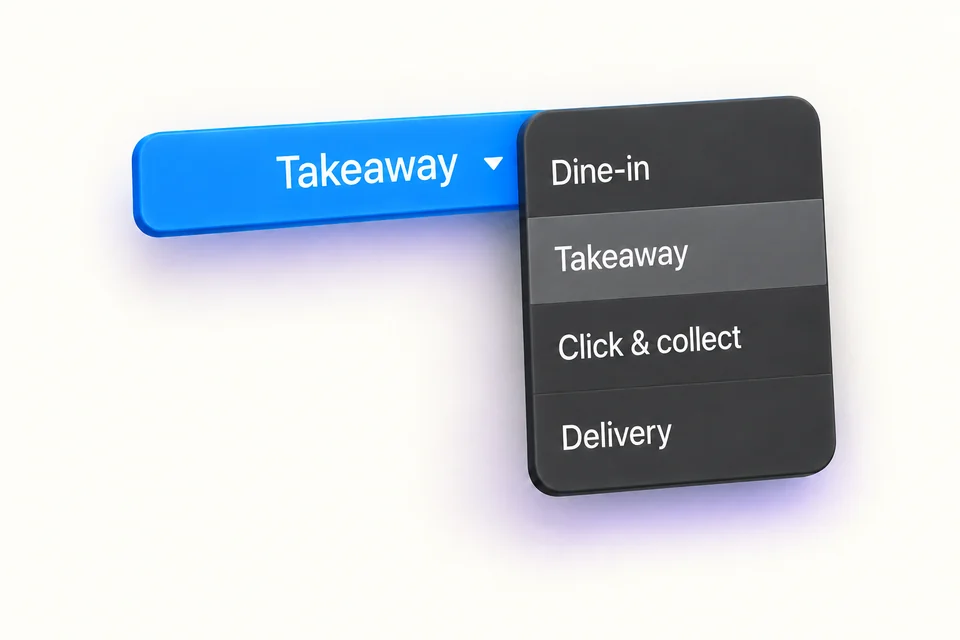
Each mode has its configured prices and VAT.
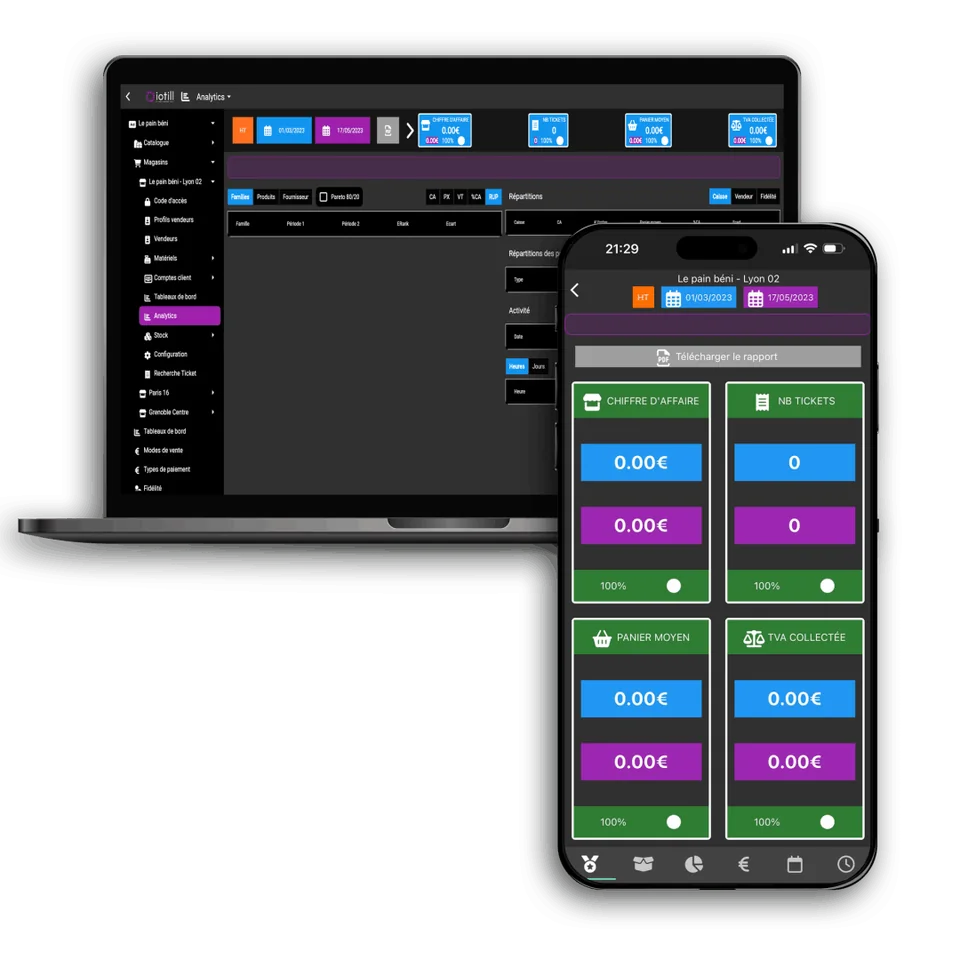
YOUR BUSINESS, IN YOUR BROWSER
Management tools consistent with your till, accessible through commonly used browsers.
View sales and stock in real time from your computer, tablet or smartphone.
iotill Analytics helps you compare periods and analyse by hour, product and category.
Explore iotill Analytics ↗ALREADY EQUIPPED?
You receive your iotill Cloud login details when you sign up. If you need help accessing your account, contact your reseller or support.
Find my contactLET’S PLAN THE NEXT STEP TOGETHER.
Tell us what you need and discover the equipment and features that suit your business in a demonstration.