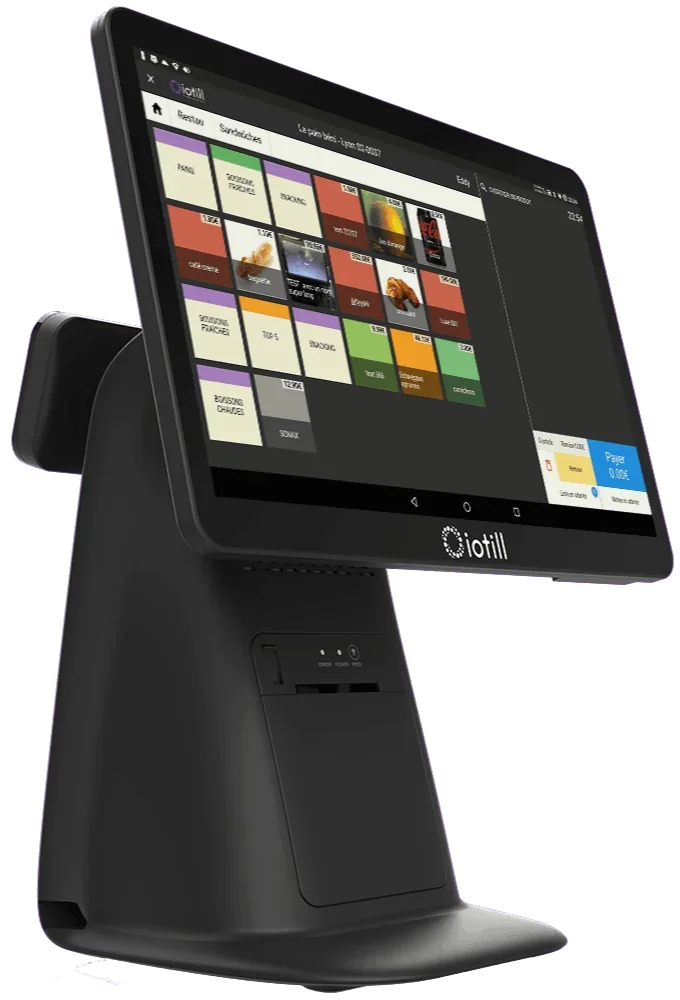
Centralise the menu and bills
iotill all-in-one POS
All-in-one POS with a touchscreen catalogue, built-in receipt printer and 11.6-inch customer display.

IOTILL / Restaurant & brasserie
iotill connects your restaurant’s POS, tableside ordering and kitchen display. Menu, dish details and payments are organised around your service workflow.
Request a demo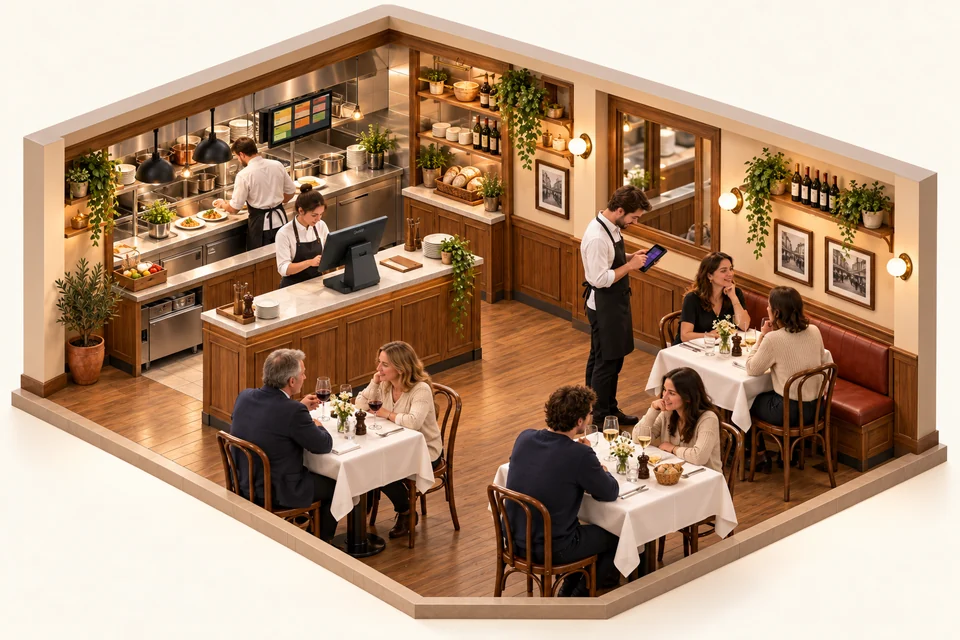
The POS organises counter service. In the dining room, iotill PAD supports order taking; in the kitchen, KDS displays preparation orders. For a short menu, also explore the compact Pocket setup below.
Explore order taking with PAD ↗HARDWARE FOR YOUR BUSINESS
Combine equipment or choose it to suit your space and service. Each product serves a purpose; your reseller prepares the configuration with you.
Centralise the menu and bills
All-in-one POS with a touchscreen catalogue, built-in receipt printer and 11.6-inch customer display.
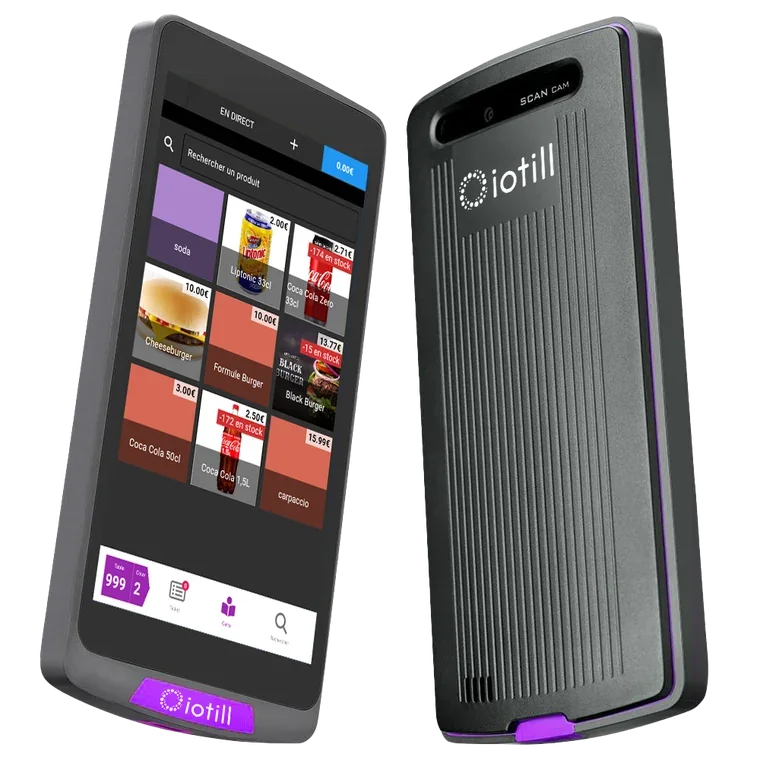
Take orders at the table
An extension of your iotill till for taking tableside orders and sending them to KDS or the kitchen printer. Payment remains managed by the till.
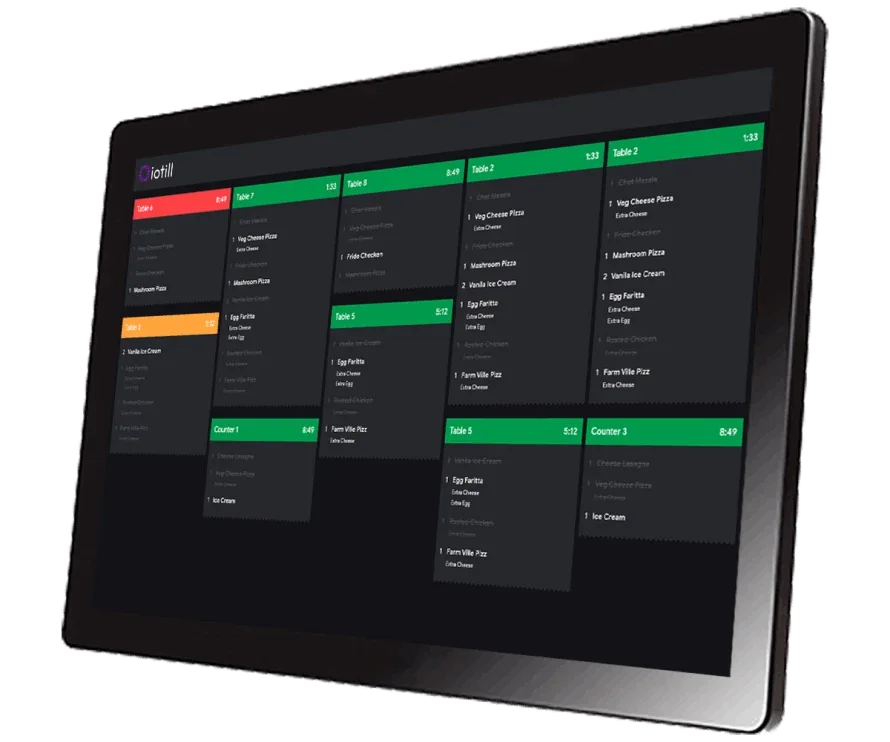
Send dishes to the kitchen
The kitchen display that receives order details and supports the team’s work.
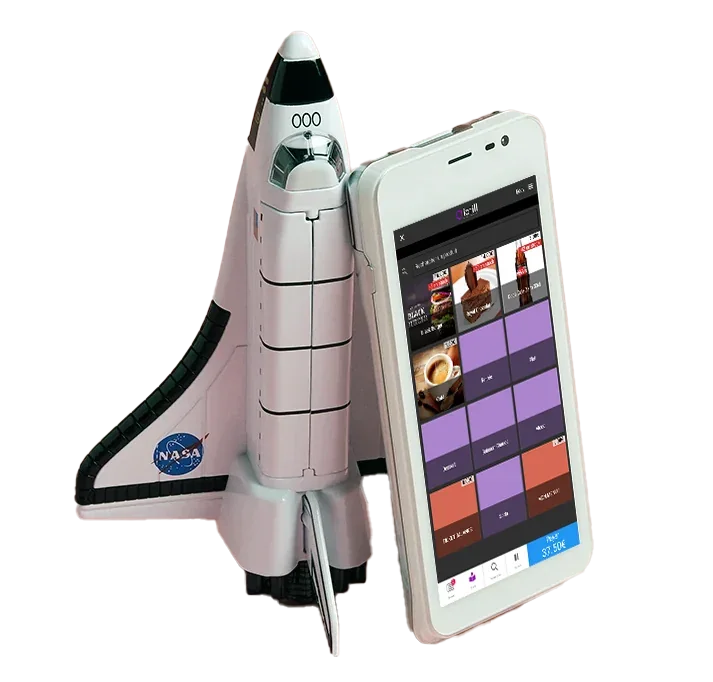
Take payments beside diners
iotill Pocket is compatible with all fixed and mobile PAX terminals. Choose the format that suits your use: at the counter, on the floor or on the move, with POS and payment on the same terminal. Sales by item, with no weighing on Pocket.
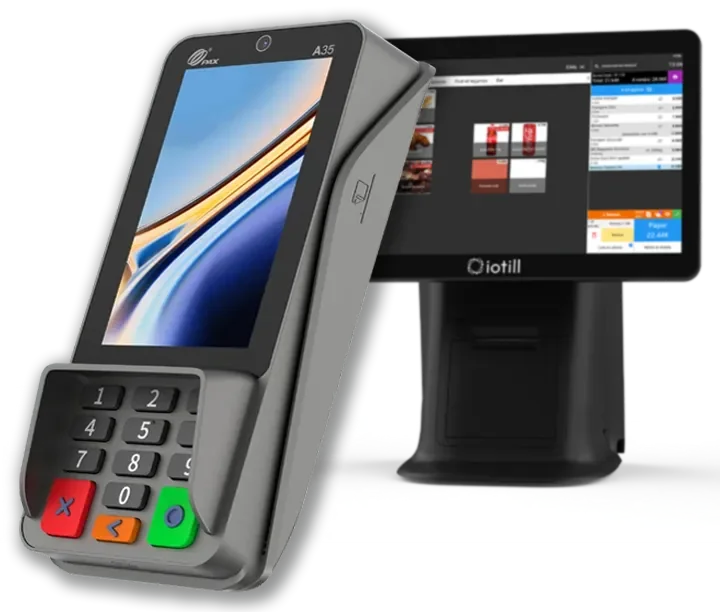
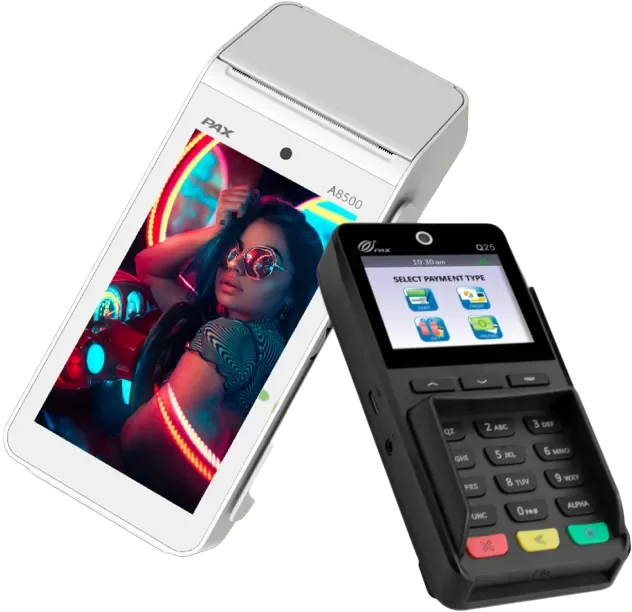
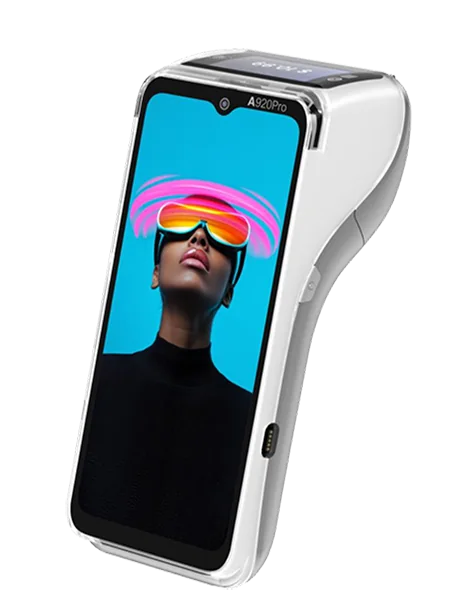
Pay at the table or counter
With integrated iotill Pay, the till sends the amount and payments are automatically reconciled. Digital receipts, remote server processing and regular updates support payments.
Understand integrated payments ↗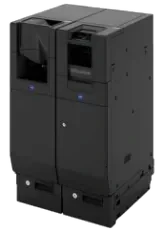
Handle cash at the till
The iotill Cash module controls a compatible recycler to accept cash and give change. Hardware and modules are specified in the quote.
Unsure which equipment to choose?
Get advice on my equipmentCatalogue, prices and sales tracking for your workstations and locations.
ExploreAnalyse sales by product, category, period and hour.
ExploreClick and collect and compatible channels, with connections checked by your reseller.
ExploreApple Wallet and Google Wallet loyalty card, customer QR code and referrals, with a programme centralised in iotill Cloud.
ExploreDAY-TO-DAY STOCK MANAGEMENT
In a food business equipped with the iotill POS, record losses with quantities and reasons. For stock intake, scan or select products, enter quantities and validate.
IOTILL POCKET / YOUR MAIN TILL
In a food truck, bar or restaurant with a small menu, one device running iotill Pocket can be enough as your main till. Take orders, accept payments and manage loyalty in the application.
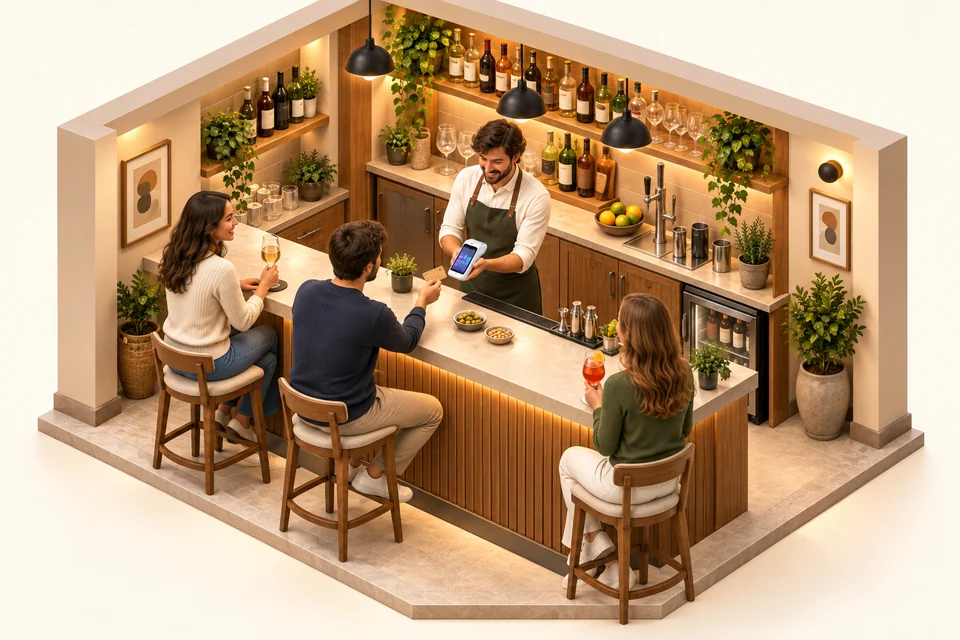
iotill Pocket combines business functions and payments on your compatible terminal. A compact workstation for sales in your food truck, bar or restaurant with a short menu.
Connect a kitchen printer or iotill KDS screen to send orders to the team preparing them. Your reseller configures the equipment with you.
Explore the KDS kitchen display ↗iotill Pocket also supports iotill Wallet loyalty. Customers can use their loyalty programme when purchasing through your mobile POS.
Discover iotill Wallet ↗Table requests, meal stages and payments overlap during service. Servers need to send dish details and retrieve the bill when customers are ready to pay.
IN YOUR BUSINESS
iotill centralises your dishes, options and menu prices. Your reseller prepares the catalogue and service workflow with your team.
With iotill PAD, servers enter dishes and options in the dining room. Requests go directly to configured kitchen stations.
iotill KDS displays orders and tracks preparation. Workstations are organised around your kitchen and stages of service.
Compatible payments let you take payment beside the customer. Split-bill and tipping functions are reviewed with the selected modules and payment service.
Enter dishes and options at the table
Send the order to the kitchen
Track preparation and serve
Finalise the bill and payment
Your reseller prepares the configuration and connections for your chosen equipment with you.
THE COMPLETE WORKSTATION
An example to adapt to your space, products and existing equipment.
| Your requirements | Suggested setup |
|---|---|
| Menu and checkout | iotill restaurant POS |
| Dining area | iotill PAD module on compatible equipment |
| Kitchen | iotill KDS display |
| Payment | Compatible payments at the table or counter |
Your reseller’s quote defines the licence, modules and equipment according to your business’s needs.
LET’S PLAN THE NEXT STEP TOGETHER.
Tell us about your business and needs: the demonstration will show you how to use iotill in your store.