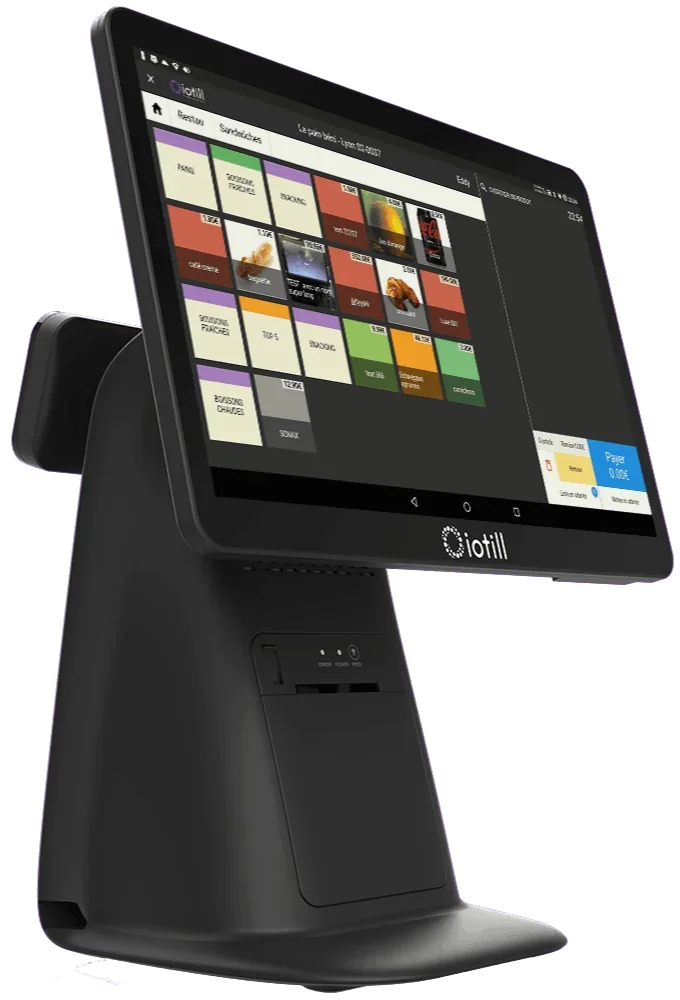
Equip staffed workstations
iotill all-in-one POS
All-in-one POS with a touchscreen catalogue, built-in receipt printer and 11.6-inch customer display.

IOTILL / Convenience store
Staffed tills, connected scales and self-checkouts can share your convenience store’s catalogue and prices. iotill Cloud centralises sales by till and store; your reseller plans the installation around customer flow.
Request a demo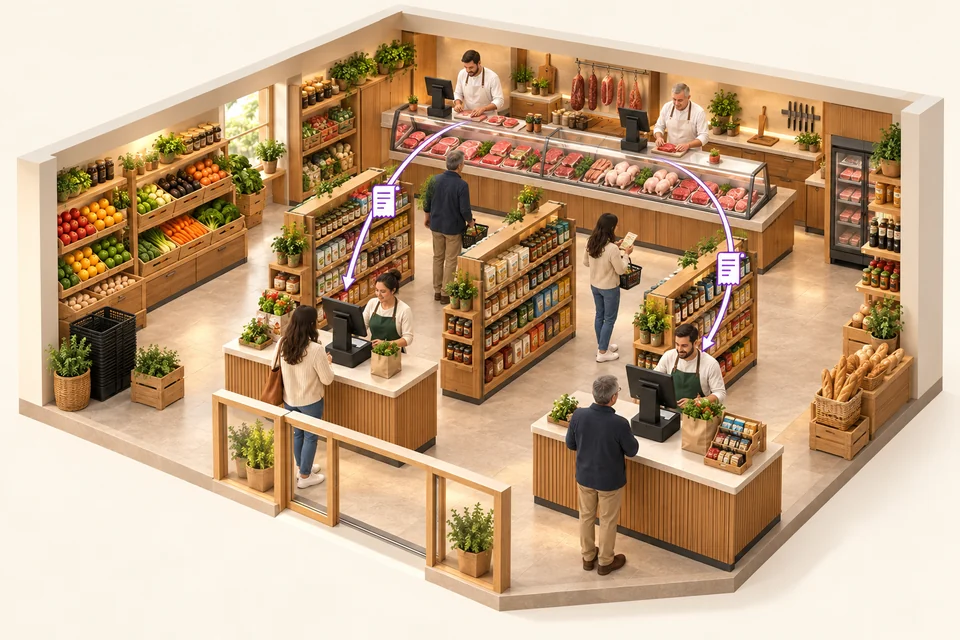
Two checkout tills serve grocery customers. At the butcher counter, several Cloud Scale devices let sellers continue a sale at another workstation in the same department. The scale ticket is then retrieved at checkout by QR code or from the list of tickets not yet checked out, including all item details.
HARDWARE FOR YOUR BUSINESS
Combine equipment or choose it to suit your space and service. Each product serves a purpose; your reseller prepares the configuration with you.
Equip staffed workstations
All-in-one POS with a touchscreen catalogue, built-in receipt printer and 11.6-inch customer display.
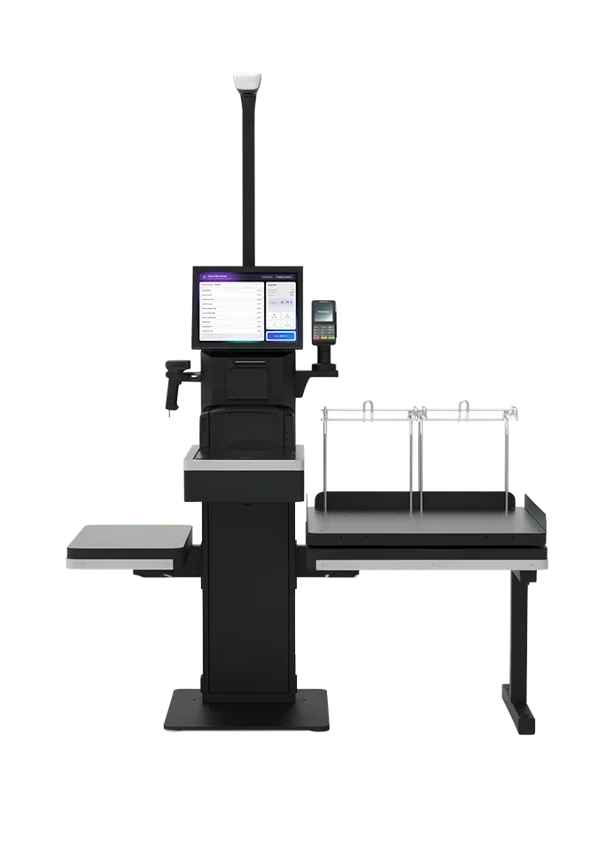
Organise supervised self-checkout
Self-service checkout: scanning, weighing and payment at an equipped workstation, supervised by an operator.
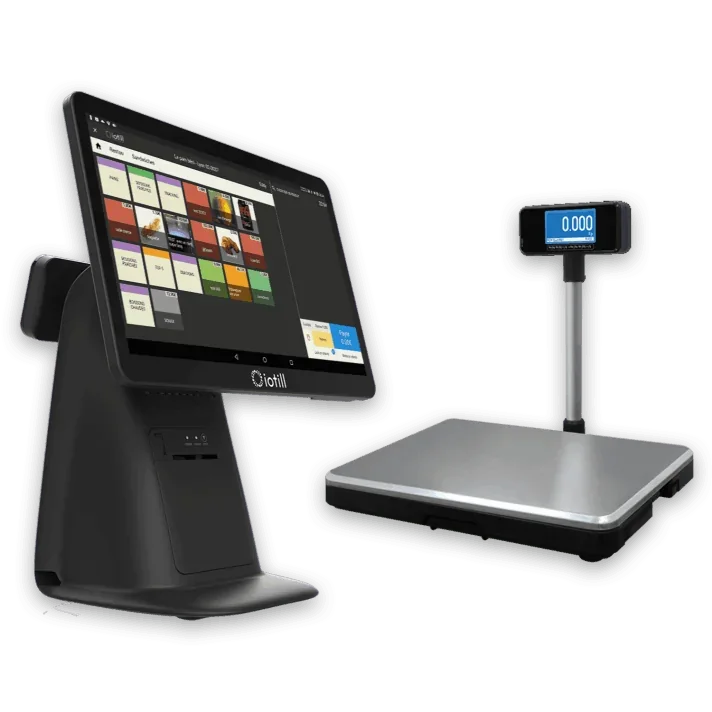
Weigh goods sold by the kilo at the till
All-in-One POS and a separate checkout platform: the weighed amount goes to the receipt.
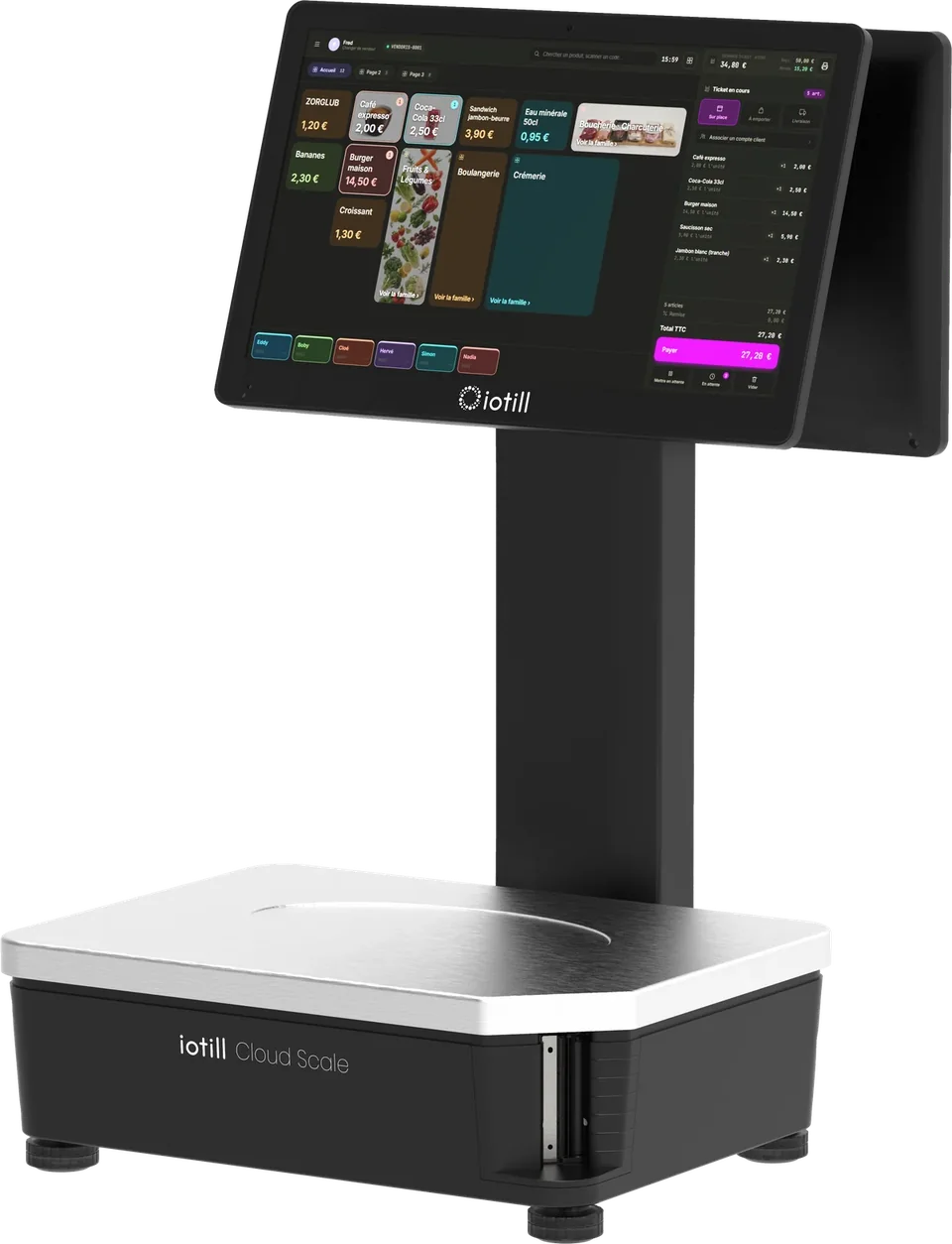
Serve weighed products at the department counter
Scales with built-in POS and weighed-order preparation. Wi-Fi connectivity, with optional 4G.
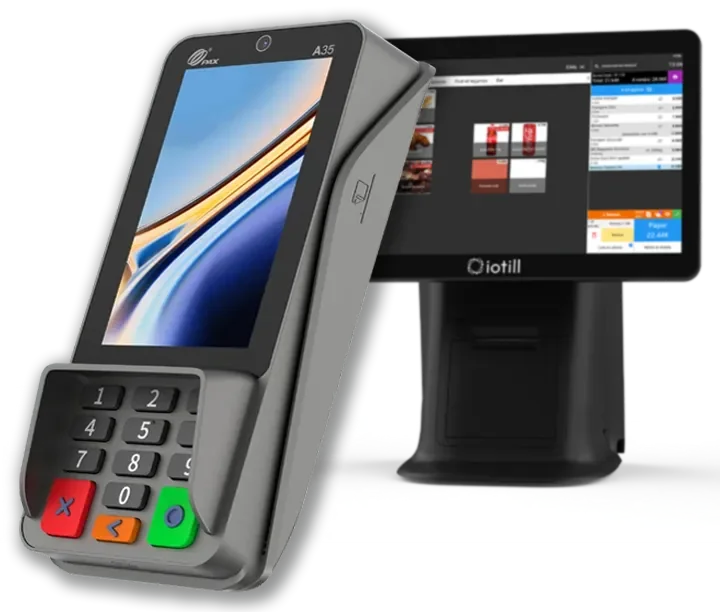
Connect payments to workstations
At the counter, PAX A35 connects to your iotill till. The amount is sent directly to the terminal, payments are reconciled automatically, and the card receipt can be printed at the till or delivered digitally.
Understand integrated payments ↗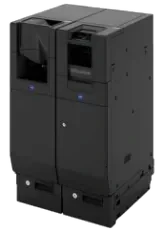
Automate cash handling
The iotill Cash module controls a compatible recycler to accept cash and give change. Hardware and modules are specified in the quote.
Unsure which equipment to choose?
Get advice on my equipmentCatalogue, prices and sales tracking for your workstations and locations.
ExploreAnalyse sales by product, category, period and hour.
ExploreCompatible scanner, cash drawer and consumables chosen around your products and installed workstation.
ExploreClick and collect and compatible channels, with connections checked by your reseller.
ExploreDAY-TO-DAY STOCK MANAGEMENT
In a food business equipped with the iotill POS, record losses with quantities and reasons. For stock intake, scan or select products, enter quantities and validate.
The choice goes beyond a screen. Consider till numbers, product range, weighed goods and space for purchases together. Plan these details with your reseller.
IN YOUR BUSINESS
All-in-One POS, scanner and connected payments bring checkout tasks together. Checkout scales add weighing for fruit, vegetables and other goods sold by the kilo directly at the workstation.
As an additional option, iotill Self-Checkout lets customers scan, weigh relevant goods and pay. An operator supervises the area and handles alerts and required approvals.
Products, prices and promotions are shared across tills in iotill Cloud. Sales are consolidated by workstation and store for an overview of your convenience store.
On an equipped Self-Checkout, product weighing calculates the price. The bagging-area scale checks items placed there and can trigger an alert for the operator to handle.
The Self-Checkout’s integrated terminal accepts card, contactless and mobile payments. An iotill Cash recycler module can add cash acceptance and change.
iotill Analytics helps analyse sales by hour, period, product and category. Use this information to plan checkouts and compare activity across stores.
Scan the items in the basket
Weigh goods sold by the kilo on the checkout scales
Check the receipt and take payment
Scan or select a weighed product
Place items in the designated area
Ask the operator to resolve an alert if needed
Pay and collect the receipt
Your reseller prepares the configuration and connections for your chosen equipment with you.
THE COMPLETE WORKSTATION
An example to adapt to your space, products and existing equipment.
| Your requirements | Suggested setup |
|---|---|
| One or more workstations | iotill all-in-one tills, according to the store’s layout |
| Packaged goods | Compatible USB scanners |
| Weighed products | Checkout weighing platform or Cloud Scale |
| Card and cash payments | Payment terminal and, depending on the setup, a compatible Glory cash recycler |
| Multiple locations | iotill Cloud and iotill Analytics |
| Self-checkout | iotill Self-Checkout with operator supervision |
| Self-service cash payments | Optional iotill Cash recycler on an equipped workstation |
DAY TO DAY
Access shared prices and promotions on configured workstations.
Distribute customers between staffed tills and supervised self-checkouts.
Assist customers and handle self-checkout area alerts.
View consolidated sales and each workstation’s contribution in the cloud.
Your reseller’s quote defines the licence, modules and equipment according to your business’s needs.
LET’S PLAN THE NEXT STEP TOGETHER.
Tell us about your business and needs: the demonstration will show you how to use iotill in your store.